
Your organization wants to deploy a Copilot Studio agent that can autonomously log into an internal web portal, fill out a time-entry form, and click Submit — all without human assistance. Which capability must you enable in Copilot Studio to allow the agent to perform these desktop and browser interactions?
Select an answer to reveal the explanation.
Short Explanation and Infographic
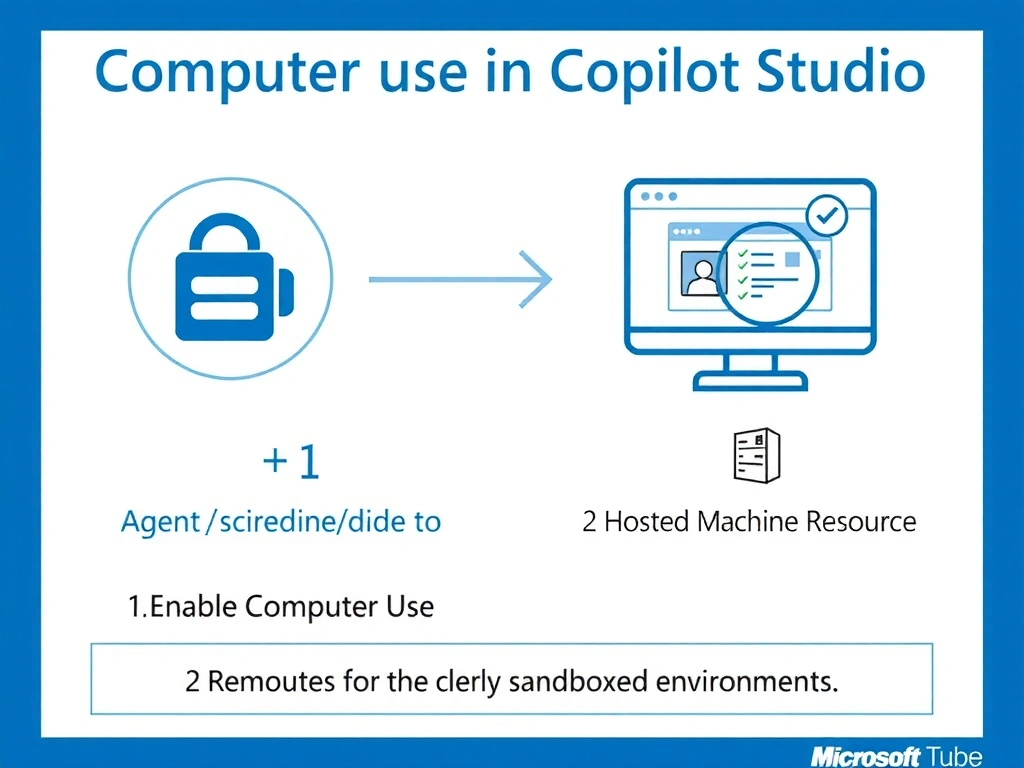
Think of computer use like giving the agent a pair of eyes and hands on a real screen — it can literally see pixels and click buttons. Enabling computer use in Copilot Studio, backed by a hosted machine resource, is the dedicated feature for browser and desktop GUI automation within an agent.
Full explanation below image
Full Explanation
Computer use is a specialized capability in Copilot Studio that allows an agent to interact with graphical user interfaces — web browsers, desktop apps, and anything a human user could see and click. It works by provisioning a hosted virtual machine where the agent can launch a browser session, observe the screen, and send mouse/keyboard actions.
Option A (generative orchestration) is about how the agent selects and chains topics or actions using AI reasoning. It does not grant screen interaction capabilities.
Option C (HTTP action) is valid for APIs but does nothing for portals that lack a REST API — screen-based form submission requires computer use, not HTTP POST.
Option D (Power Automate UI flows) is a separate RPA capability that works independently of Copilot Studio's computer use feature. While UI flows can automate UIs, the question specifically asks what to enable in Copilot Studio for the agent itself, and the correct answer is the computer use toggle with a hosted machine.
On the exam, remember: computer use = agent sees a screen and acts on it. It requires both enabling the feature flag in the agent and associating a hosted machine resource (which provides the virtual environment). Without the hosted machine, there is no screen for the agent to interact with.
Data security note: computer use sessions are sandboxed — credentials entered during a session are not stored in the agent's knowledge base, but you should still apply DLP policies to govern what data the agent can access during a session.