
A customer at Woodgrove Bank reported that the bank's Copilot Studio agent gave incorrect information during their conversation yesterday afternoon. The support team wants to review the exact conversation flow, the variables that were set, and which topics were triggered during that specific session. Where can they access this information?
Select an answer to reveal the explanation.
Short Explanation and Infographic
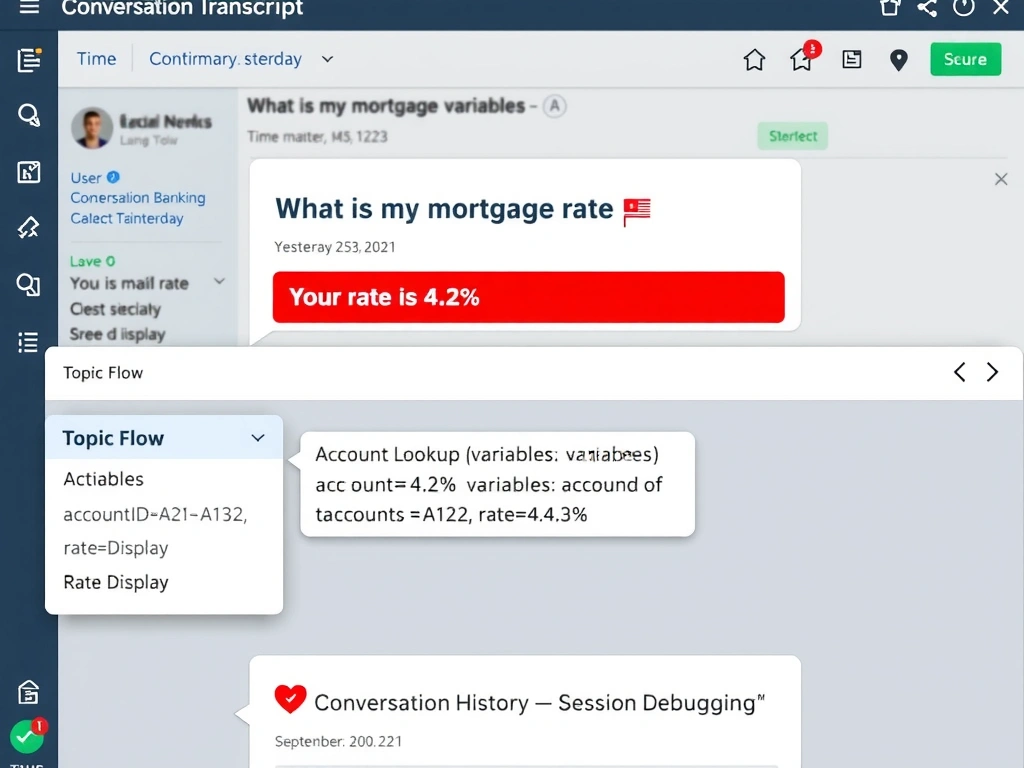
Reviewing a specific complaint session is like pulling a customer's call recording — you need the conversation transcript for that session, which Copilot Studio stores in conversation history or exports to Dataverse/Application Insights. The correct answer is B.
Full explanation below image
Full Explanation
## Why B is Correct Copilot Studio stores conversation transcripts that include the message exchanges, triggered topics, and key conversation metadata. These can be accessed through: - Copilot Studio's Conversation history (in the Analytics/monitoring section for recent conversations) - Azure Application Insights (if connected — detailed telemetry including topic transitions and variable states) - Dataverse (if transcript export is configured)
For debugging specific sessions, the transcript provides the exact sequence of user inputs, agent responses, and topic transitions.
## Why the Distractors Are Wrong A (Analytics dashboard summary): The Analytics dashboard shows aggregate metrics across all sessions — it does not drill into a specific conversation's details or show variable values.
C (Admin center audit log): Audit logs track administrative actions (who changed agent settings, who created a flow) — not conversation-level interaction details.
D (Test pane replay): The test pane is for new test conversations — it cannot replay a past production session with the original inputs and session state.
## Exam Tip For auditing a specific conversation: conversation transcripts (history or Dataverse export). For aggregate trends: Analytics dashboard. For detailed telemetry (variable states, action calls): Application Insights.