
A developer at Fourth Coffee wants to add a weather service to their Copilot Studio agent. The weather service exposes a Model Context Protocol (MCP) server endpoint. What is the correct way to integrate this MCP tool into the agent?
Select an answer to reveal the explanation.
Short Explanation and Infographic
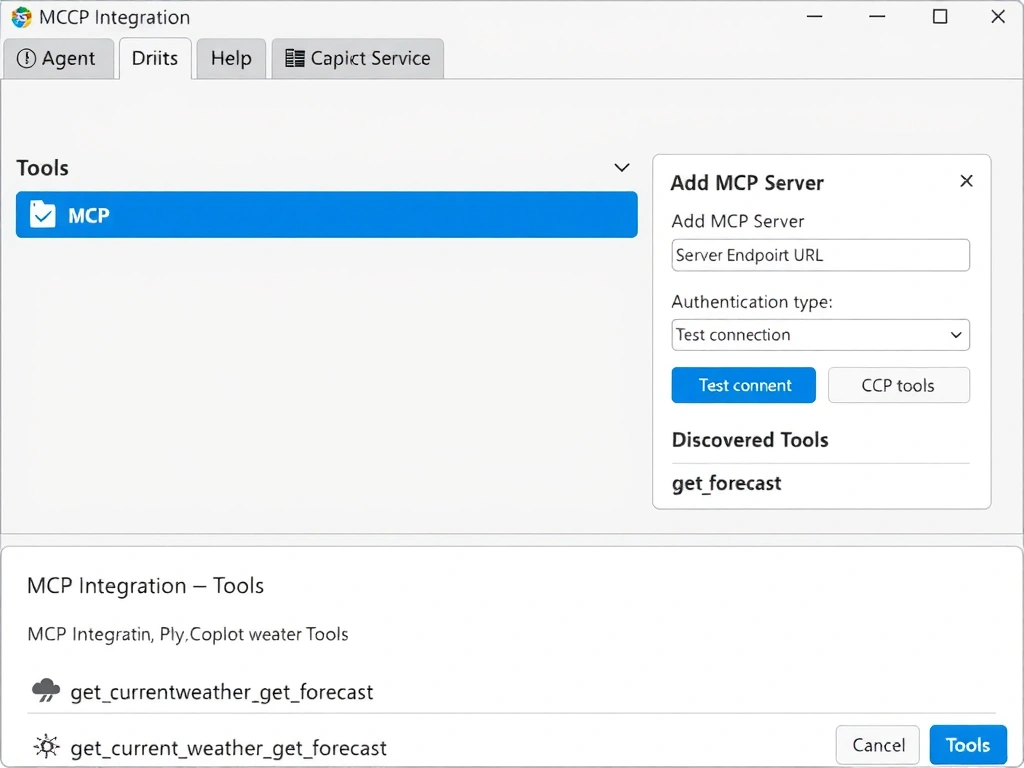
Connecting an MCP server to Copilot Studio is like plugging a USB tool into a port that's built for it — the platform has a dedicated MCP integration surface in Tools settings. The correct answer is B.
Full explanation below image
Full Explanation
## Why B is Correct Copilot Studio supports Model Context Protocol (MCP) as a first-class integration type. Developers can navigate to the agent's Tools section and add an MCP server by providing its endpoint URL and any required authentication. Once added, the MCP tools are discoverable by the agent's AI orchestration layer and can be invoked naturally during conversation without explicit topic wiring.
## Why the Distractors Are Wrong A (Custom connector + Power Automate): Custom connectors and Power Automate flows are valid integration patterns for REST APIs, but they are not the MCP integration path. MCP has its own protocol and should use the platform's dedicated MCP integration feature.
C (Paste API docs into Instructions): Instructions are the system prompt — they guide model behavior and persona. Pasting API documentation there would make the agent 'know about' the API conceptually but would not give it the ability to actually call the service. Instructions do not execute code.
D (HTTP request node in topic): HTTP request nodes can call APIs, but MCP servers use a specific protocol beyond simple HTTP REST calls. Using a raw HTTP node would not properly implement the MCP protocol's tool discovery and invocation model.
## Exam Tip MCP in Copilot Studio: configured in Tools settings (not topics, not flows). The AI automatically discovers and invokes MCP tools during generative orchestration. Know that MCP is a protocol for connecting AI agents to external tools and data.