
A Copilot Studio agent for Contoso's internal IT helpdesk is deployed via the Microsoft Teams channel. An employee opens the agent in Teams and immediately receives a personalized greeting using their display name, without any login prompt. Which capability makes this possible?
Select an answer to reveal the explanation.
Short Explanation and Infographic
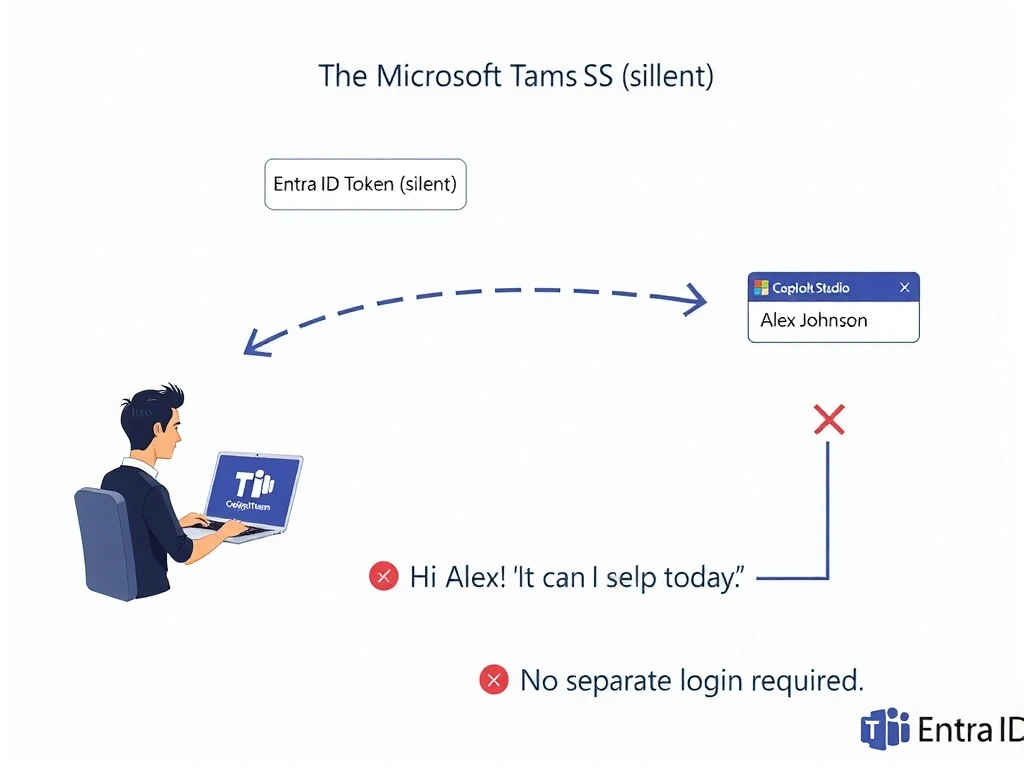
When you're already logged into Teams, it's like being recognized when you walk into your regular coffee shop — the barista (agent) already knows your name through the system. Entra ID SSO passes your identity silently through the Teams channel. The correct answer is B.
Full explanation below image
Full Explanation
## Why B is Correct When a Copilot Studio agent is published to the Microsoft Teams channel with Entra ID SSO configured, Teams automatically provides the signed-in user's identity token to the agent. The agent can read user properties — like display name — from this token without prompting the user to sign in again. The system variable System.User.DisplayName (or similar) is populated from the SSO token.
## Why the Distractors Are Wrong A (Scheduled pre-fetch flow): Pre-fetching all employee names is unnecessary overhead and has a staleness problem. SSO provides the current user's data on-demand in real time.
C (SharePoint HR list): Reading from SharePoint is a valid data retrieval pattern, but it requires an extra lookup, introduces latency, and is not the mechanism that populates the greeting without a login prompt. SSO provides the name directly from the authenticated session.
D (Global variable at install): Global variables in Copilot Studio are per-conversation, not per-user-installation. There is no mechanism that sets a global variable at 'agent install time' for each employee.
## Exam Tip Teams channel + Entra ID = automatic SSO. The agent automatically receives system user variables. Know the difference between system variables (auto-populated by the channel/auth) and topic/global variables (set by conversation logic).