
A developer at Contoso is configuring a Copilot Studio agent for internal use by employees. The agent needs to read the signed-in user's calendar from Microsoft Graph. Which authentication setting in Copilot Studio enables this scenario?
Select an answer to reveal the explanation.
Short Explanation and Infographic
Reading a user's calendar requires their identity, not a service account's — like a hotel key that opens only YOUR room. The 'Authenticate with Microsoft' setting uses delegated permissions so Graph returns that specific user's data. The correct answer is B.
Full explanation below image
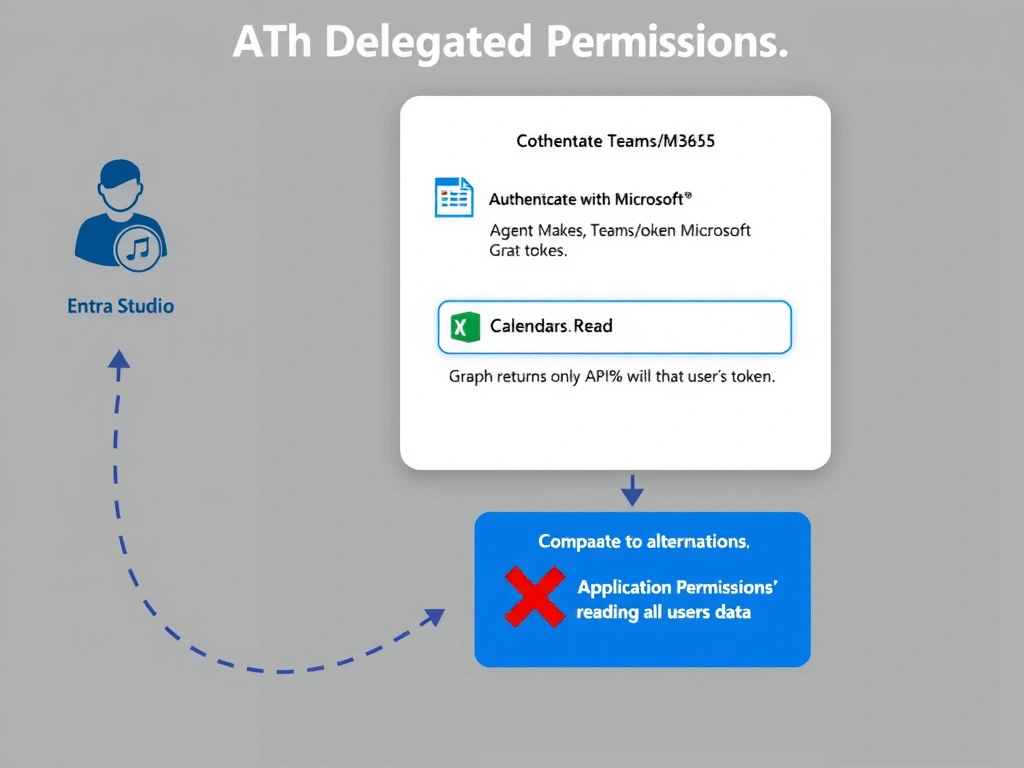
Full Explanation
## Why B is Correct 'Authenticate with Microsoft' configures Copilot Studio to use Microsoft Entra ID with delegated OAuth 2.0 permissions. When a user interacts with the agent, they authenticate (or SSO silently via Teams/M365), and the resulting token carries delegated scopes — such as Calendars.Read — that allow Microsoft Graph to return only that user's calendar data. This is the correct, least-privileged approach.
## Why the Distractors Are Wrong A (No authentication + email variable): Passing an email as a plain variable does not authenticate the user. The Graph API will reject requests without a valid bearer token, and this pattern is a security risk — any value could be injected into the email field.
C (Custom + application permissions): Application permissions (app-only) allow the service principal to read ALL users' calendars — this is over-privileged and inappropriate for a per-user personalization scenario. Application permissions should be used only for admin/backend jobs, not user-facing agents.
D ('Only for selected actions' + manual token): This approach is fragile and not how Copilot Studio's authentication model works. Manually injecting tokens is error-prone and bypasses the platform's built-in token management.
## Exam Tip Delegated permissions = user's own data. Application permissions = all users' data. For user-personalization scenarios, always use delegated scopes.