
A developer is building a Copilot Studio agent that calls an external API. The API base URL differs between development (https://api-dev.contoso.com) and production (https://api.contoso.com). The developer wants to manage this difference without modifying the agent's topics or flows when promoting between environments. What is the recommended approach?
Select an answer to reveal the explanation.
Short Explanation and Infographic
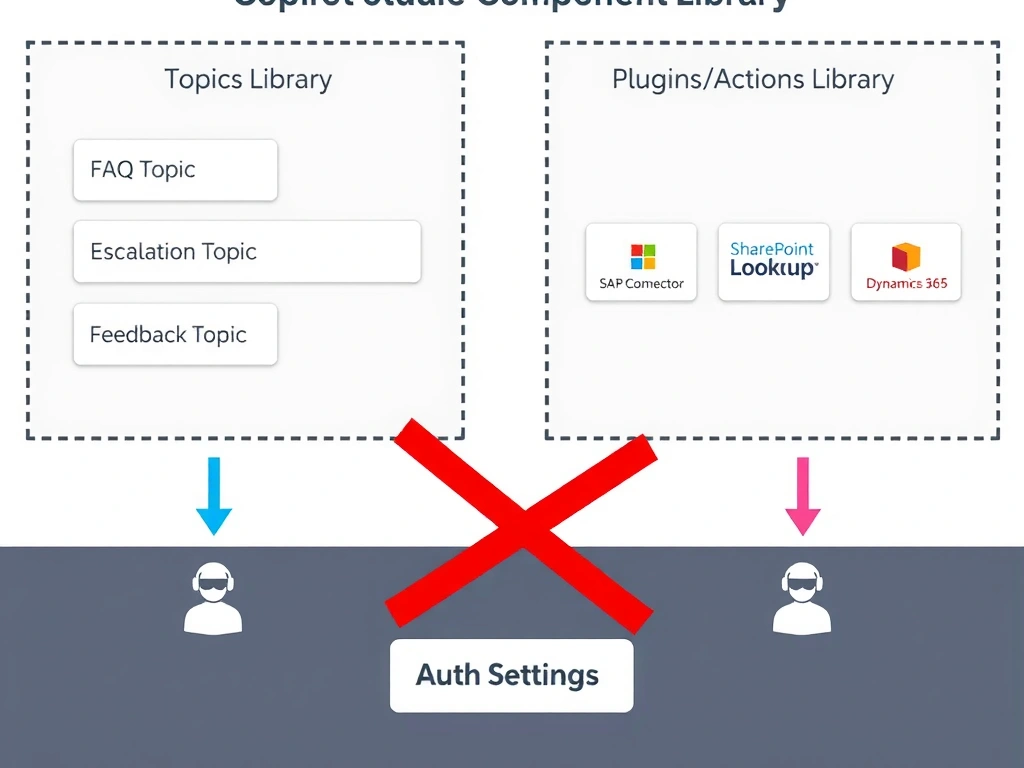
Environment variables are the config knob that lets you promote a solution without touching code. Set the value per environment at import time, and the flows and connectors pick up the right URL automatically. Answer: B.
Full explanation below image
Full Explanation
Power Platform environment variables are designed exactly for this pattern — storing configuration values that differ between environments within the same solution artifact.
Option B is correct. A String type environment variable named something like 'ApiBaseUrl' is added to the solution. Inside the Power Automate flow (or custom connector base URL), the environment variable is referenced instead of a hard-coded URL. When the solution is imported into production, the import wizard prompts the administrator to set the production value. No modifications to the solution components are needed.
Option A is incorrect. Hard-coding the production URL and using topic variables as overrides is fragile, error-prone, and requires manual intervention on every deployment. It also means the solution itself contains environment-specific values.
Option C is incorrect. Maintaining two custom connectors doubles the maintenance burden and the promotion process. Connector definitions would still need to be swapped or managed separately, and this approach doesn't scale to more environments.
Option D is incorrect. Querying SharePoint at runtime to get configuration values adds latency to every agent interaction, creates a dependency on SharePoint availability, and adds unnecessary complexity. Environment variables are the right tool for this job.