
Fabrikam Manufacturing has deployed a Copilot Studio agent to Microsoft Teams for internal employees. They now want external partners — vendors who have been added as guest users in Fabrikam's Entra ID tenant — to also be able to interact with the agent from within Teams. The Teams administrator needs to enable this capability. Which Teams channel setting must be configured to allow guest users to interact with the Copilot Studio agent?
Select an answer to reveal the explanation.
Short Explanation and Infographic
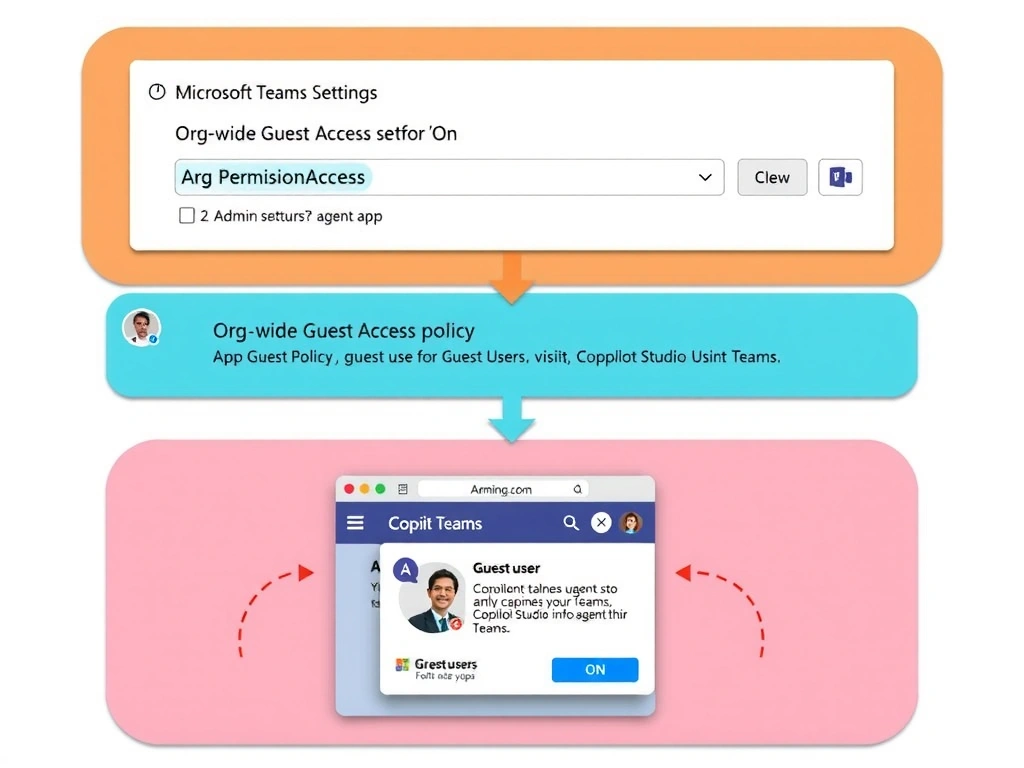
Guest access in Teams is like giving a visitor badge to someone who already has an ID card issued by your lobby (Entra ID guest). Option B is correct — you must enable tenant-level guest access in Teams AND configure the app permission policy to include guests; without both, guest users cannot see or interact with the agent app.
Full explanation below image
Full Explanation
Microsoft Teams has layered controls for guest access. At the tenant level, Teams administrators must enable guest access (Teams admin center → Org-wide settings → Guest access → 'Allow guest access in Teams'). At the app layer, app permission policies must be configured to allow guests to use specific apps — including Copilot Studio agents published as Teams apps.
Option B is correct because it addresses both layers: the guest access toggle and the app permission policy. Both must be in place for guests (Entra ID B2B users) to interact with the agent in Teams.
Option A is wrong. External access (federation) controls chat and calling between different Teams tenants — it is for federated users, not guests. Federated users are from entirely separate organizations using their own tenant identity; guests are external users who have been invited into and authenticated against Fabrikam's tenant. These are different scenarios with different controls.
Option C is wrong. Publishing to the Teams App Store with public visibility makes the app available to other tenants' members, not to Fabrikam's guest users specifically. It also does not solve the guest-user access problem within Fabrikam's tenant — it creates a separate installation path for external organizations.
Option D is wrong. Copilot Studio does not have a per-channel 'unauthenticated access' toggle for Teams. The Teams channel always requires authenticated Entra ID users (including guests). Unauthenticated access is only available for web-based channel deployments, not Teams.
Exam tip: Know the difference between Teams guest access (B2B, same tenant) and external access (federation, different tenants). AB-620 scenarios about 'vendors as guests' always point to guest access controls, not federation settings.