
A Copilot Studio developer is building an agent that retrieves a collection of employee records from a Dataverse table. The agent needs to display a formatted summary listing only employees whose department is 'Engineering' and whose salary exceeds 90000, sorted by last name, and showing only the FullName and Salary columns. The Dataverse table is named 'Employees' with columns: EmployeeID (number), FullName (text), Department (text), and Salary (number). Which Power Fx expression in a Parse value step correctly produces this formatted collection?
Select an answer to reveal the explanation.
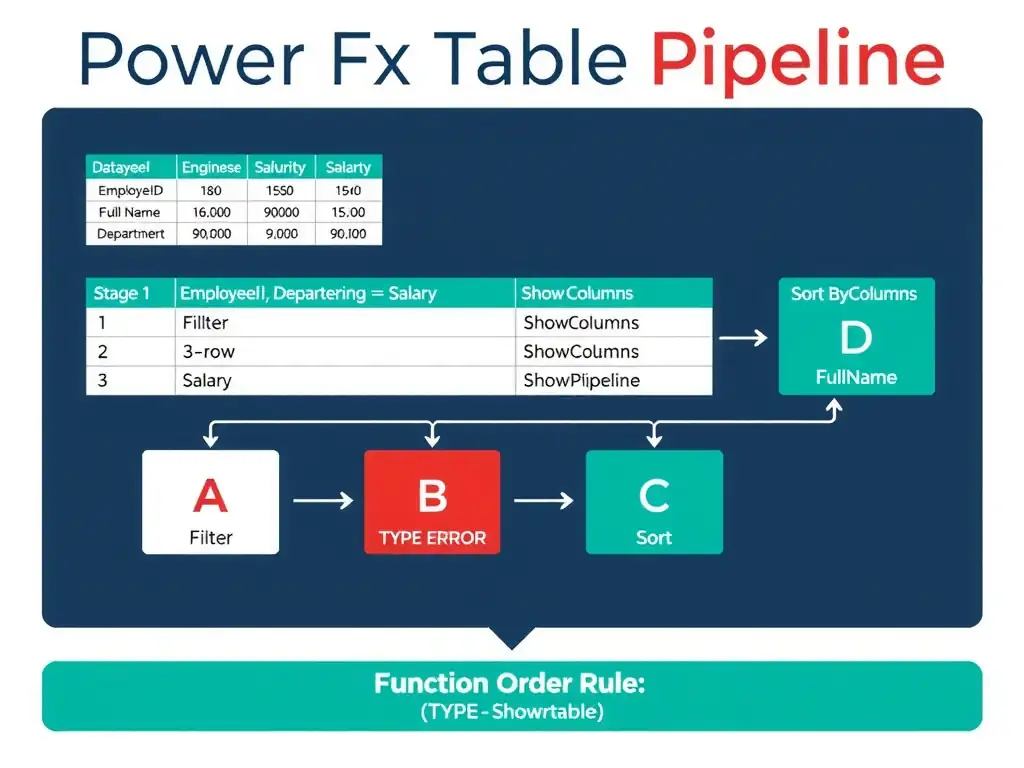
Short Explanation
Think of this like getting dressed: filter first to pick the right people, then show only the columns you need, then sort by last name. Sorting after showing columns works because the sort column is still in the projected set. The lean pipeline filters, projects, then sorts, so you don't waste memory sorting a wider table.
Full Explanation
When combining Power Fx table manipulation functions, the composition order matters both for correctness and for performance. The optimal pipeline for this scenario is: Filter -> project columns -> sort, which minimizes the data in memory at each stage.
The correct expression is SortByColumns(ShowColumns(Filter(Employees, Department = "Engineering", Salary > 90000), "FullName", "Salary"), "FullName", SortOrder.Ascending). Filter(Employees, Department = "Engineering", Salary > 90000) correctly filters to qualifying rows using multiple conditions within the same Filter call; the comma-separated conditions act as an implicit And. ShowColumns(...) then projects only the FullName and Salary columns, reducing the record set to just what is needed. Finally, SortByColumns(..., "FullName", SortOrder.Ascending) sorts the projected table by last name. Because FullName is included in the ShowColumns projection, it is still available as a sort key. The use of SortOrder.Ascending, the enumeration form, is correct Power Fx syntax.
The expression Filter(Employees, Department = "Engineering") And Salary > 90000 is incorrect in multiple ways. Filter() is a function that returns a table; you cannot chain it with And as if both are boolean expressions in a condition. And is a boolean operator that combines two true/false values; it cannot combine two function calls that return tables. This expression will produce a type error.
The expression SortByColumns(Filter(Employees, Department = "Engineering", Salary > 90000), "FullName", Ascending) is syntactically closer but incomplete. Ascending alone is not a valid enumeration reference in Power Fx; the correct form is SortOrder.Ascending. Also, this expression does not project columns with ShowColumns, so it would return all four columns (EmployeeID, FullName, Department, Salary) instead of just the two required columns. The filter logic inside is correct, though.
The expression ShowColumns(SortByColumns(Filter(Employees, Department = "Engineering", Salary > 90000), "FullName", SortOrder.Descending), "FullName", "Salary") filters and projects correctly, but it passes SortOrder.Descending, so the names come out in reverse alphabetical order (Z to A). The requirement is an ascending sort by name, and SortOrder.Ascending is the value that produces it. This is a common trap: the function nesting looks right, so check the sort direction argument as carefully as the column list.
Exam tip: Know the Power Fx table function composition model. Filter, ShowColumns, SortByColumns, and AddColumns are the core four. Multiple filter predicates inside one Filter() call are implicitly AND-ed. The SortOrder enum (SortOrder.Ascending, SortOrder.Descending) is always required; bare 'Ascending' is not valid syntax.