
A maker at Tailspin Toys has finished building a Copilot Studio agent in the Development environment. The agent includes a custom topic, a connection to a SharePoint knowledge source, a Power Automate flow, and an environment variable for the SharePoint site URL. The team needs to move all of these components to the Test environment as a single deployable unit. What should the maker do before running the Power Platform Pipeline?
Select an answer to reveal the explanation.
Short Explanation
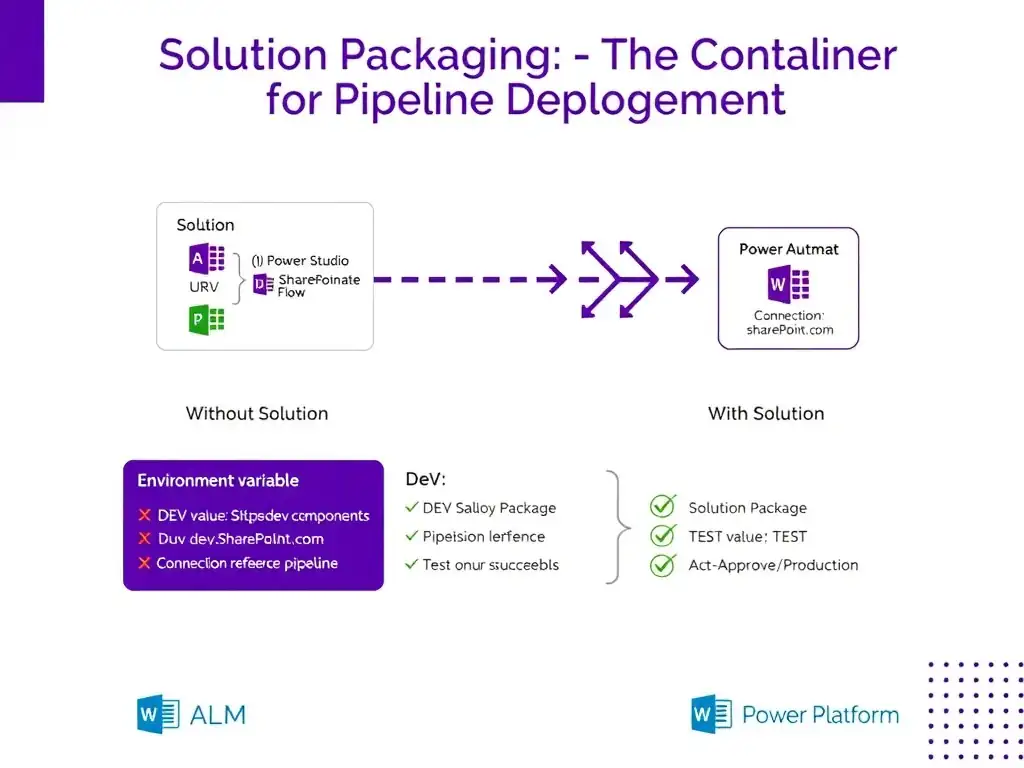
A solution is your shipping container for ALM. Put the agent, flow, environment variable, and SharePoint connection reference in one solution, then the pipeline moves the whole unit. If you export pieces separately, dependencies break.
Full Explanation
Power Platform solutions are the packaging mechanism for ALM (Application Lifecycle Management). A solution is a container that groups related components — including Copilot Studio agents, Power Automate flows, environment variables, connection references, and other assets — so they can be exported and deployed as a single, dependency-aware unit. Before running a Power Platform Pipeline, the maker must ensure all components that the agent depends on are included in the same solution. Specifically for this scenario: the Copilot Studio agent itself, the Power Automate flow it calls, the environment variable that stores the SharePoint site URL (so it can be reconfigured per environment without editing the agent), and the connection reference for SharePoint. When the pipeline deploys the solution to Test, all components travel together and the environment variable values can be configured for the target environment during deployment. Exporting each component separately from the maker portal and importing them into the Test environment in the correct dependency order is incorrect. This approach is the manual predecessor to solutions and is error-prone. It does not respect dependency ordering automatically and is exactly what solutions and pipelines are designed to replace. Copying the agent using the Clone Agent button in Copilot Studio, which automatically carries all related components to the target environment, is incorrect. Copilot Studio does not have a built-in 'Clone Agent' button that automatically carries all dependent components to a target environment. Even if such a feature existed, it would not include Power Automate flows and environment variables without a solution. Using the Managed Environment backup feature to snapshot the Development environment and restore it to Test is incorrect. The backup/restore feature in Managed Environments is a disaster recovery tool for full environment restoration — not a deployment mechanism. It would copy the entire environment, not selectively promote specific components. For the AB-620 exam: the solution packaging step is a prerequisite for pipeline deployment. Environment variables are especially important to include because they allow environment-specific values (like URLs and API endpoints) to be configured differently per environment without modifying the solution components.