
Northwind Traders has configured a Power Platform Pipeline with three stages: Dev, UAT, and Production. The pipeline administrator wants to ensure that the Head of IT must personally review and approve any deployment to the Production stage before the solution is released. The Head of IT should receive an email notification when a deployment is waiting. How should the pipeline administrator configure this requirement?
Select an answer to reveal the explanation.
Short Explanation
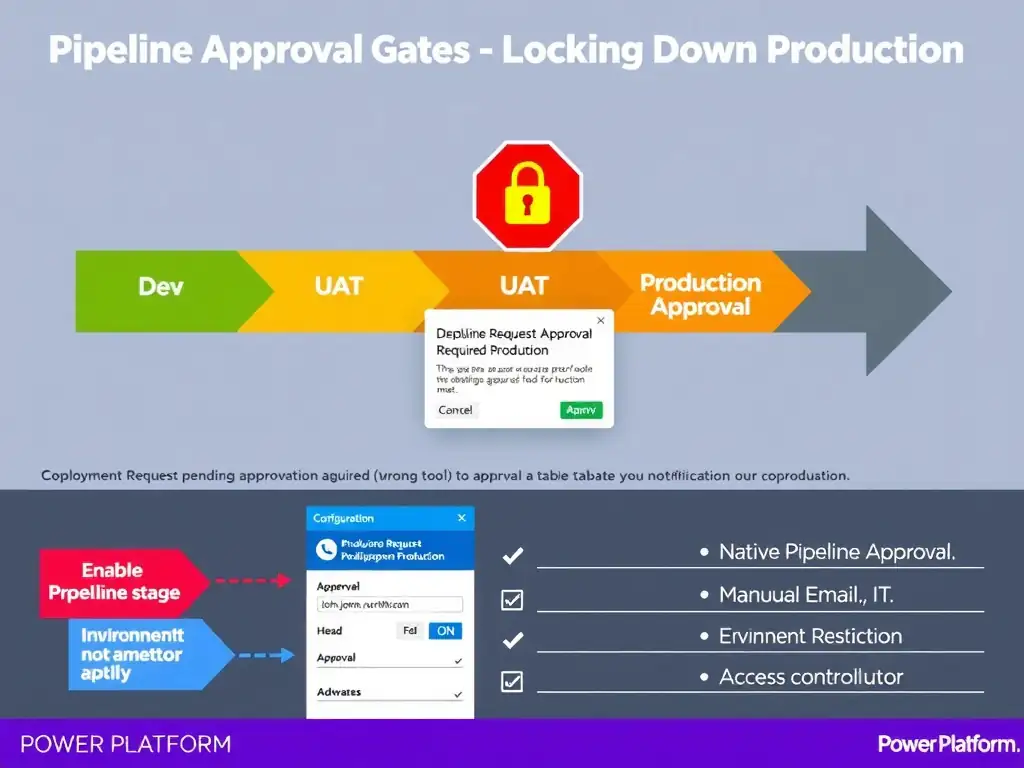
You enable pre-deployment approval on the Production stage and add the Head of IT as an approver. That pauses the deployment, sends the Head of IT an email, and releases the solution only after they approve. No custom flows, manual emails, or Data Loss Prevention hacks required.
Full Explanation
Power Platform Pipelines support native pre-deployment approvals configured directly within the pipeline stage settings. When approvals are enabled on a stage, any deployment request to that stage is paused and an approval request is sent to the designated approvers via email and within the Power Platform admin center. The deployment proceeds only after an approver explicitly accepts it. To configure this: in the Pipeline configuration accessed from the host environment, select the Production stage, enable 'Pre-deployment approvals', and add the Head of IT's user account as an approver. Once configured, every deployment attempt to Production will automatically trigger an email notification with an 'Approve' or 'Reject' action directly in the email. Setting the Production stage target environment to 'Restricted' in the environment admin center and notifying the Head of IT manually is incorrect. Setting an environment to Restricted is an access control mechanism, not a deployment approval workflow. It would block access broadly rather than creating a structured approval process with notifications. Creating a separate Power Automate flow that pauses the deployment and sends an email before the pipeline runs is incorrect. While this is technically achievable, it adds unnecessary complexity and maintenance overhead when Pipelines already provides native approval functionality out of the box. The exam tests knowledge of using the platform's built-in features. Configuring a Data Loss Prevention policy on the Production environment that blocks all incoming solution imports until manually lifted is incorrect. Data Loss Prevention policies control which connectors and data sources can be used within an environment. They do not function as deployment gates and cannot be used to pause or approve solution imports. For the exam: pipeline approvals are configured at the stage level within the pipeline definition, not at the environment level. Approvers can be individual users or groups. The notification is automatic — no separate flow is needed.