
A Copilot Studio developer needs to integrate a Power Automate flow that creates a support ticket in ServiceNow whenever the agent collects a user's name, email, and issue description. The flow should receive these three values from the agent and return the created ticket number back to the agent to confirm to the user. Which approach correctly implements this integration?
Select an answer to reveal the explanation.
Short Explanation
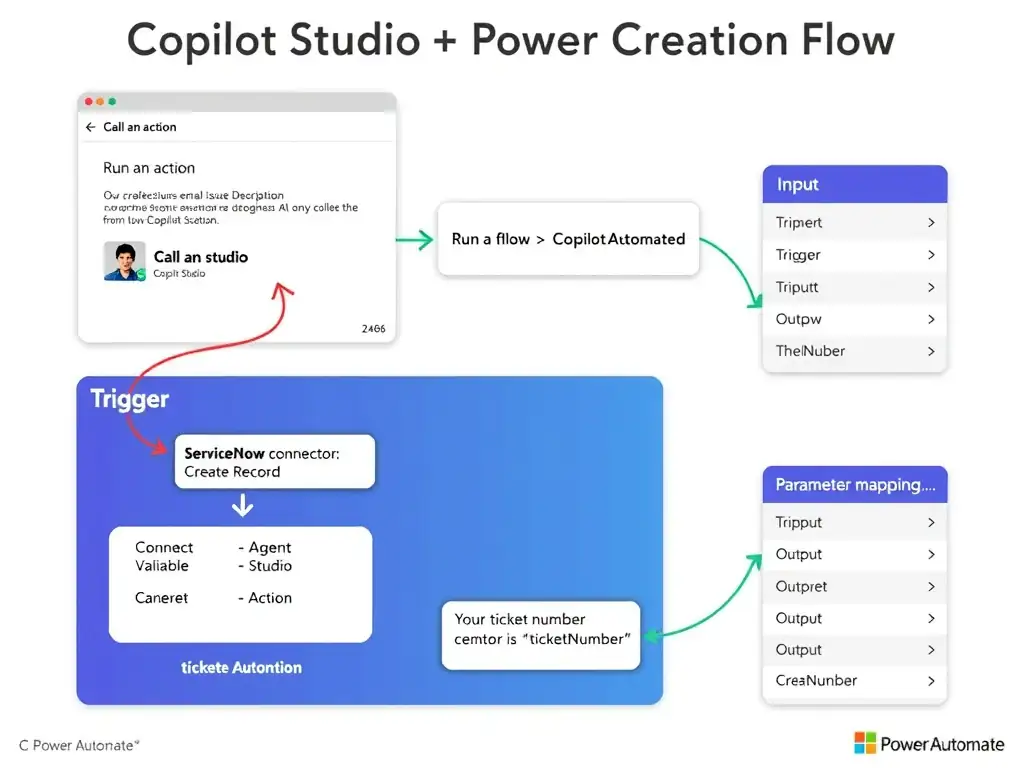
The right move is to use a Power Automate cloud flow with the 'Run a flow from Copilot Studio' trigger. You pass the name, email, and issue description into the flow, create the ServiceNow ticket, and get the ticket number back in the same conversation. That keeps the agent in charge and the response real-time.
Full Explanation
The correct integration pattern for calling Power Automate from a Copilot Studio agent is the approach that creates a Power Automate cloud flow using the 'Run a flow from Copilot Studio' trigger, defines input parameters for name, email, and issue description, adds a ServiceNow create record action, and returns the ticket number as an output variable to the agent. This trigger accepts typed input parameters (text, number, boolean, etc.) that the Copilot Studio topic can pass when it calls the flow. The flow can then use those inputs in any action — in this case, a ServiceNow connector action to create a ticket. Finally, the flow defines output parameters (like the returned ticket number) that Copilot Studio receives as variables after the flow completes. In the Copilot Studio topic, the developer adds a 'Call an action' node, selects the Power Automate flow, maps topic variables to the flow's input parameters, and stores the output in a topic variable to display to the user. The scheduled polling approach is incorrect because scheduled polling flows are asynchronous and delayed — they don't respond in real-time to a conversation. The user would have to wait up to five minutes for a confirmation they expect immediately. The Dataverse intermediary approach is incorrect because using Dataverse as an intermediary adds unnecessary latency and complexity. The agent would need a separate query after the ticket is created to retrieve the ticket number, and synchronization is not guaranteed. This is not the recommended pattern. The direct HTTP action node approach is incorrect because Copilot Studio topics do not have a native 'HTTP action node' for direct HTTP calls in the same way Power Automate does. The platform's integration mechanism for external services within topics is through Power Automate flows or connector-backed actions. Exam tip: Know the 'Run a flow from Copilot Studio' trigger by name — it is the only trigger that creates a synchronous, real-time, bidirectional connection between an agent topic and a Power Automate flow.