
A developer has registered an external MCP server in Copilot Studio that provides access to a company's CRM system. The CRM API requires OAuth 2.0 authorization, and the tools should only access CRM records on behalf of the signed-in user (not a shared service account). During testing, the agent is calling CRM tools using the developer's credentials even after other employees test it. What configuration change is needed to ensure each user's CRM access is scoped to their own identity?
Select an answer to reveal the explanation.
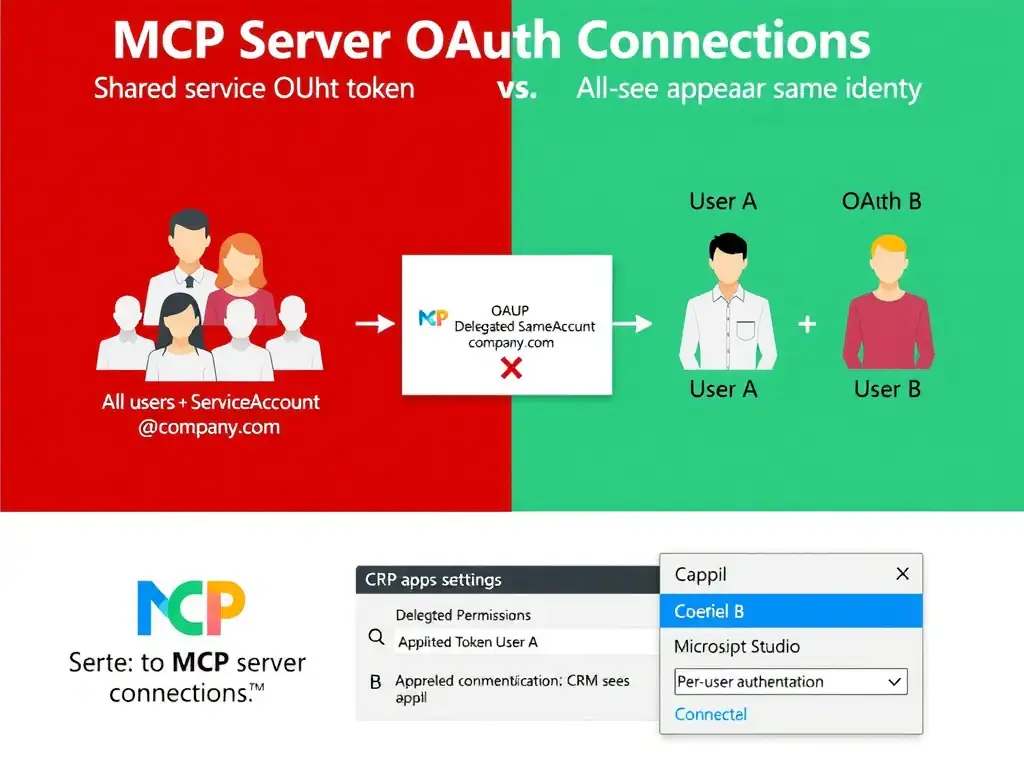
Short Explanation
Shared credentials in an MCP tool are like everyone logging into CRM with the manager's password—it works, but you lose per-user auditing and access control. Switch the MCP connection to per-user authentication and use delegated OAuth permissions so the CRM sees each employee's own identity.
Full Explanation
In Copilot Studio, when an MCP server requires OAuth 2.0 authentication, the developer can choose between two connection models: a shared service connection where a single set of credentials, typically a service account or app-only token, is used for all users, and a per-user connection where each user must authenticate individually and their own OAuth token is used for API calls. The correct configuration is to switch the agent's MCP connection from a shared service connection to a per-user connection by selecting the option that requires each user to authenticate with their own credentials, and to ensure the OAuth app registration uses delegated permissions rather than application permissions. The problem—all users appearing to use the developer's credentials—is a symptom of a shared service connection being configured. Switching to a per-user connection model requires each user to authenticate via their own OAuth flow, so a sign-in prompt appears the first time they use a tool requiring CRM access. Delegated permissions make the app act on behalf of a user, while application permissions make it act as the app itself. This ensures CRM records are accessed using the calling user's identity. The option that stores a shared OAuth client secret in the MCP server environment variables and refreshes the token every 24 hours using a scheduled task is wrong because it is the same shared-credentials anti-pattern that causes the original problem. A shared OAuth token means all users access CRM as the same identity, with no per-user scoping. The option that enables 'Authenticate with Microsoft' on the agent so the developer's existing CRM connection automatically runs under each signed-in employee's identity is wrong because enabling agent-level Microsoft authentication does not by itself change the MCP server's CRM connection from the developer's existing shared connection to a per-user OAuth flow. It assumes the existing connection will automatically be scoped to each employee, but it omits the required change to the MCP connection model and the delegated-permission requirement. Without that complete configuration, the agent can still reuse the developer's connection or another shared identity. The option that configures the CRM OAuth app with app-only permissions and selects the single service connection in Copilot Studio so the agent can reuse one identity for all signed-in users is wrong because app-only/application permissions make the app act as the app itself, and a single service connection reuses one identity for everyone. That preserves the shared-credentials problem instead of scoping CRM access to each signed-in user. Exam tip: For MCP tools requiring per-user data access, two things must align: the OAuth app registration uses delegated permissions, and the Copilot Studio MCP connection is configured as per-user, not shared service. Missing either one will cause the shared-credentials problem. This pattern applies equally to Power Platform connectors and is a fundamental identity concept in Azure and Microsoft 365.