
A Copilot Studio developer is designing an adaptive card for a leave request form. The form must collect: (1) a start date, (2) an end date, (3) the leave type from a predefined list, and (4) a brief reason in free text. The developer wants to use the most semantically appropriate input elements for each field. Which combination of adaptive card input elements is the best match?
Select an answer to reveal the explanation.
Short Explanation
Match the input to the data: use date pickers for dates, a choice set for a fixed list, and a multiline text box for a reason. If you make the user type everything, you're asking for messy data.
Full Explanation
Adaptive Cards provide specialized input elements that match the data type being collected. Using the semantically correct element improves user experience, reduces input errors, and ensures data is returned in a consistent, parseable format.
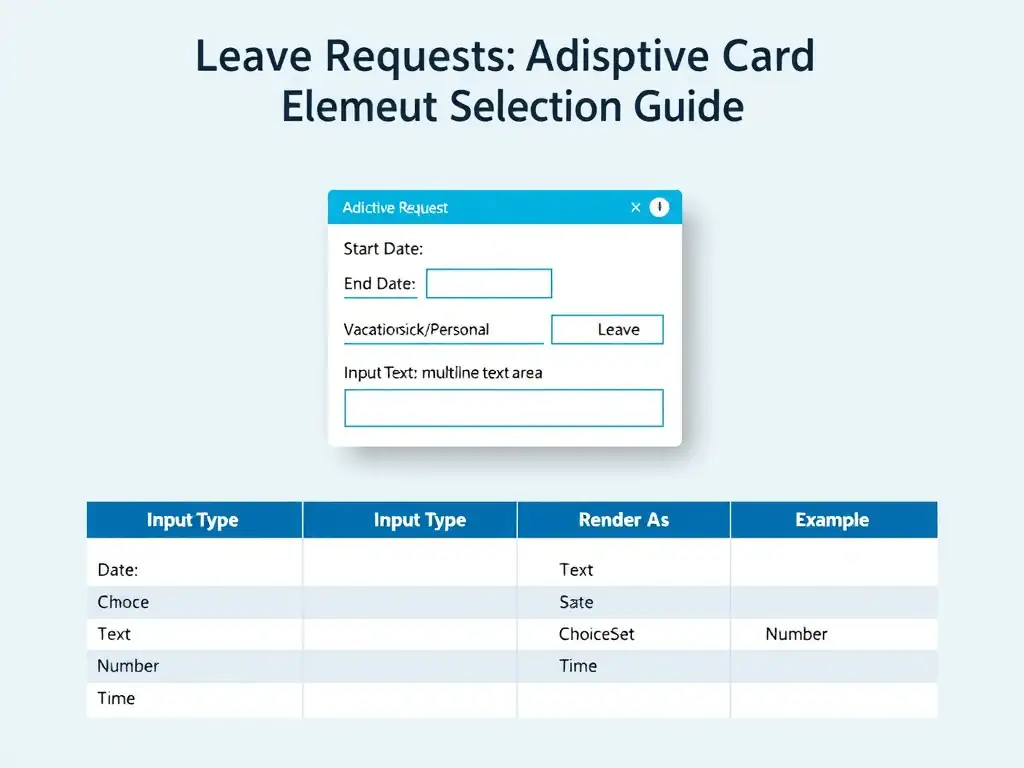
The best match is the combination that uses Input.Date for start and end dates, Input.ChoiceSet for leave type, and Input.Text with isMultiline:true for the reason. Input.Date renders a native date picker appropriate for start/end date collection, ensuring consistent ISO 8601 date format without requiring the user to type dates manually. Input.ChoiceSet with style 'compact' or 'expanded' is ideal for selecting from a predefined list of leave types (Vacation, Sick, Personal, etc.). Input.Text with isMultiline:true provides a resizable text area for the free-text reason field.
The approach that uses Input.Text for all four fields with placeholder text is wrong because it forces users to type dates in unpredictable formats, making parsing difficult. Users might type '7/4', 'July 4', or '04-07' for the same date, creating data quality issues downstream. Semantic input types eliminate this ambiguity.
The approach that uses Input.Toggle for start and end dates, Input.Text for leave type, and Input.Number for the reason field is wrong because Input.Toggle is a binary on/off switch, completely inappropriate for date selection. Input.Number is meant for numeric quantities, not free-text reasons. This combination would produce meaningless data for every field.
The approach that uses Input.Time for start and end dates, Input.Text for leave type, and Input.ChoiceSet with isMultiSelect:true for the reason field is wrong because Input.Time collects a clock time (hours and minutes), not a calendar date. Leave requests require dates, not times of day. Using Input.ChoiceSet with isMultiSelect for a reason field also doesn't make sense—reasons are open-ended, not selected from a list.
Exam tip: Know the adaptive card input element types and their appropriate use cases: Input.Text (free-form), Input.Number (numeric), Input.Date (calendar date), Input.Time (clock time), Input.Toggle (boolean), Input.ChoiceSet (list selection). Match the element type to the data type.