
A Copilot Studio topic calls a Power Automate cloud flow and needs to use the flow's output in a subsequent condition node. The flow returns a string value called 'approvalStatus'. How does the topic access this returned value?
Select an answer to reveal the explanation.
Short Explanation
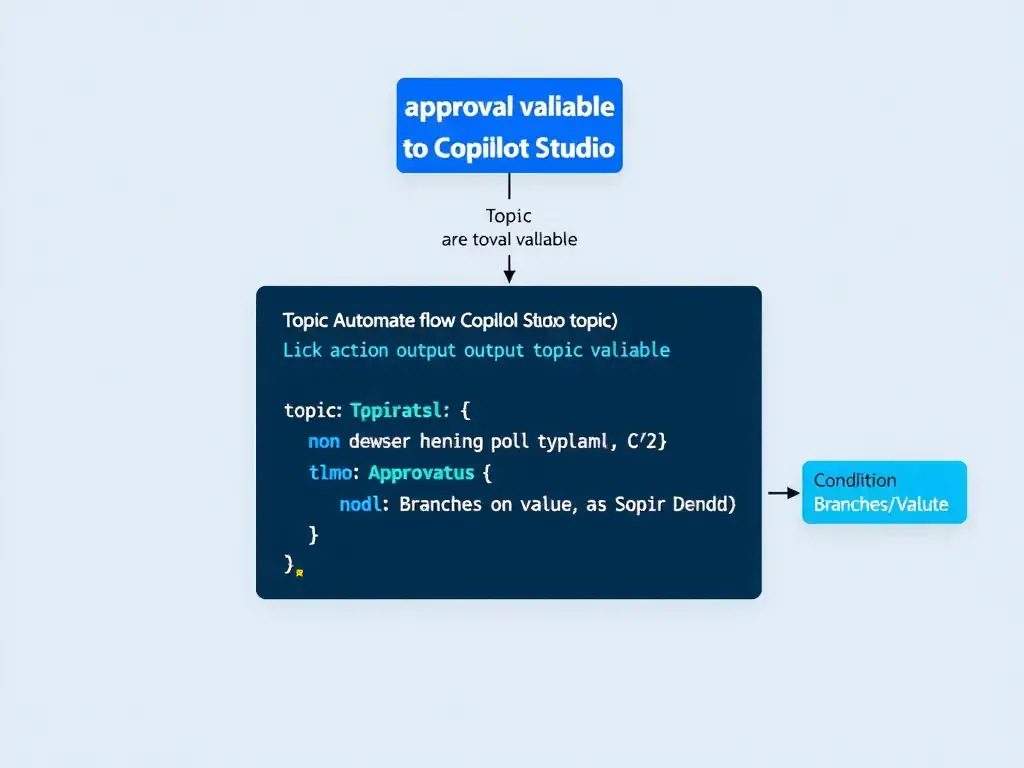
You need the flow to end with the 'Respond to a Power Virtual Agents or Copilot' action and define 'approvalStatus' as an output. In Copilot Studio, the flow action node shows that output, and you map it to a topic variable so your condition can use it.
Full Explanation
For a Power Automate cloud flow to return values to a Copilot Studio topic, the flow must end with the 'Respond to a Power Virtual Agents or Copilot Studio' action, where you define named output parameters — such as 'approvalStatus' as a string. The specific action name may vary slightly by version. In the Copilot Studio topic, when you insert the 'Run a flow' action node and select this flow, the node's output panel automatically lists all outputs defined in the flow's respond action. You then bind each output to a topic variable using the variable picker. After the flow runs, the topic variable receives the returned value and can be used in any subsequent node — including condition branches. The automatic global variable named after the flow is wrong because outputs are not automatically stored in any variable; binding to a topic variable is an explicit configuration step. The separate HTTP call to retrieve the flow's output from a Dataverse table is wrong because it is unnecessarily complex; the native flow integration handles value return directly through the action node. The shared environment variable read by the topic is wrong because environment variables are configuration/settings containers, not runtime communication channels between flows and topics. Exam chain: Flow defines output in 'Respond to PVA/Copilot' action → Copilot Studio action node exposes outputs → author binds output to topic variable → topic uses variable in conditions.