
You have built a Copilot Studio agent and now need to include it in a Power Platform solution so it can be deployed from development to test to production via pipelines. What must you do to include the agent in the solution?
Select an answer to reveal the explanation.
Short Explanation
Power Platform solutions are like shipping containers—you decide what goes in. Use 'Add existing' in the solution editor to pick your agent from the environment and load it into the solution manifest. From then on, the solution tracks and packages it for deployment.
Full Explanation
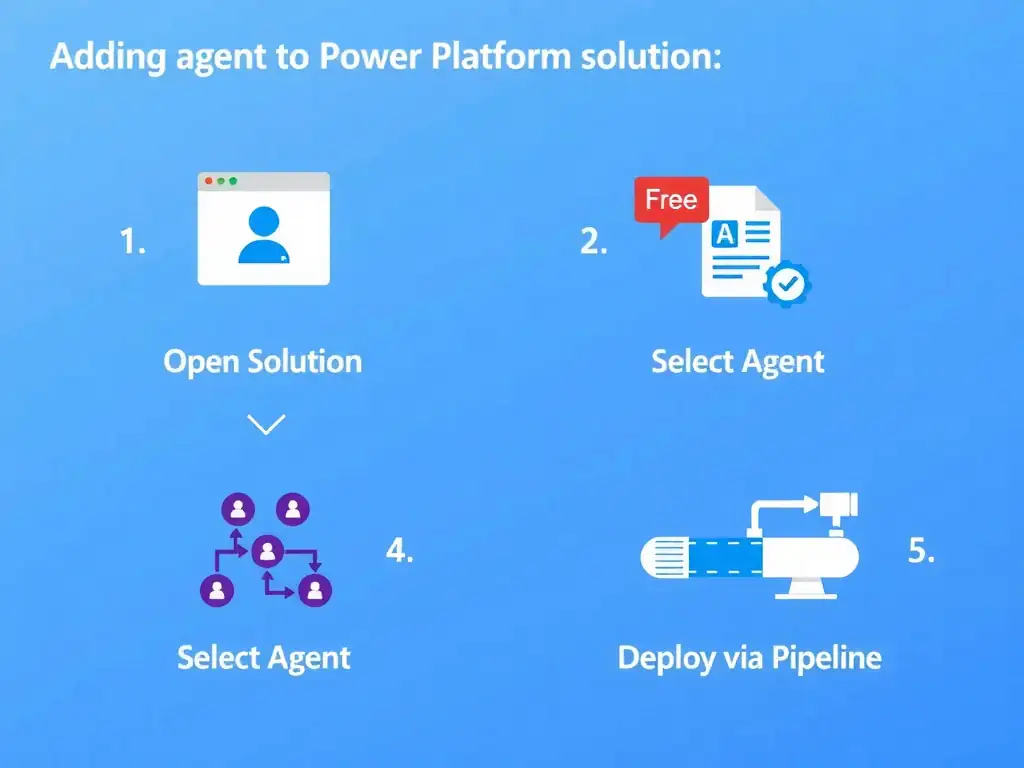
Power Platform solutions are containers for application components (agents, flows, tables, connectors, environment variables, etc.) that enable structured lifecycle management. An agent created outside a solution context lives in the environment but is not tracked for deployment. The correct approach is to open the solution in the Power Platform maker portal (make.powerapps.com), select 'Add existing' > 'Chatbot / Agent', and select the agent to add it. In some portal versions, the component type may be labeled 'Chatbot' or 'Copilot'. The agent then appears as a solution component and is included when the solution is exported or deployed via Power Platform Pipelines. The option to export the agent as a JSON file and attach it to the solution package manually is wrong because Copilot Studio does not use raw JSON file exports for solution packaging; the solution framework handles serialization and packaging automatically. The option that the agent is automatically included in all solutions in the same environment without any action is wrong because components are not automatically in solutions. Solutions are opt-in containers, and an agent is only in a solution if explicitly added or created within the solution context. The option to recreate the agent from scratch inside the solution context so it belongs to the solution natively is wrong because it is unnecessary and loses all existing authoring work; adding the existing agent is the correct path. Also note: related components such as environment variables and custom connectors referenced by the agent should also be added to the solution to ensure complete, deployable packages. Missing dependencies cause deployment failures.