
A Copilot Studio developer at Northwind Traders wants the agent to display product search results as a structured card with an image, product name, price, and a 'Buy Now' button. Which node type should the developer use in the topic?
Select an answer to reveal the explanation.
Short Explanation
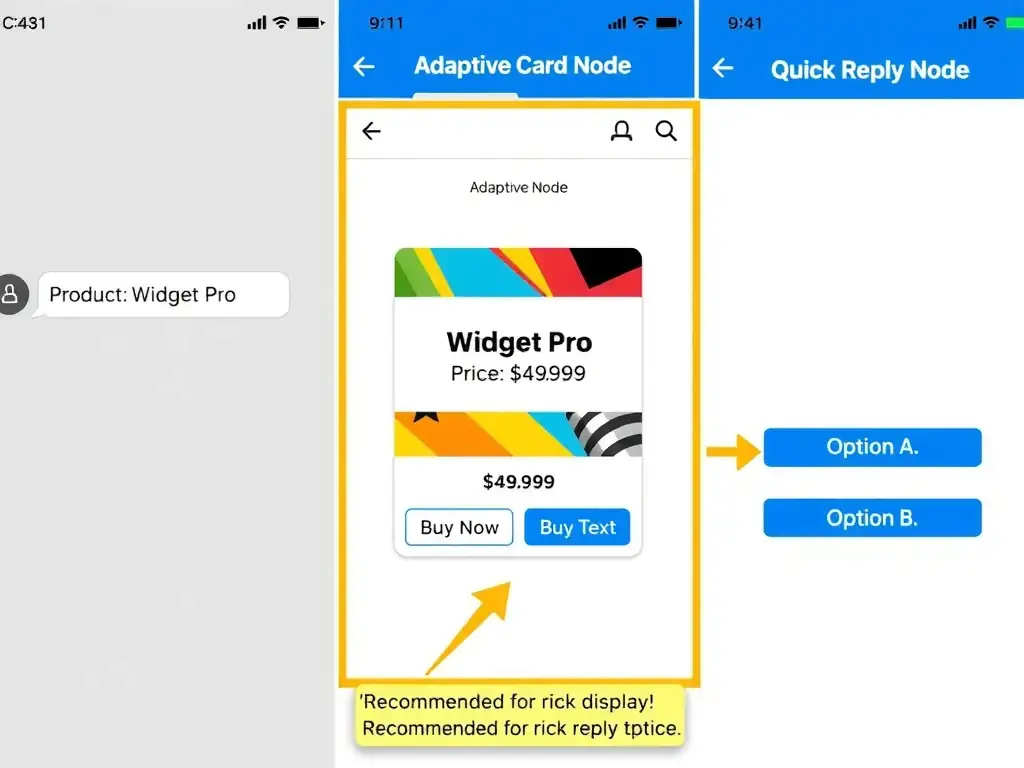
Adaptive Cards are Copilot Studio's display superpower — they turn plain text responses into rich, interactive UI cards with images, buttons, and formatted data, just like a digital product tag. The correct answer is B.
Full Explanation
## Why B is Correct Adaptive Cards are a JSON-based card specification supported by Teams, web chat, and other Copilot Studio channels. In a topic, you can add an Adaptive Card node and define the card schema — including images, text blocks, input fields, and action buttons like 'Buy Now.' When the channel supports Adaptive Cards (Teams, webchat), the card renders visually; in non-supporting channels, a fallback text is shown.
## Why the Distractors Are Wrong A (Message node with bulleted list): A plain message node can format text with basic markdown (bold, lists) but cannot render images or interactive buttons. It is appropriate for simple text responses, not rich product cards.
C (Generative answers node as tables): The Generative answers node generates natural language responses from knowledge sources. It does not render structured Adaptive Cards with images and buttons.
D (Quick reply node with product details): Quick reply buttons are small action options presented below a message (e.g., 'Yes / No'). They are not designed to display product images, prices, and detailed information.
## Exam Tip For rich, interactive display in Copilot Studio: Adaptive Card node. For simple text: Message node. For actionable options: Quick reply node. For AI-generated prose: Generative answers node.