
A Copilot Studio developer is integrating a GitHub MCP server that requires OAuth 2.0 authentication. The agent should be able to call GitHub on behalf of the signed-in user. Which configuration is required for the MCP tool in Copilot Studio?
Select an answer to reveal the explanation.
Short Explanation
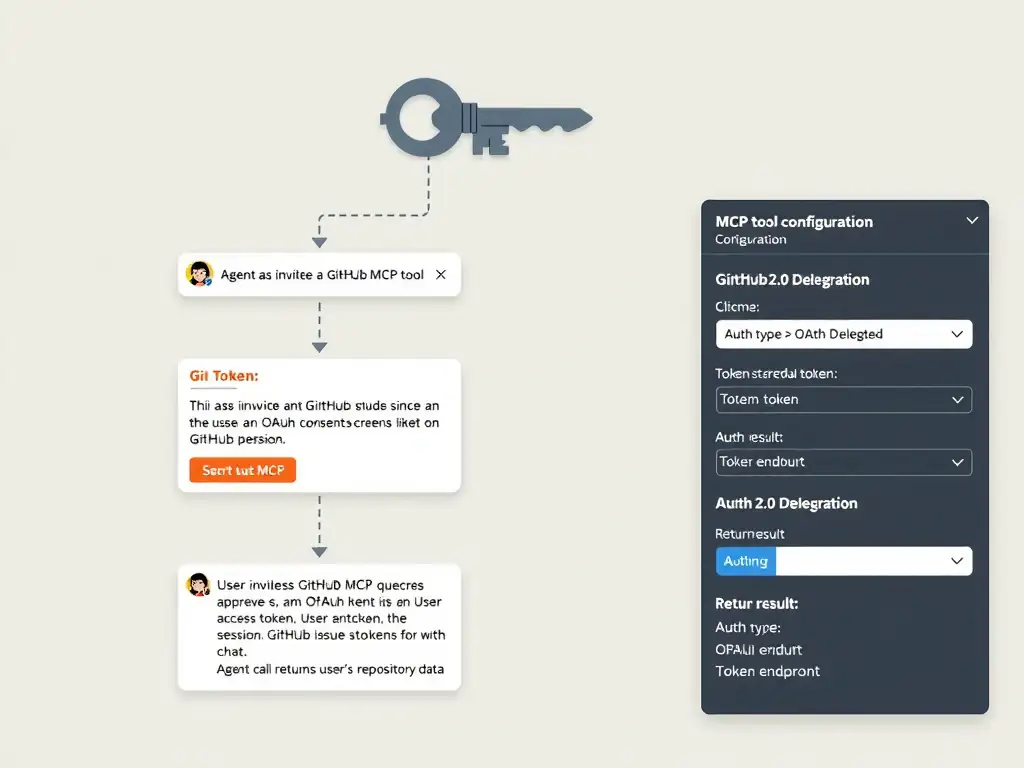
Connecting to GitHub on behalf of users requires their permission — like a notary that can only act for you after you've signed a power of attorney. OAuth delegated flow gives each user's agent session the right GitHub token. The correct answer is B.
Full Explanation
## Why B is Correct When integrating an OAuth-protected MCP server in Copilot Studio, you configure the MCP tool's authentication with OAuth 2.0 settings: the authorization endpoint, token endpoint, client ID, and client secret from the MCP server's IdP registration. For 'on behalf of user' access, the delegated flow is used — when the agent first invokes the tool, users are prompted to authorize the connection, and the resulting token is used for subsequent calls during the session.
## Why the Distractors Are Wrong A (Static GitHub PAT as API key): A personal access token belongs to a specific user and represents that user's permissions — not the signed-in agent user's. Sharing a PAT as a static credential means all agent users share one identity, which is a security risk and violates GitHub's terms. It also cannot be revoked per-user.
C (Service principal / app permissions): Application permissions allow the app to act as itself, not as the user. For 'on behalf of user' scenarios, delegated permissions with user consent are required.
D (No auth + IP filtering): Disabling authentication on the MCP tool removes the ability to act as the user and exposes the tool to anyone who can reach the endpoint from an authorized IP — a significant security gap.
## Exam Tip For 'on behalf of user' MCP: OAuth 2.0 delegated. For 'service acts as itself': application permissions / service principal. Match the auth pattern to the data access requirement.