
A developer at Horizon Healthcare is building a Copilot Studio agent that allows clinical staff to submit patient intake information — including text fields, a dropdown for department, and a date picker — directly within the chat window. The form data needs to be collected and passed to a Power Automate flow for processing. Which response type in Copilot Studio should the developer use to implement this interactive form within the conversation?
Select an answer to reveal the explanation.
Short Explanation
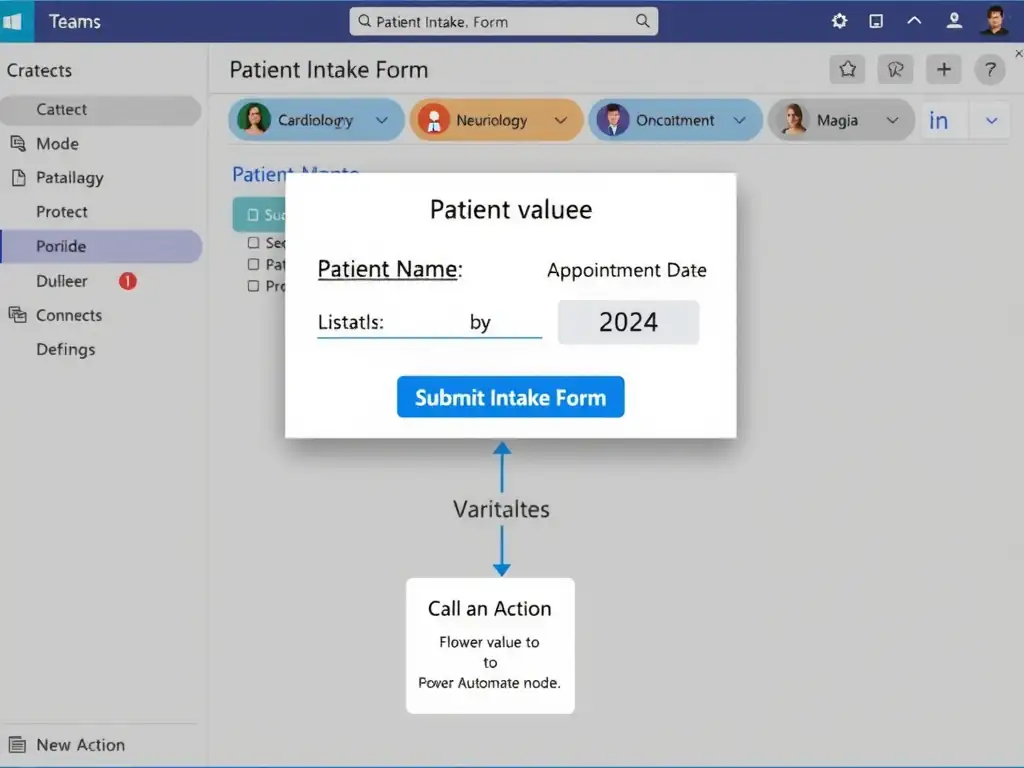
Adaptive Cards are the chat world's version of a web form. They render text fields, dropdowns, and date pickers inside the conversation bubble, and one Submit button sends all values back at once. You use an Adaptive Card with Input.Text, Input.ChoiceSet, Input.Date, and Action.Submit to collect the intake form in one step.
Full Explanation
Adaptive Cards are a JSON-based card schema that renders interactive UI elements inside supported chat channels (Teams, web chat, and others). For a multi-field intake form, the developer creates an Adaptive Card with:
- Input.Text elements for free-text fields (e.g., patient name, notes) - Input.ChoiceSet element for the department dropdown (with the 'style: compact' property for a dropdown vs. 'expanded' for radio buttons) - Input.Date element for the date picker - Action.Submit button that collects all input values and sends them back to the agent as a single response
In Copilot Studio, the developer adds a Send Message node, selects 'Adaptive Card' as the response type, and authors the card using the JSON editor or the card designer. When the clinical staff member fills out the card and clicks Submit, Copilot Studio receives the submitted values as variables that can be passed to a Power Automate flow via the Call an Action node.
The Adaptive Card configured with Input.Text, Input.ChoiceSet, and Input.Date elements, plus an Action.Submit button to return all values at once, is correct and describes the exact mechanism and card element types needed.
The approach using a series of Ask a Question nodes, one for each field, collecting each value individually in separate conversation turns is wrong. Using individual Ask a Question nodes for each field works for simple sequential data collection, but it creates a poor user experience for forms — the user must go through multiple conversation turns, and there is no way to group related fields or provide a single submit action. It also cannot render UI elements like date pickers or dropdowns natively.
The Quick Reply response type that presents all form fields as selectable buttons with predefined answer combinations is wrong. Quick Reply buttons are for presenting a small number of predefined single-choice options. They cannot represent multi-field form inputs, text entry, dropdowns with many options, or date pickers.
The HTML form embedded in a Send Message node using inline HTML tags supported by Copilot Studio's rich text editor is wrong. Copilot Studio's Send Message node does not support inline HTML. The platform does not render arbitrary HTML in the chat window — HTML is not part of the Bot Framework message activity format used by Copilot Studio.
Exam tip: Adaptive Cards are the answer whenever the scenario mentions an in-chat form, multiple input fields, a submit button, or structured data collection in a single step. Know the Adaptive Card input element types: Input.Text, Input.Number, Input.Date, Input.Time, Input.Toggle (checkbox), Input.ChoiceSet (dropdown/radio). Action.Submit captures all inputs.