
A sync job calls Upsert for every customer from an external system. Instead of updating existing accounts, each run creates a new account for every customer. The code builds each entity as new Entity("account"), sets the external customer number in its Attributes, and no alternate key has been defined on that column. What should the developer do?
Select an answer to reveal the explanation.
Short Explanation
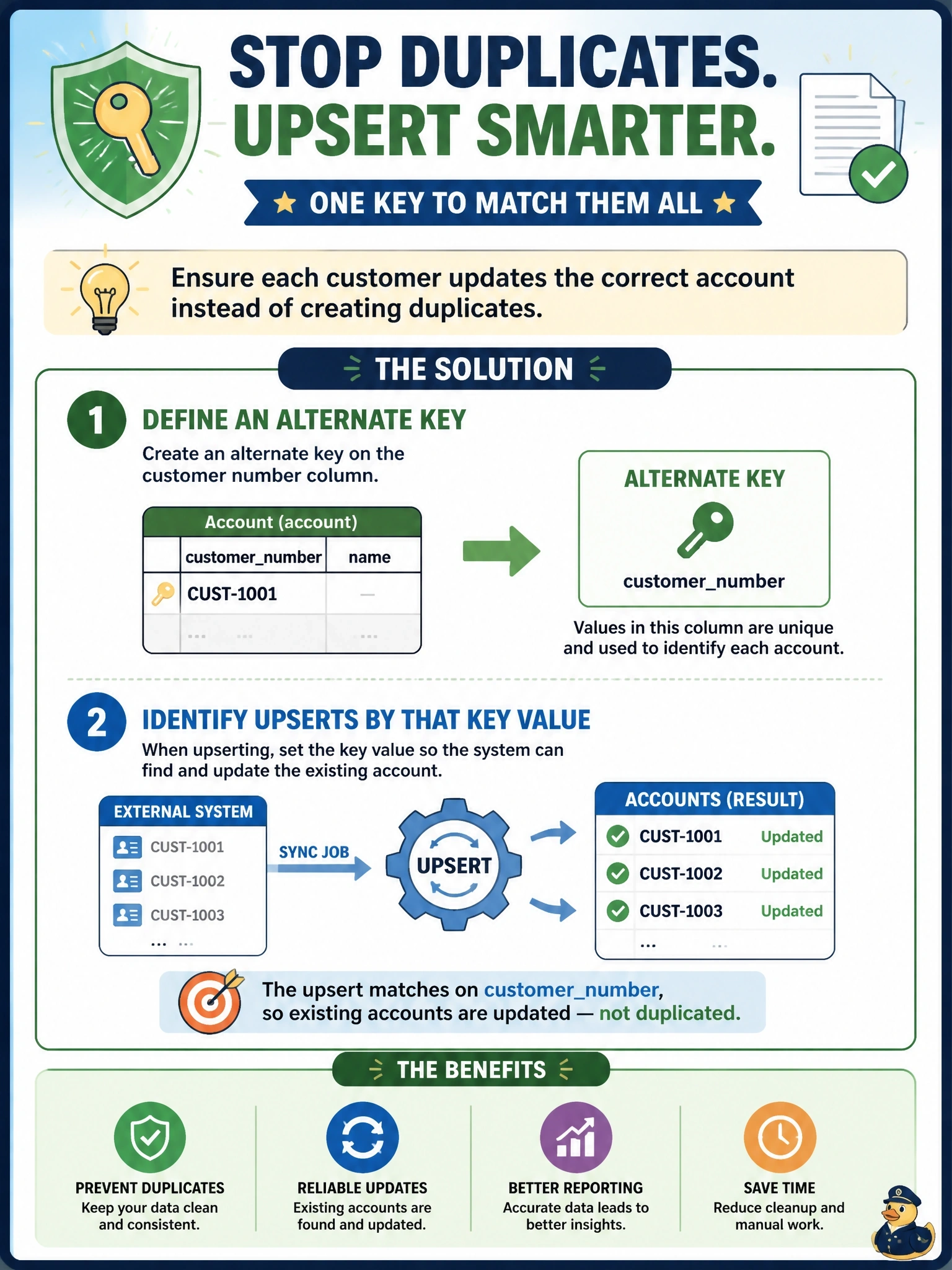
Upsert needs to know what 'the same customer' means. With no key and no ID, every row looks brand new to it, so you get a fresh account each time. Give it an alternate key on the customer number and identify each entity by that key.
Full Explanation
Upsert matches an incoming entity to an existing row by its primary key or by an alternate key. When the entity has neither an ID nor key attributes, there is nothing to match, so Dataverse creates a new row on every call, which is the observed symptom. Defining an alternate key on the customer number column, waiting for it to become active, and constructing each entity with that key, for example with the Entity constructor that takes a key name and value or the KeyAttributes collection, lets Upsert find and update the existing account. Switching to Update would fail outright for rows without an ID, and it would not create the customers that are genuinely new, so the sync would lose half its purpose. Duplicate detection rules warn about or block potential duplicates in specific scenarios; they do not merge rows or turn an upsert's create into an update. Making the column required forces a value to be present but does not make it a matching key. Exam caveat: a key that exists but is not yet active cannot be used for matching, so check the index status after creating it. Operational check: rerun the job twice against a test environment and confirm the account count stays stable and existing rows show updated values.