
A developer created an alternate key on a text column of a custom table that holds 400,000 rows migrated from a legacy system that never enforced uniqueness. The key saved without errors, but a few hours later its index status shows Failed. What is the most likely cause, and what should the developer do?
Select an answer to reveal the explanation.
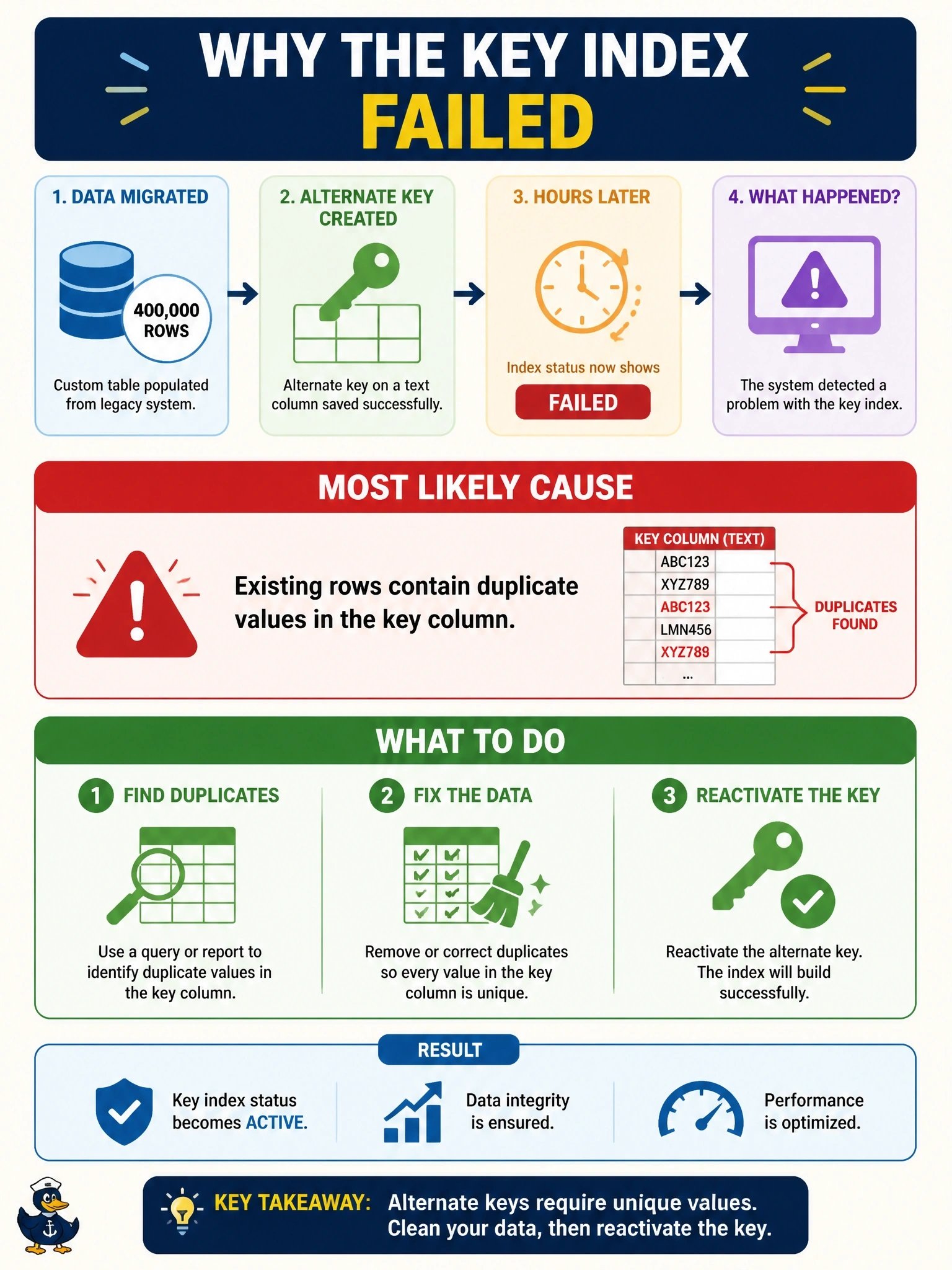
Short Explanation
A unique index is a bouncer who refuses to open the club while two people share the same ticket number. Your legacy data never enforced uniqueness, so duplicates are the obvious suspect. You clean them up, then you reactivate the key.
Full Explanation
Creating an alternate key starts a system job that builds a unique index over the existing rows. If any existing rows share the same key value, the index cannot be created and the key's index status becomes Failed; the related system job records the error. Data migrated from a system that never enforced uniqueness is the classic source of such duplicates. The fix is to find and resolve the duplicate values, then reactivate the key so the index job runs again, for example with the ReactivateEntityKey message or from the key's page. Exceeding the number of keys allowed on a table is rejected when the key is defined, not hours later during index creation. Alternate keys do not require the column to be business required; requirement level is a form and API validation setting unrelated to indexing. Solution layering decides where a component lives and how it is transported; a key created in an unmanaged solution activates normally in the development environment. Exam caveat: a key can also fail when column values are too long for the index, so check the system job's error message rather than assuming duplicates every time. Operational check: group the table's rows by the key column to list duplicates, resolve them, reactivate the key and confirm its status reaches Active.