
A team registers a webhook in Dataverse that posts to an HTTPS endpoint they host. Their receiver validates every request by reading a custom header named x-contoso-signature and comparing it with a shared secret. How should the developer register the webhook?
Select an answer to reveal the explanation.
Short Explanation
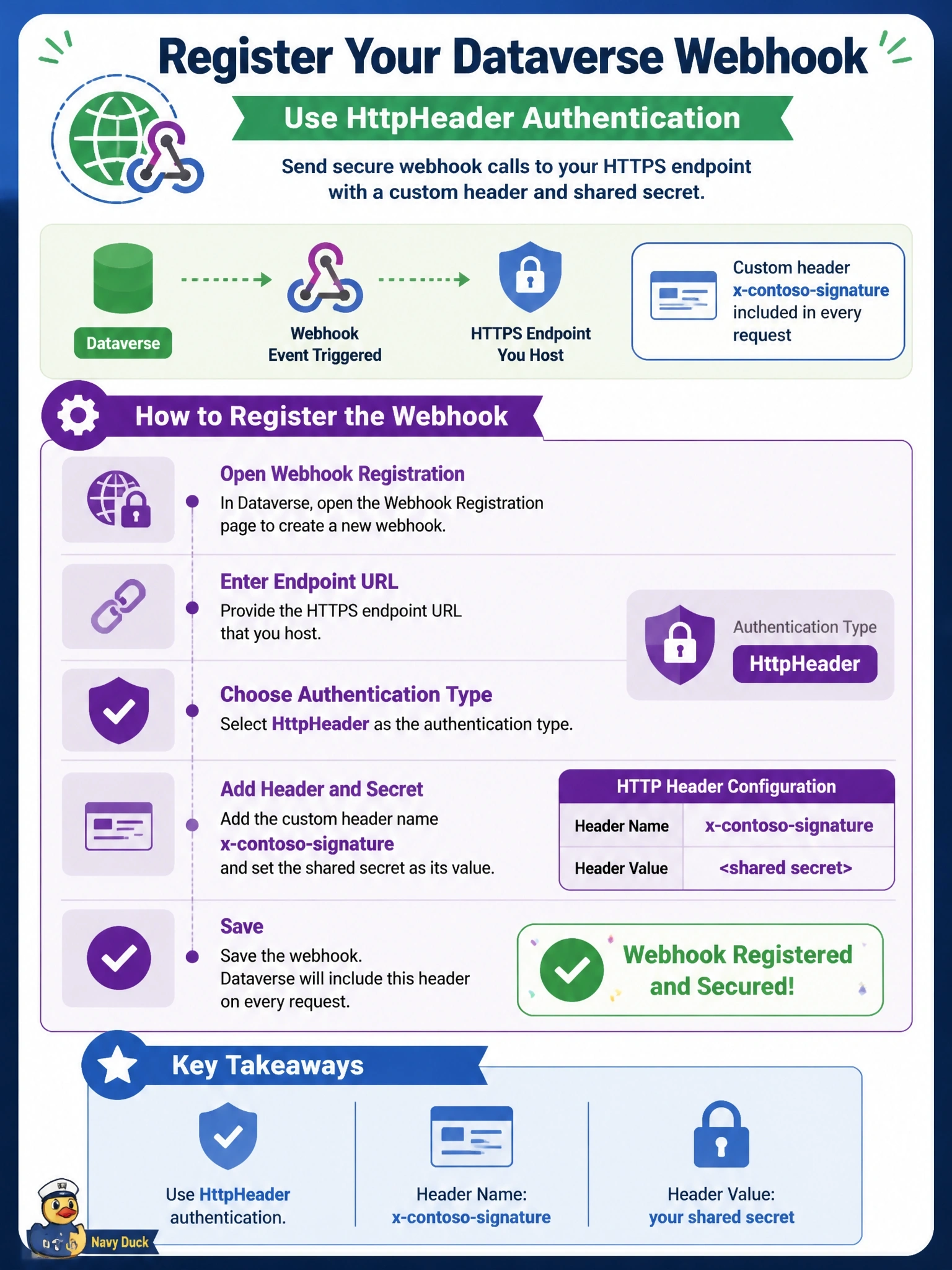
Match the lock your receiver already has. It checks a header, so you choose HttpHeader and give it the name and secret. WebhookKey and HttpQueryString both put the value in the URL, which your receiver never looks at.
Full Explanation
A Dataverse webhook registration supports three authentication options. HttpHeader sends one or more key-value pairs as HTTP headers, so the registration can include x-contoso-signature with the shared secret, exactly what the receiver checks. WebhookKey sends a single key as a query string parameter named code, the convention Azure Functions uses; the name of that parameter is fixed and cannot be redirected to a custom header. HttpQueryString sends key-value pairs as query string parameters, so the values appear in the URL rather than in any header. Registering without authentication and putting the secret in a step's secure configuration does not work, because step configuration is passed to plug-in code; a webhook step posts the execution context directly and does not turn configuration values into headers. Exam caveat: Dataverse does not compute a signature of the payload; the receiver compares a static secret, so keep the endpoint on HTTPS and rotate the value. Operational check: register the webhook, trigger the step, and confirm in the receiver's logs that the header arrives and the comparison succeeds, then send one request without the header and confirm it is rejected.