
A developer creates a Dataverse connector connection using service principal authentication with a valid client ID, secret, and tenant ID. When a flow using the connection runs, its List rows action fails with an error indicating the caller has no access to the environment or lacks privileges. What is the most likely cause?
Select an answer to reveal the explanation.
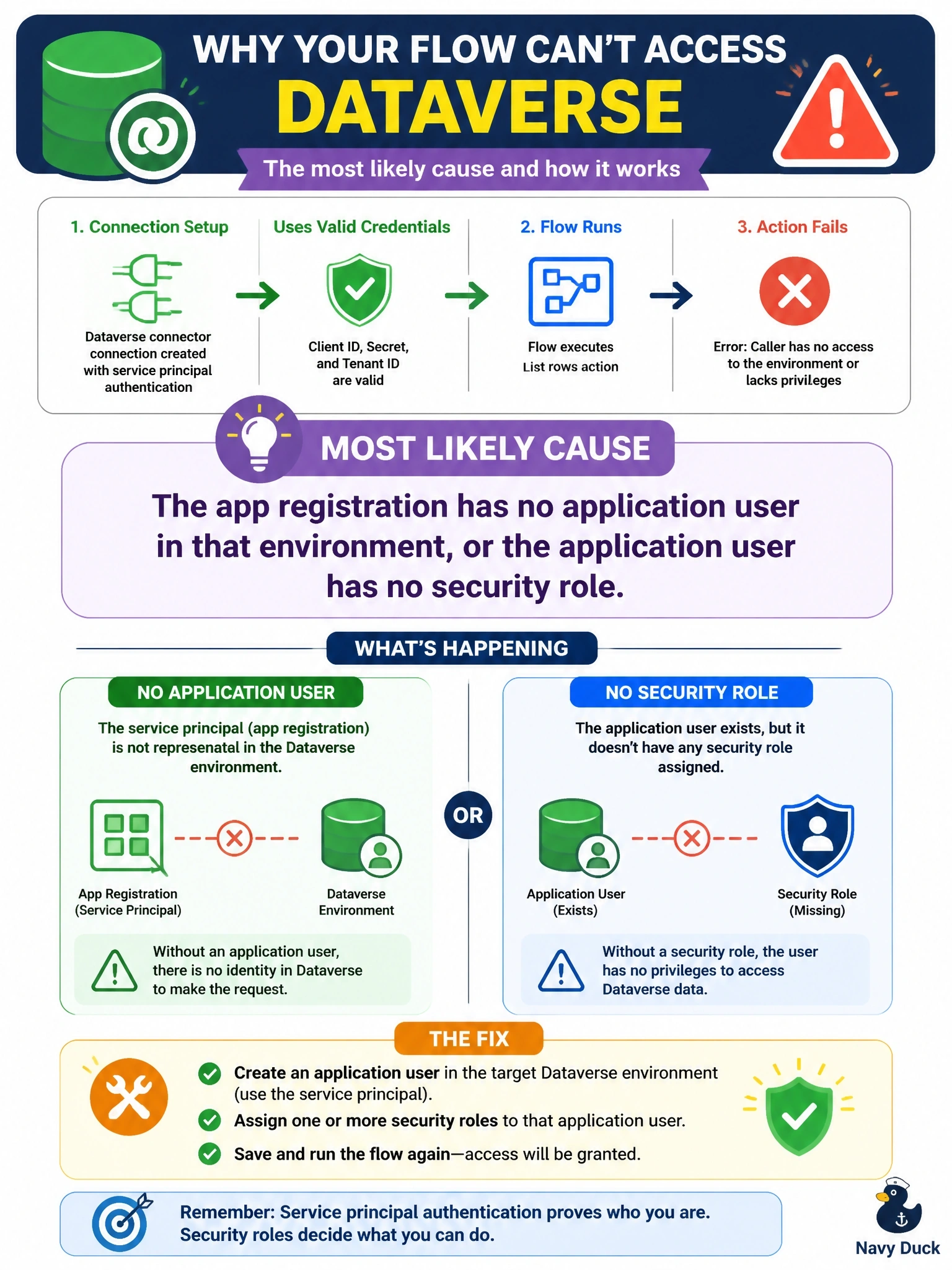
Short Explanation
Valid credentials only prove who the app is; Dataverse still has to know you and what you may touch. That's the application user and its security role. The trap answers invent Graph permissions or environment limits that don't exist.
Full Explanation
A service principal connection authenticates the app registration with Microsoft Entra ID, which succeeds when the client ID, secret, and tenant are valid. Dataverse then authorizes each request by mapping the app's ID to an application user in the target environment and evaluating that user's security roles. If no application user exists, the environment cannot identify the caller, and if it exists without a role or with a role lacking read privileges on the table, List rows fails with an access or privilege error. Creating the application user, assigning it to the correct business unit, and granting a role with the required table privileges resolves the error. Microsoft Graph permissions govern access to Graph resources such as directory objects; Dataverse does not require Directory.Read.All for row access, so adding it changes nothing. Service principal connections are not limited to the default environment; any environment with a correctly configured application user can be used. Service principals are not limited to custom tables; table privileges in the role determine which tables the application user can read, whether standard or custom. Exam caveat: the application user's business unit and role privilege depth determine which rows List rows returns, so an empty result can also be a scope issue. Operational check: in the Power Platform admin center, open the environment's application users, confirm the app ID is present, and review its assigned roles.