
A reconciliation routine compares Dataverse invoices with an ERP system and must run automatically every night at 02:00 UTC. The team will host it in Azure Functions. Which trigger configuration should the developer use?
Select an answer to reveal the explanation.
Short Explanation
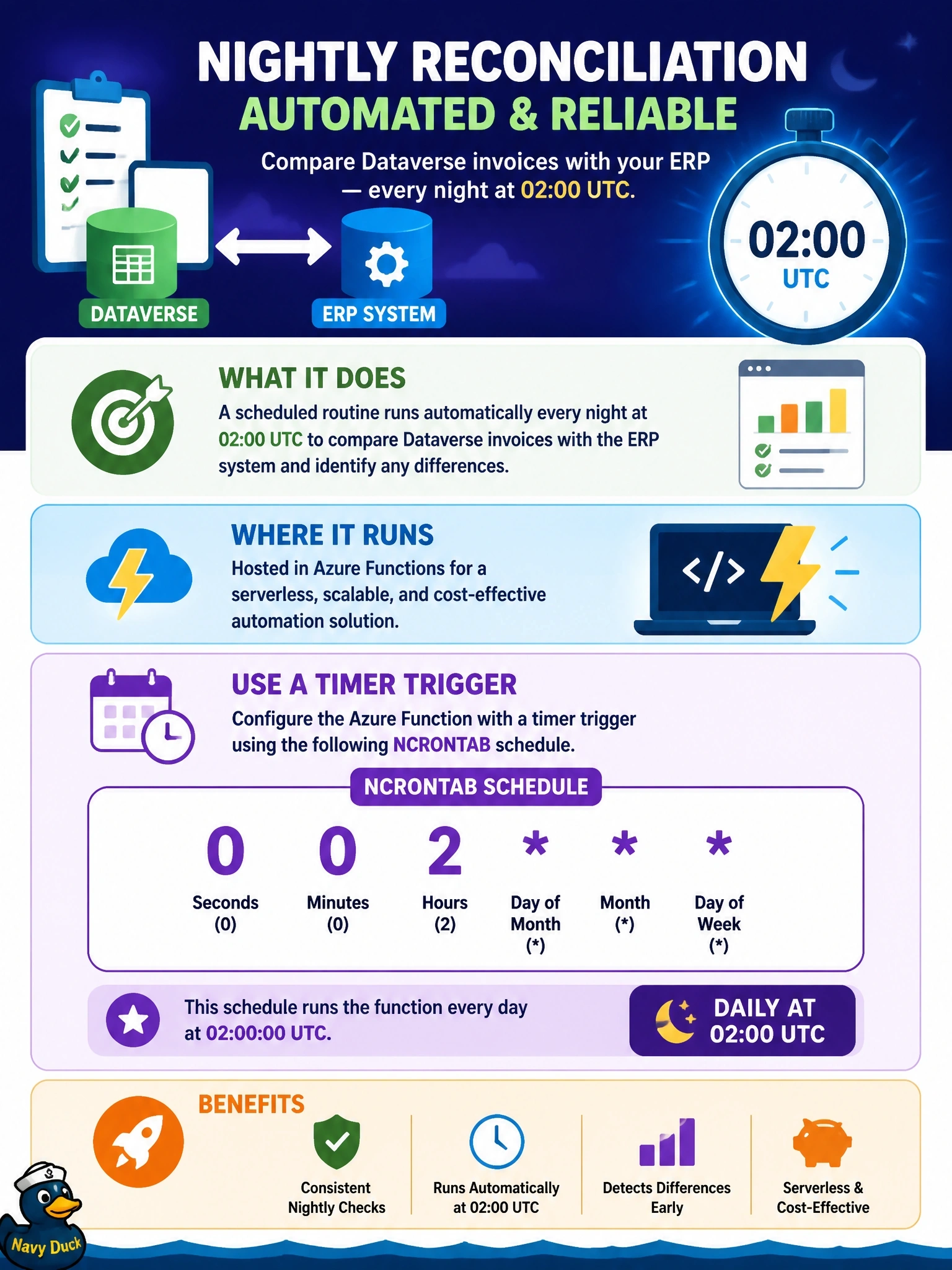
Azure Functions timers use six-field NCRONTAB, and the extra field at the front is seconds. So 02:00 is "0 0 2 *", not the five-field cron you know from Linux. Count the fields; that's where this question tries to get you.
Full Explanation
Azure Functions provides a timer trigger for scheduled work, and its schedule is an NCRONTAB expression with six fields: second, minute, hour, day, month, and day of week. The expression "0 0 2 " fires at second zero, minute zero, hour two of every day, which is 02:00 in the function app's time zone, UTC by default. A five-field expression such as "0 2 " follows classic cron layout without the seconds field; NCRONTAB in Azure Functions expects the six-field form, so that expression does not describe the intended schedule and the timer is not configured as required. Dataverse webhooks are raised by data events such as Create or Update on a table; Dataverse has no built-in nightly clock that calls a webhook, so a webhook cannot provide a fixed schedule without some other scheduler. A queue trigger runs when messages arrive; relying on a message reappearing after a visibility timeout is a fragile hack, drifts over time, and needs something to seed the first message. Exam caveat: if the schedule must follow a local time zone, the time zone setting on the function app changes how the expression is interpreted, which matters around daylight saving changes. Operational check: inspect the function's next scheduled occurrences in the portal or logs and confirm they show 02:00 UTC daily.