
A nightly integration that updates thousands of Dataverse rows through the Web API starts failing partway through with HTTP 429 Too Many Requests. The code treats any non-success status as fatal and stops the job. What should the developer change?
Select an answer to reveal the explanation.
Short Explanation
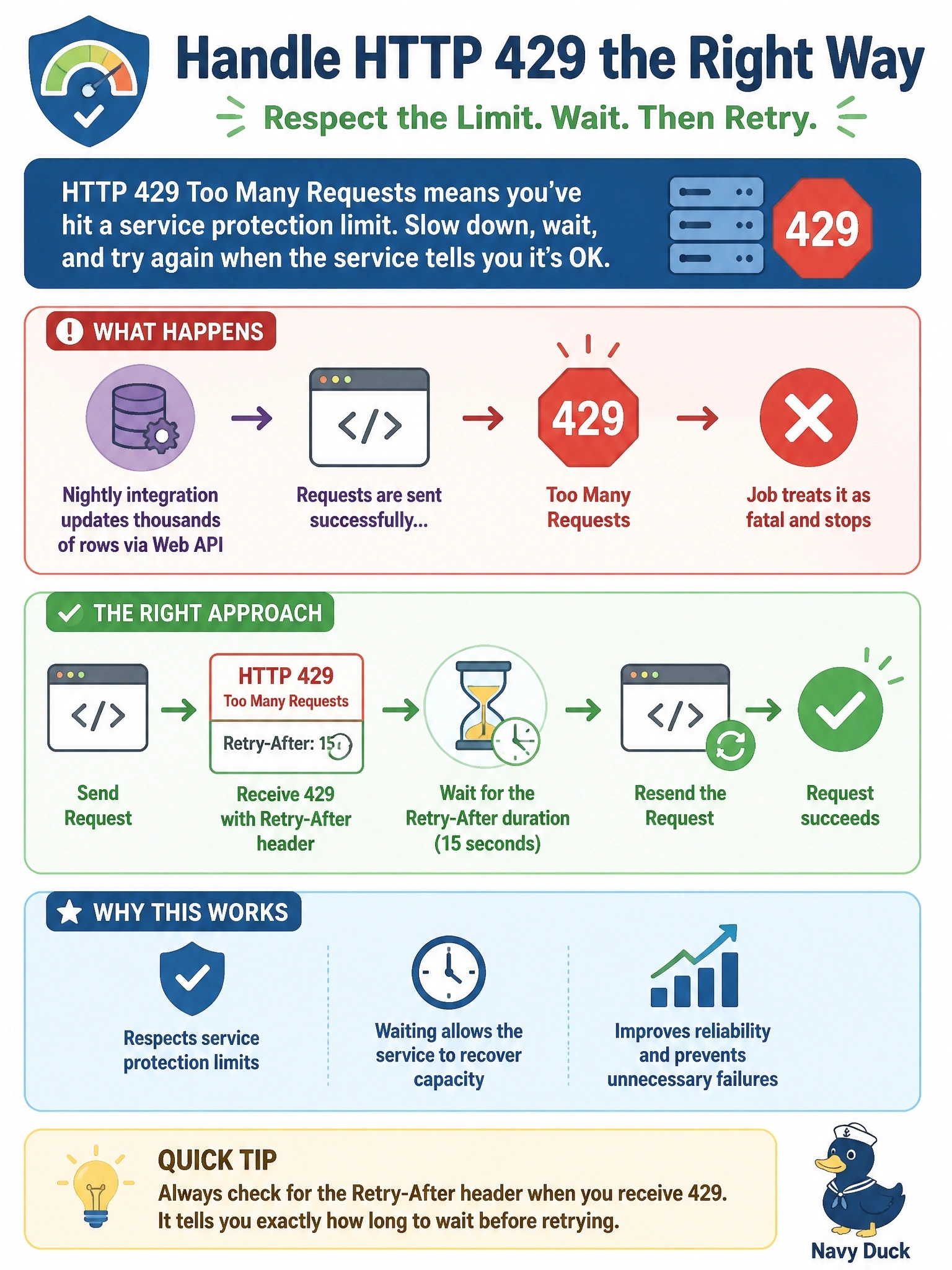
A 429 is Dataverse saying "slow down," and it even tells you for how long in the Retry-After header. Your job's mistake is hanging up the phone instead of waiting. Respect the timer, then send it again.
Full Explanation
Dataverse service protection limits are evaluated per user across the number of requests, the combined execution time and the number of concurrent requests. When a client exceeds them, the Web API returns 429 Too Many Requests with a Retry-After header indicating how many seconds to wait before new requests from that user will be processed. A non-interactive integration should pause for that duration and then resend the failed request, which keeps throughput as high as the server allows. Treating 429 as fatal stops the job unnecessarily, since the condition is temporary. Power Platform request capacity, or entitlement limits, is a separate licensing concept evaluated independently of service protection limits; buying more capacity does not stop 429 responses, and resending immediately ignores the server's instruction. A 429 is not an authentication failure; authentication problems surface as 401, and refreshing the token does nothing to the throttling window. Retrying immediately in a tight loop sends more demanding traffic and causes Dataverse to extend the Retry-After duration, lowering total throughput. Exam caveat: with the SDK for .NET, the same condition appears as an OrganizationServiceFault with a Retry-After TimeSpan in ErrorDetails, and ServiceClient handles it automatically. Operational check: log each 429 with its Retry-After value, run the job again, and confirm it completes with pauses rather than failing.