
Users report that saving any change to a contact, even a single phone number edit, takes several seconds. The plug-in trace log shows a synchronous Update plug-in that validates the contact's parent account running on every save, although its code reads only the parentcustomerid column. What is the most likely cause?
Select an answer to reveal the explanation.
Short Explanation
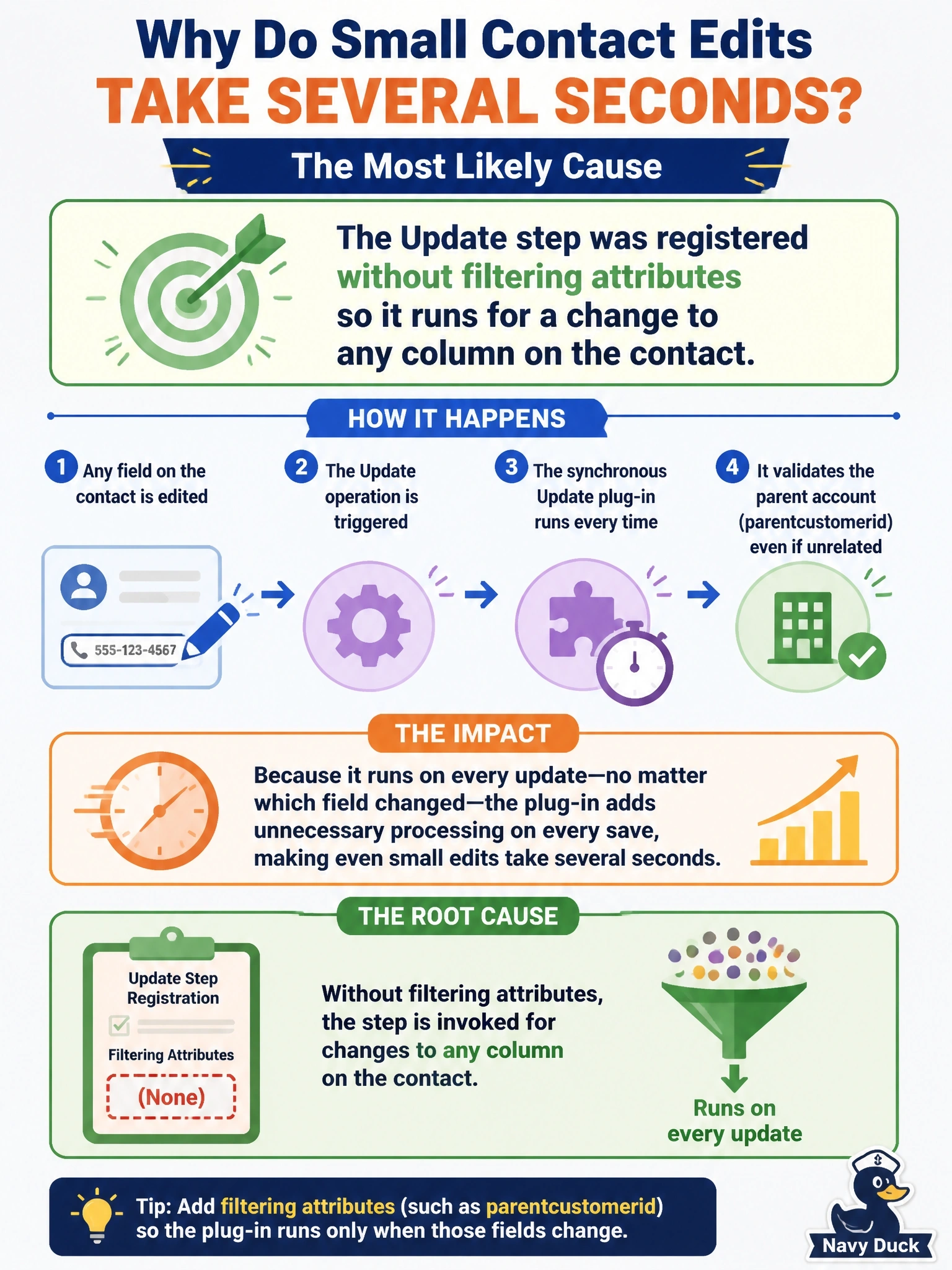
An Update step with no filtering attributes is like a motion sensor set to maximum: anything that moves sets it off. Your plug-in only cares about parentcustomerid, but without the filter it fires on every single edit. Don't blame the sandbox or the stage; check the filter first.
Full Explanation
When an Update step has no filtering attributes, Dataverse treats it as interested in every column, so the plug-in executes on each update regardless of which columns changed. A synchronous step adds its execution time to every save, which matches the symptom of slow saves on unrelated edits and a trace log showing the plug-in on each one. Adding parentcustomerid as the filtering attribute limits executions to updates that actually include that column. The PreValidation stage runs once per operation, outside the database transaction, not once per column; the stage choice affects transaction participation and timing, not how many times the plug-in runs. Sandbox isolation is the only isolation mode for Dataverse online plug-ins and does not add a per-update delay tied to column count; every online plug-in runs there. A pre-image affects the data passed to the plug-in and, when it includes all columns, can add retrieval cost, but it does not determine whether the step is triggered. Exam caveat: some integrations send every column in each update, so even a filtered step can run when values are unchanged, and the code should compare values when that matters. Operational check: edit only the phone number after adding the filtering attribute and confirm that the trace log records no execution of the plug-in.