
A synchronous PreOperation plug-in on the opportunity Create message checks the estimated revenue against a discount policy. When the policy is violated, the save must be cancelled for every caller, including the Web API, and the person using the model-driven form must see a readable explanation instead of a generic error. What should the plug-in do?
Select an answer to reveal the explanation.
Short Explanation
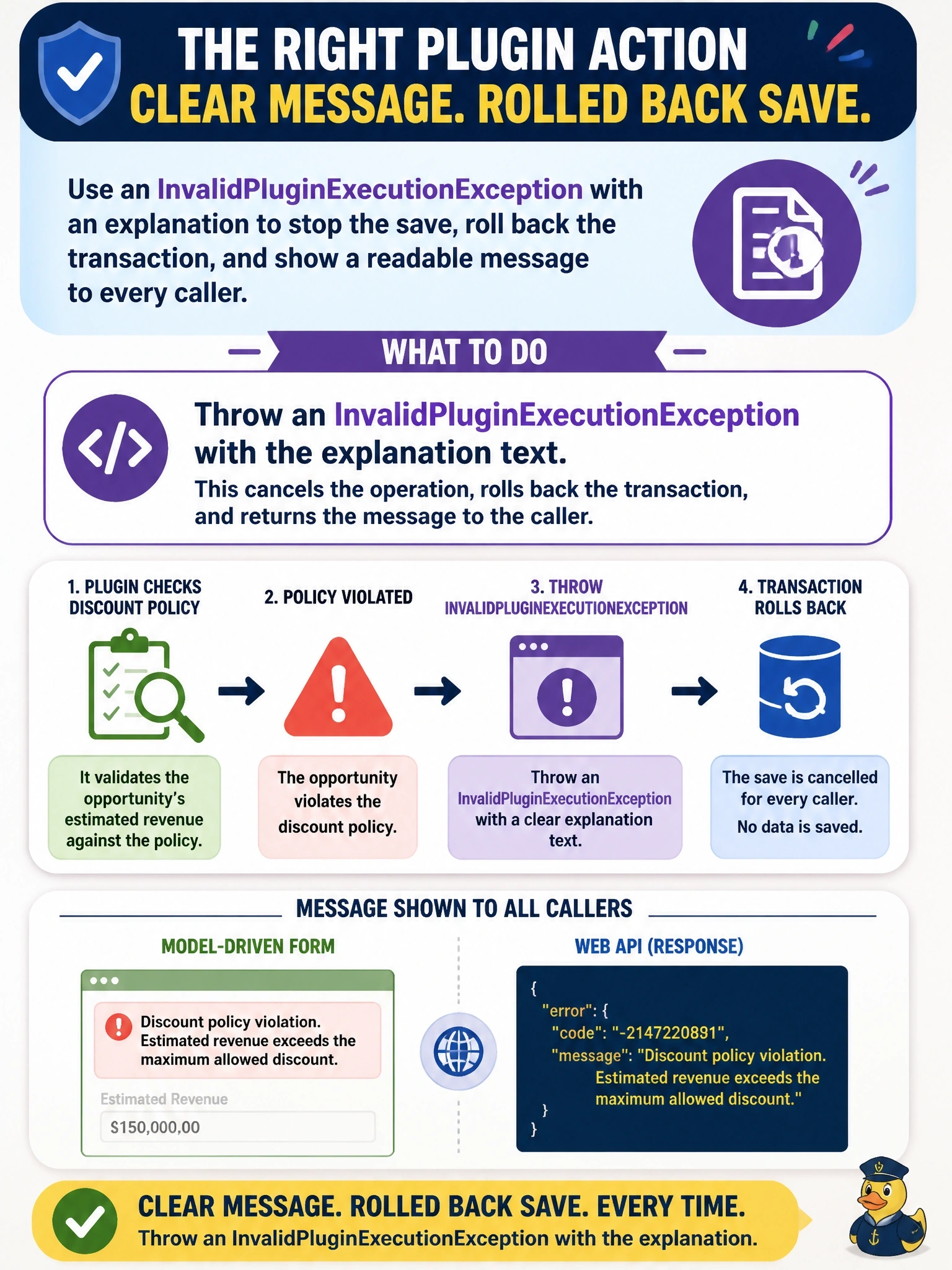
Think of InvalidPluginExecutionException as the plug-in's official red card: it stops the play, rolls everything back, and hands your message to whoever's calling. The trap is a plain Exception, which still cancels things but leaves your user staring at a generic error. And tracing alone? That just writes a diary entry while the bad row saves anyway.
Full Explanation
A synchronous plug-in that runs inside the database transaction cancels an operation by throwing InvalidPluginExecutionException. Dataverse rolls back the transaction, returns the exception's message to the caller, and model-driven apps display that message in a business process error dialog, so the rule is enforced for form saves, Web API calls and imports alike. Placing the check in PreOperation or PreValidation means no data is committed before the exception is raised. Clearing a value in Target and returning normally does not cancel anything; the row is saved with the altered data unless a separate requirement rule happens to reject it, and the user receives no explanation. Writing to ITracingService records diagnostic text in the plug-in trace log, but a plug-in that returns normally lets the operation complete, so the violating opportunity is created. Throwing a generic System.Exception does stop the operation, but Dataverse treats it as an unexpected error and the user sees a generic failure rather than the intended business message. Exam caveat: in an asynchronous step the exception fails only the system job, because the original save has already committed. Operational check: create a violating opportunity through the form and through the Web API, and confirm both return the custom message with no row created.