
A maker builds a Copilot Studio agent and confirms that it answers correctly in the Copilot Studio test pane. The developer adds the Copilot Studio connector to a code app and calls ExecuteCopilotAsyncV2 with the correct agent name, but the call returns no agent response. Which step was most likely missed?
Select an answer to reveal the explanation.
Short Explanation
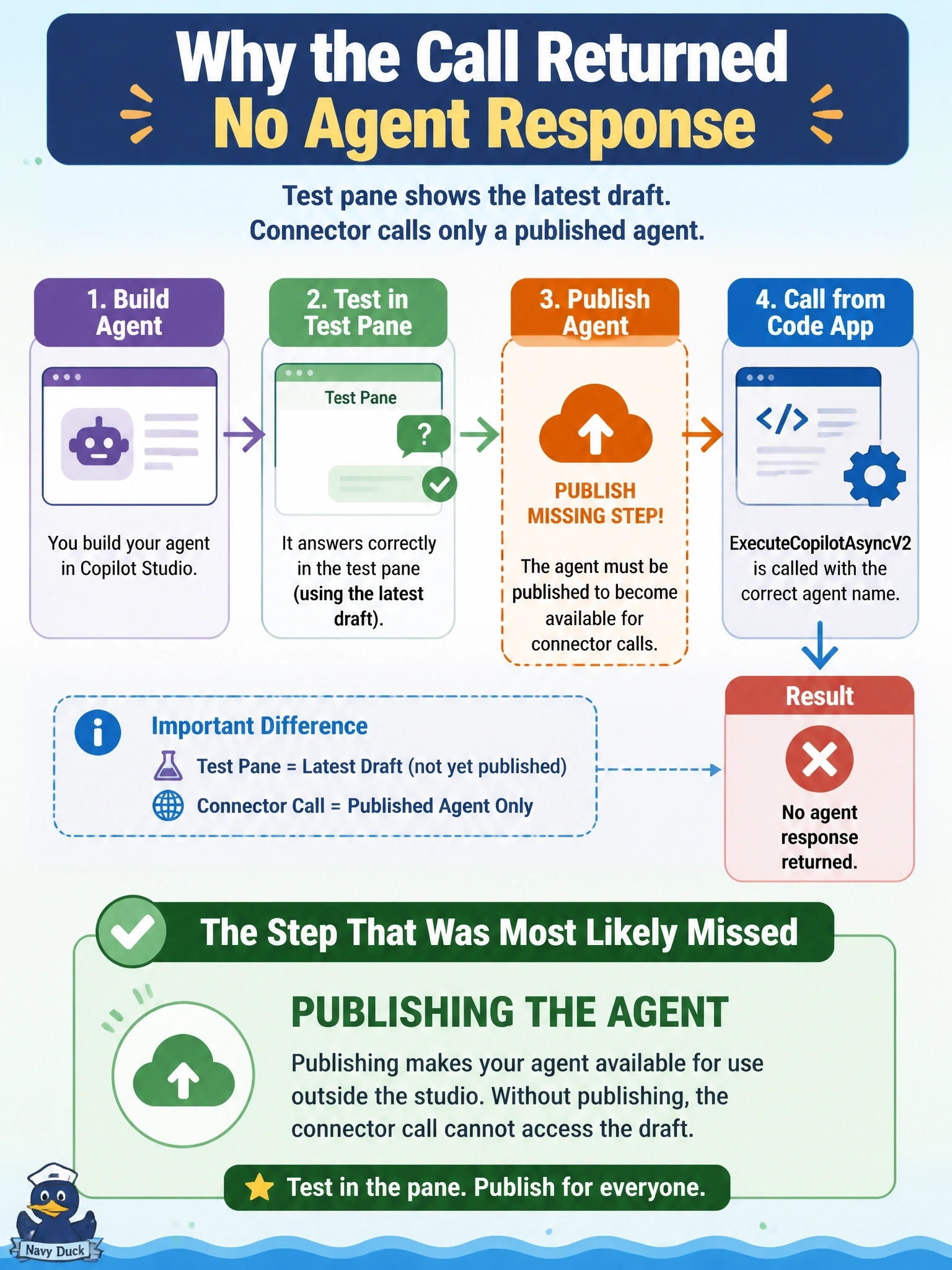
The test pane is the dress rehearsal; publishing is opening night. Your code app only gets to see the show after the agent is published. Don't go chasing solutions, channels or roles when the agent never went live.
Full Explanation
Copilot Studio keeps a working draft of an agent that makers test in the test pane, and a published version that channels and connectors use. Microsoft lists a published agent as a prerequisite for invoking it from a code app, and the troubleshooting guidance for empty responses starts with confirming the agent was published and the name matches. An agent that works in the test pane but was never published therefore has no version for ExecuteCopilotAsyncV2 to run. Solution membership is an ALM concern for moving the agent between environments; the connector locates the agent by name in the environment, not by the code app's solution. The Teams channel publishes the agent to Microsoft Teams users and is unrelated to connector calls from a code app. The Environment Maker role lets users create resources in an environment; ordinary app users do not need it to receive agent responses, and granting it broadly would be an unnecessary privilege. Exam caveat: after any later change, the agent must be published again before the code app sees the new behavior, even though the test pane reflects it immediately. Operational check: publish the agent, confirm the agent name in the Web app channel connection string, and repeat the call.