
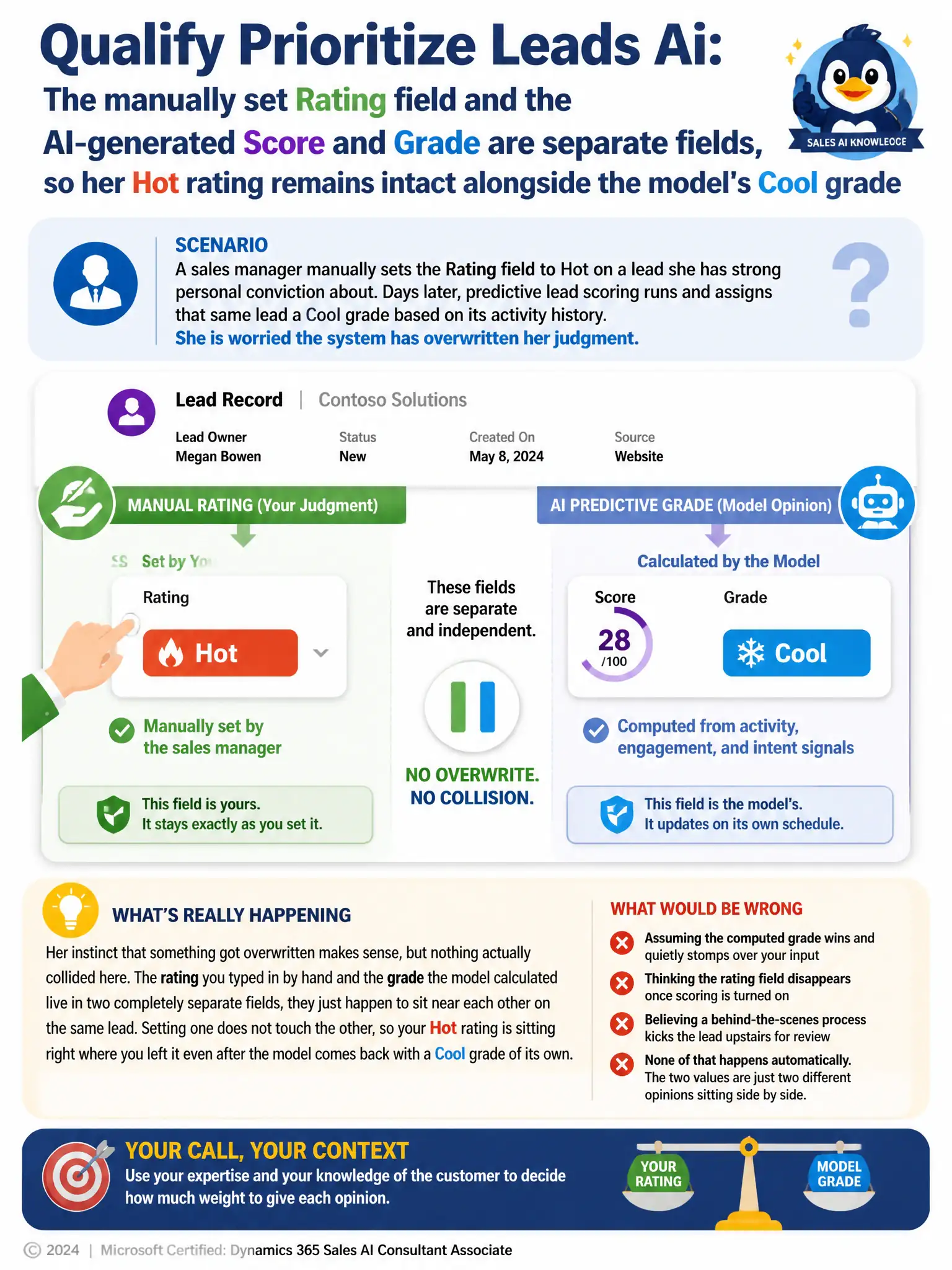
A sales manager at a client manually sets the Rating field to Hot on a lead she has strong personal conviction about. Days later, predictive lead scoring runs and assigns that same lead a Cool grade based on its activity history. She is worried the system has overwritten her judgment. What should the consultant tell her?
Select an answer to reveal the explanation.
Short Explanation
You're right to check, but nothing was overwritten. The manually set Rating and the model-generated Score and Grade are separate fields, so your Hot rating stays right where you left it while the model shows Cool.
Full Explanation
The right answer is the one explaining that the manually set Rating field and the AI-generated Score and Grade are separate fields, so her Hot rating is untouched by the scoring run and both values simply coexist on the record for sellers to weigh together. The claim that predictive scoring always takes precedence over manual input and will overwrite the Rating field with the computed grade on the next refresh is incorrect because predictive scoring does not write to or overwrite the Rating field at all; the two fields are tracked and updated through entirely separate mechanisms. The claim that once predictive scoring is enabled the Rating field is removed from the lead form and can no longer be set manually is incorrect because enabling predictive lead scoring does not remove the Rating field from the form or restrict it from manual entry; it remains available for sellers to use as they always have. The claim that the disagreement between her rating and the model's grade will automatically trigger a workflow that reassigns the lead to a supervisor for review is incorrect because there is no built-in workflow that detects a mismatch between a manual rating and a predictive grade and automatically escalates it; any such review process would have to be built separately and is not part of the feature's default behavior.