
A consultant is setting up predictive lead scoring for the first time in an environment with dozens of custom lead fields, several of which capture internal notes that would not meaningfully predict conversion. During the scoring model configuration wizard, what should the consultant do before publishing the model?
Select an answer to reveal the explanation.
Short Explanation
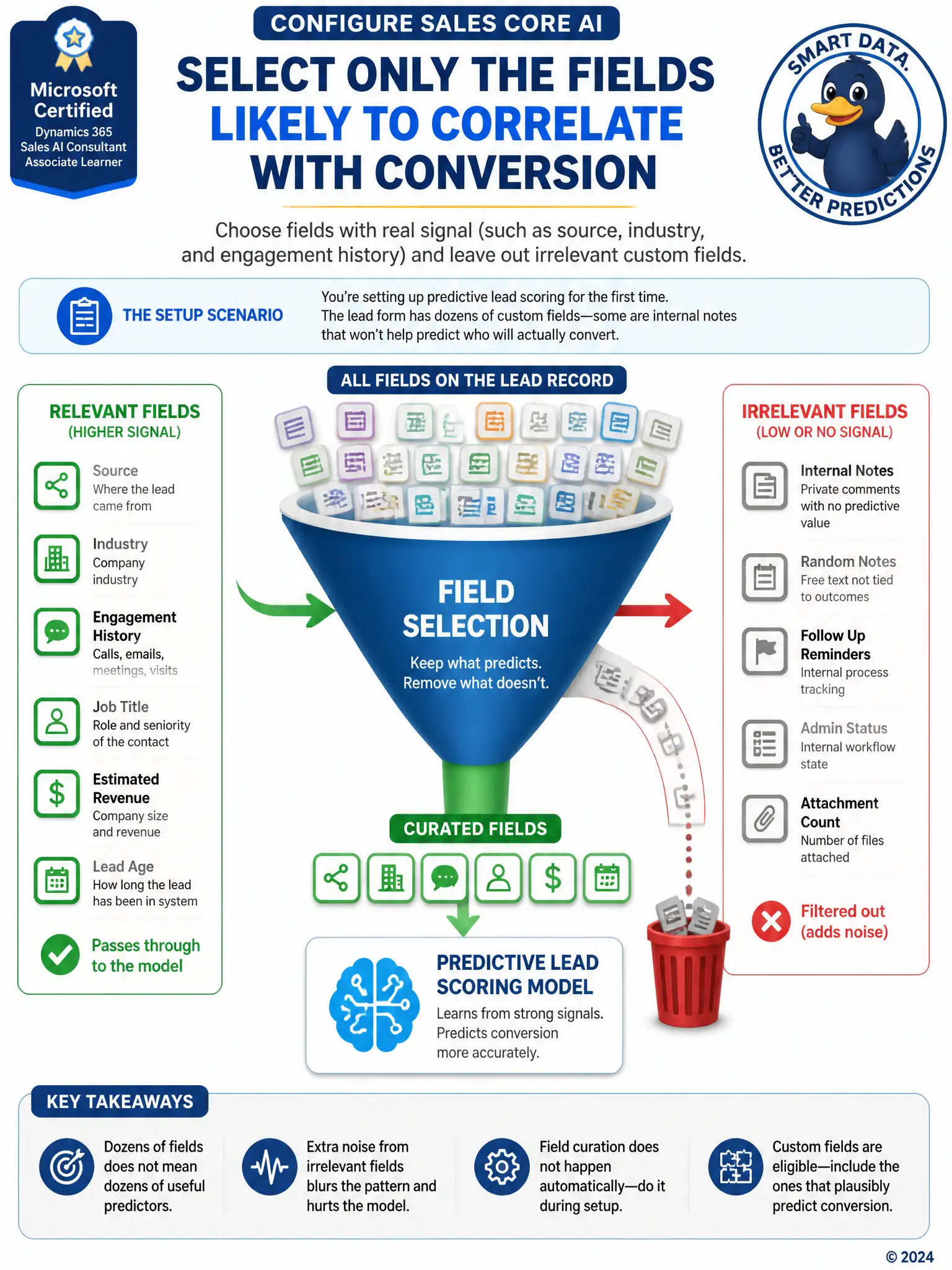
Don't dump every lead field into the model. Pick the fields that actually hint at conversion, like source, industry, and engagement history, and leave out internal notes that add noise.
Full Explanation
The correct approach is selecting only the fields likely to correlate with conversion, such as lead source, industry, or engagement history, while excluding fields like internal notes that carry no predictive signal. The predictive lead scoring configuration wizard asks the consultant to choose which fields the model should analyze, and deliberately curating that list produces a cleaner and more accurate model. Including every field on the lead form is incorrect because adding every field, especially free-text or internal-use fields, introduces noise that can dilute the model's accuracy rather than improve it; more fields is not automatically better. Leaving field selection at its default and relying on the model to automatically discard low-value fields after publishing is also incorrect because the wizard does not automatically discard low-value fields after publishing; field selection is a manual step the consultant must complete during setup, and leaving the defaults unreviewed can leave irrelevant fields in the model indefinitely. Disabling predictive scoring for custom entities and enabling it only on the out-of-box Lead fields is incorrect because predictive lead scoring is not restricted to out-of-box fields only; custom fields on the Lead entity can be selected for the model just like standard fields, so excluding them entirely is unnecessary and would waste useful predictive signal.