
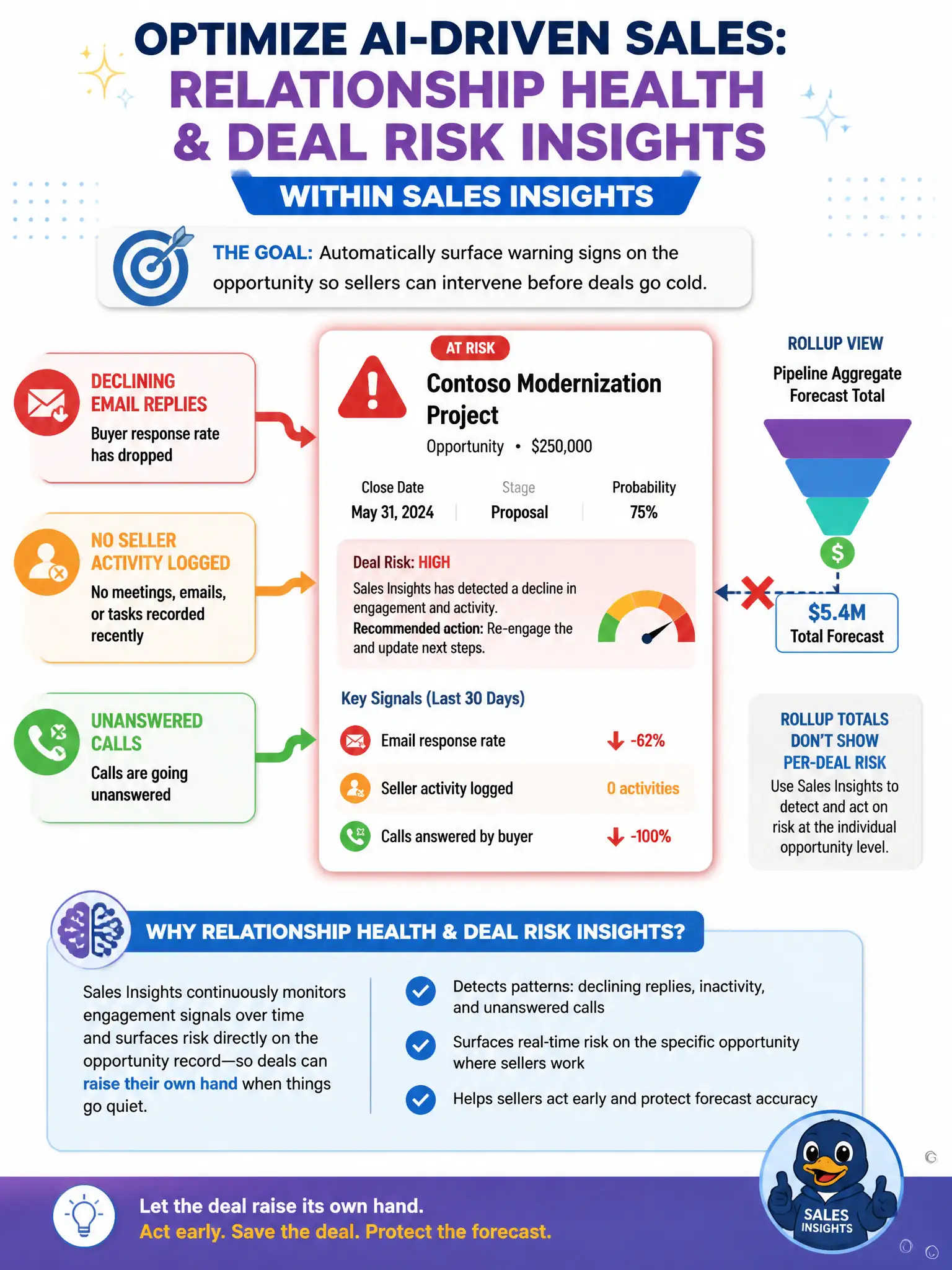
A sales manager notices several opportunities forecasted as likely to close have stalled: sellers have logged no recent activity, email response rates from the buyer side have dropped, and calls are going unanswered. The manager wants Dynamics 365 Sales to automatically surface these warning signs on the opportunity itself so sellers can intervene before the deals go cold, rather than relying on sellers to notice the pattern themselves. Which AI-driven capability should the consultant configure?
Select an answer to reveal the explanation.
Short Explanation
You need a capability that watches engagement signals and flags risk on the specific opportunity. Relationship health and deal risk insights within Sales Insights do that automatically, so sellers see the warning before the deal goes cold.
Full Explanation
Relationship health and deal risk insights within Sales Insights are built to continuously analyze signals such as declining response rates, gaps in seller activity, and unanswered outreach, then surface risk indicators directly on the affected opportunity so a seller sees the warning without having to notice the pattern manually. This matches the manager's requirement for automatic, per-deal detection rather than manual review. A manually configured business process flow stage requirement is incorrect because it is a static, manually defined rule that enforces data entry or task completion at a stage; it does not analyze engagement patterns or detect risk on its own. Copilot's email drafting assistant is incorrect because it helps a seller compose messages faster once they decide to act, but it does not detect stalled deals or declining engagement in the first place. The predictive forecast rollup at the pipeline level is incorrect because it aggregates expected revenue across an entire pipeline or team for planning purposes; it reports a summary number rather than flagging risk signals on any individual opportunity, so a manager reviewing only the rollup would not see which specific deals are stalling.