
An administrator is preparing to turn on predictive opportunity scoring for the first time in a new Dynamics 365 Sales Premium environment. (Select TWO.) Which two conditions must be true for the model to begin producing usable scores?
Select all correct answers, then click Submit.
Short Explanation
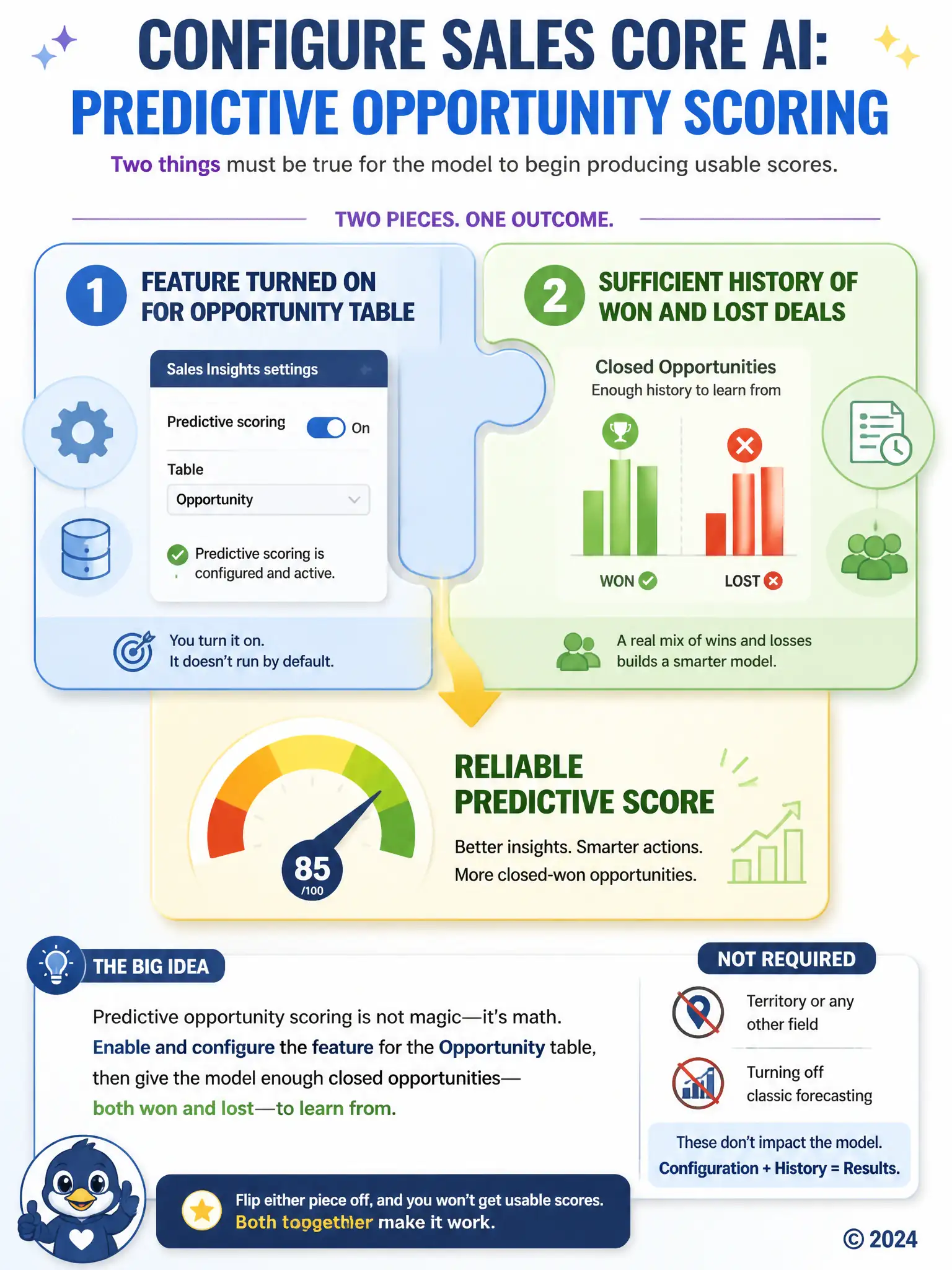
You need two things working together: turn predictive scoring on for the Opportunity table in Sales Insights settings, and give the model enough closed opportunities with both won and lost outcomes to learn from. If either one is missing, you won't get usable scores.
Full Explanation
Predictive opportunity scoring requires both explicit configuration and usable historical training data. First, the feature must be turned on and configured for the Opportunity table through Sales Insights settings; without that configuration step, the scoring engine is not running against opportunity data. Second, the model needs a sufficient volume of closed opportunities that include both won and lost outcomes so it can learn what separates likely wins from likely losses. These conditions are required together: configuration starts the process, and labeled historical outcomes give the model something meaningful to learn from. The condition about assigning a sales territory to every opportunity is not required because sales territory is not a prerequisite field the scoring engine depends on; opportunities without a territory can still be scored as long as the model has the signals it actually relies on. The condition about disabling classic Dynamics 365 forecasting is also incorrect because predictive opportunity scoring and classic forecasting are separate capabilities that can coexist. There is no requirement to turn off forecasting before enabling AI-based scoring, and doing so would remove a tool leadership may still want to use. The genuine prerequisites are the explicit feature configuration and a sufficient base of historical won and lost outcomes, not unrelated data fields or disabling other features.