
A sales manager wants leads that originate from a specific marketing campaign to automatically enter a follow-up sequence in Sales Accelerator as soon as they arrive, while leads from all other sources continue to be worked manually by reps without any sequence. Which configuration accomplishes this?
Select an answer to reveal the explanation.
Short Explanation
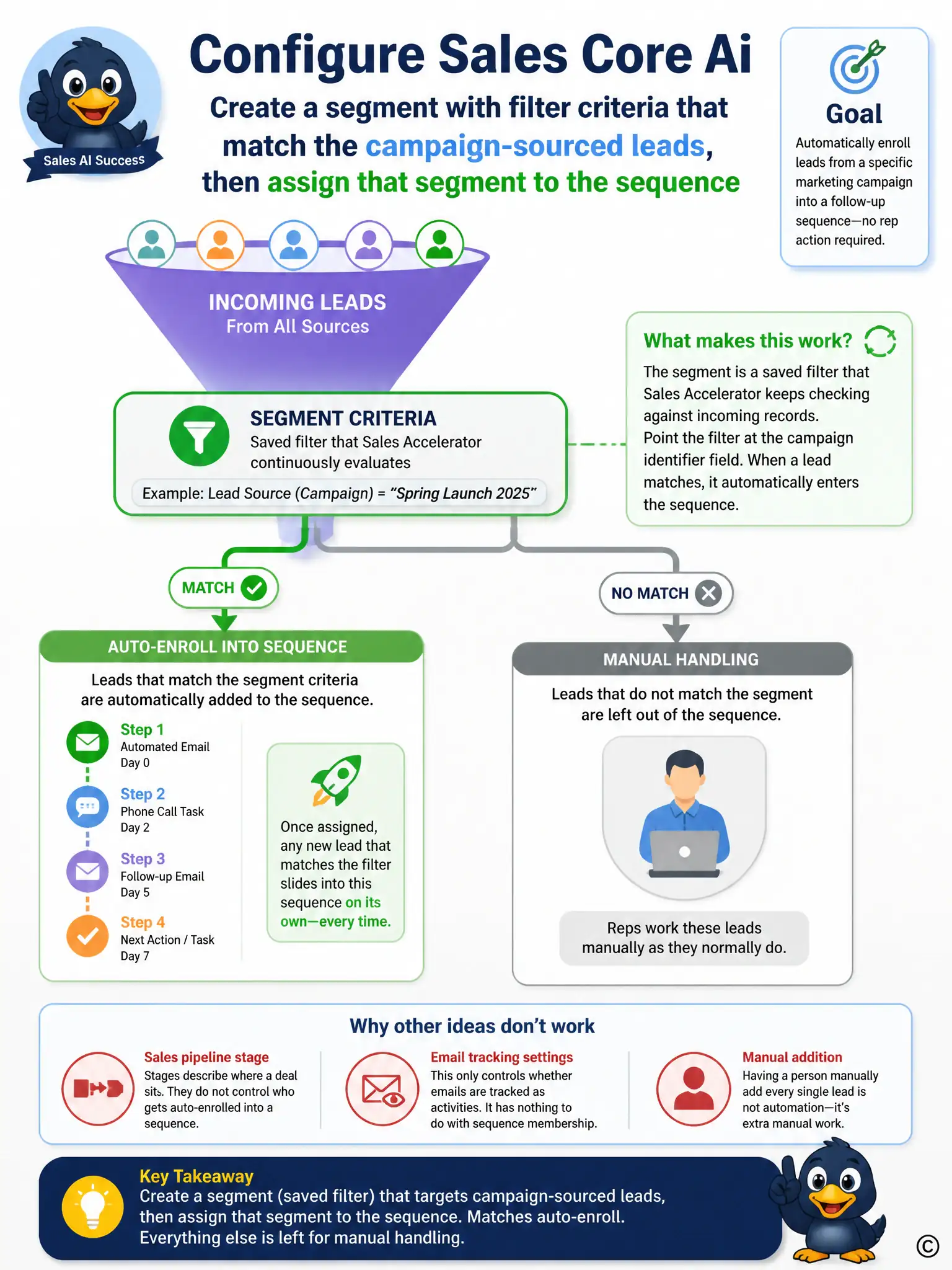
The segment does the work. You set a saved filter for campaign-sourced leads, attach it to the sequence, and matching leads enroll automatically while other leads stay manual. Manual adding, pipeline stages, and email auto-capture don't control sequence membership.
Full Explanation
The correct configuration is the segment with filter criteria that match the campaign-sourced leads, then assign that segment to the sequence. Sales Accelerator uses segments, which are saved filter definitions, to determine which records a sequence applies to; assigning a segment scoped to the campaign field to the sequence means any lead matching that filter is automatically enrolled the moment it meets the criteria, exactly as the manager wants for campaign leads while everything else stays untouched. The manual 'Add to Sequence' command is incorrect because manually adding each lead defeats the goal of automatic enrollment and does not scale as campaign volume grows, requiring constant rep attention instead of a one-time configuration. The business process flow stage named for the campaign is incorrect because business process flow stages track where a record sits in a sales process; they do not control sequence membership, so moving a lead into a new stage would not enroll it in Sales Accelerator's follow-up sequence. The mailbox 'Auto-capture' setting is incorrect because auto-capture governs whether inbound emails and appointments are automatically tracked as Dynamics 365 activities, which is unrelated to deciding which leads get placed into a sequence. Segments tied to filter logic are the mechanism built specifically for this kind of source-based, automatic sequence assignment.