
A platform team must control which local MCP servers employees run on managed laptops, knowing users install them the way they install editor extensions. Which starting posture does MCP's local server security guidance recommend?
Select an answer to reveal the explanation.
Short Explanation
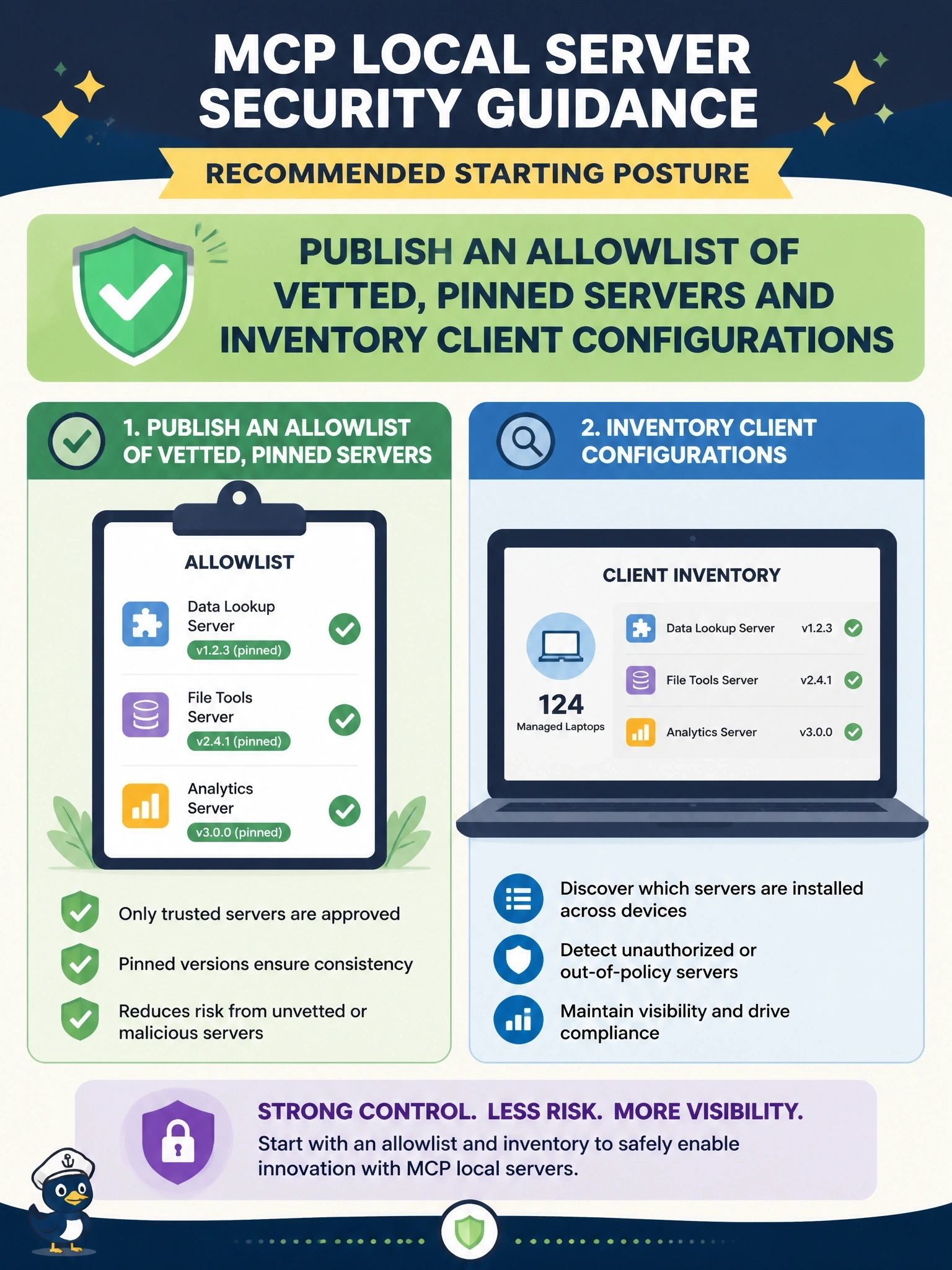
You can't approve what you can't see, and the protocol won't tell you what's installed. So you publish a short menu of approved, version-pinned servers and keep a running inventory of client configs across the fleet. Make the approved path the easy path.
Full Explanation
The local server security guidance has a section for administrators managing local servers across an organization. It notes that local MCP servers are ordinary software installed by users and that the protocol cannot inventory, patch or contain processes on machines it does not manage, so this is endpoint and software governance. Its recommended starting posture is an inventory of client configurations across the fleet plus a short allowlist of approved servers with pinned versions and published acceptance criteria, treating everything outside both like any unapproved software, and making the approved path easier than the unapproved one. Expecting the protocol to report installations fails because MCP has no such mechanism; inventory comes from endpoint management tooling reading configuration files in known locations. A blanket ban with per-use exceptions contradicts the guidance's warning that users will not ask first and that the approved path must be easy, and pushes installs into the shadows. Relying on tool-approval prompts ignores that a malicious server can read files and exfiltrate data at launch, before any tool is approved. Exam caveat: the guidance also advises a default isolation posture, audit logging of MCP activity and a plan to block egress and rotate credentials during a fleet incident. Operational check: run the inventory collector across a pilot group and compare every configured server and version against the allowlist.