
A stdio MCP server runs correctly when a developer starts it from a terminal inside the project folder, but cannot find its data files or API key when a host launches it. What should the developer check first?
Select an answer to reveal the explanation.
Short Explanation
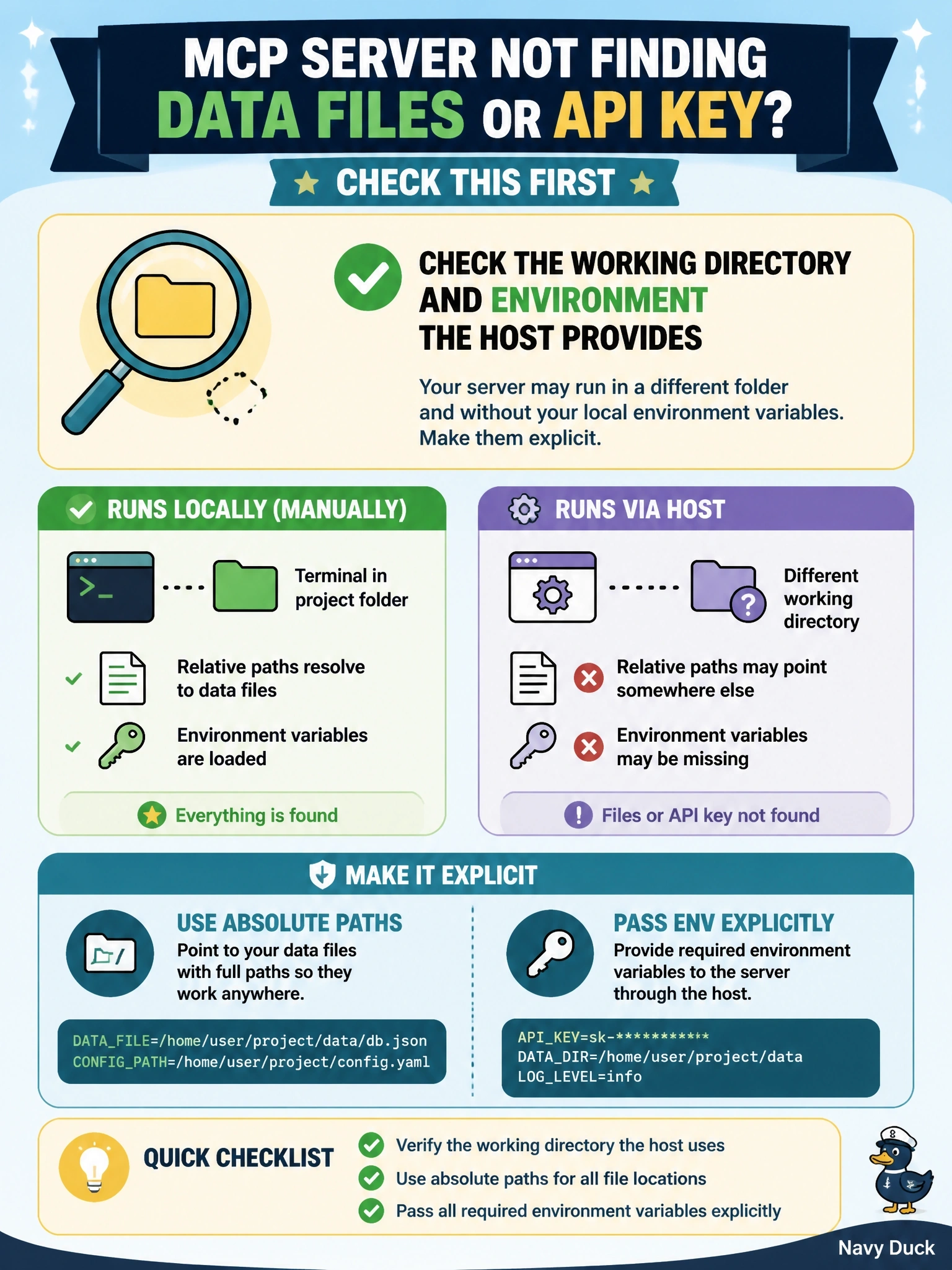
In your terminal, the server wakes up in your project folder with your whole environment around it. Launched by a host, it might wake up at the filesystem root with almost nothing set. You use absolute paths and hand it the environment variables it needs on purpose.
Full Explanation
The debugging guide lists the working directory and environment variables as common causes of exactly this symptom. When a client launches a stdio server from its configuration, the working directory may be undefined, such as the root directory on macOS, because the client could have been started from anywhere, so relative paths like ./data resolve to the wrong place; the guidance is to use absolute paths in configuration and environment files. Servers launched over stdio also inherit only a limited, platform-dependent subset of environment variables, so an API key exported in the developer's shell may be missing unless the host's per-server configuration passes it explicitly. The initialize handshake is legacy behavior; under 2026-07-28 every request carries its version and capabilities in _meta, and a handshake issue would surface as a protocol error rather than missing files. ttlMs controls cache freshness of list results and cannot cause file or credential lookups to fail. Roots are informational, deprecated in this revision, and never controlled where a server can read its own data files. Exam caveat: pass only the credentials the server needs, scoped narrowly, rather than inheriting a whole shell environment. Operational check: have the server log its working directory and the presence of required variables to stderr at startup, then compare the terminal run with the host-launched run.