
A developer has just written an MCP server and wants to list and call its tools, read its resources and watch notifications, with no model or host application involved. Which tool fits best?
Select an answer to reveal the explanation.
Short Explanation
Before you put an engine in a car, you run it on a test bench. The MCP Inspector is that bench: hook up your server and poke every tool, resource and prompt by hand, no model needed. It's the first stop when anything looks off.
Full Explanation
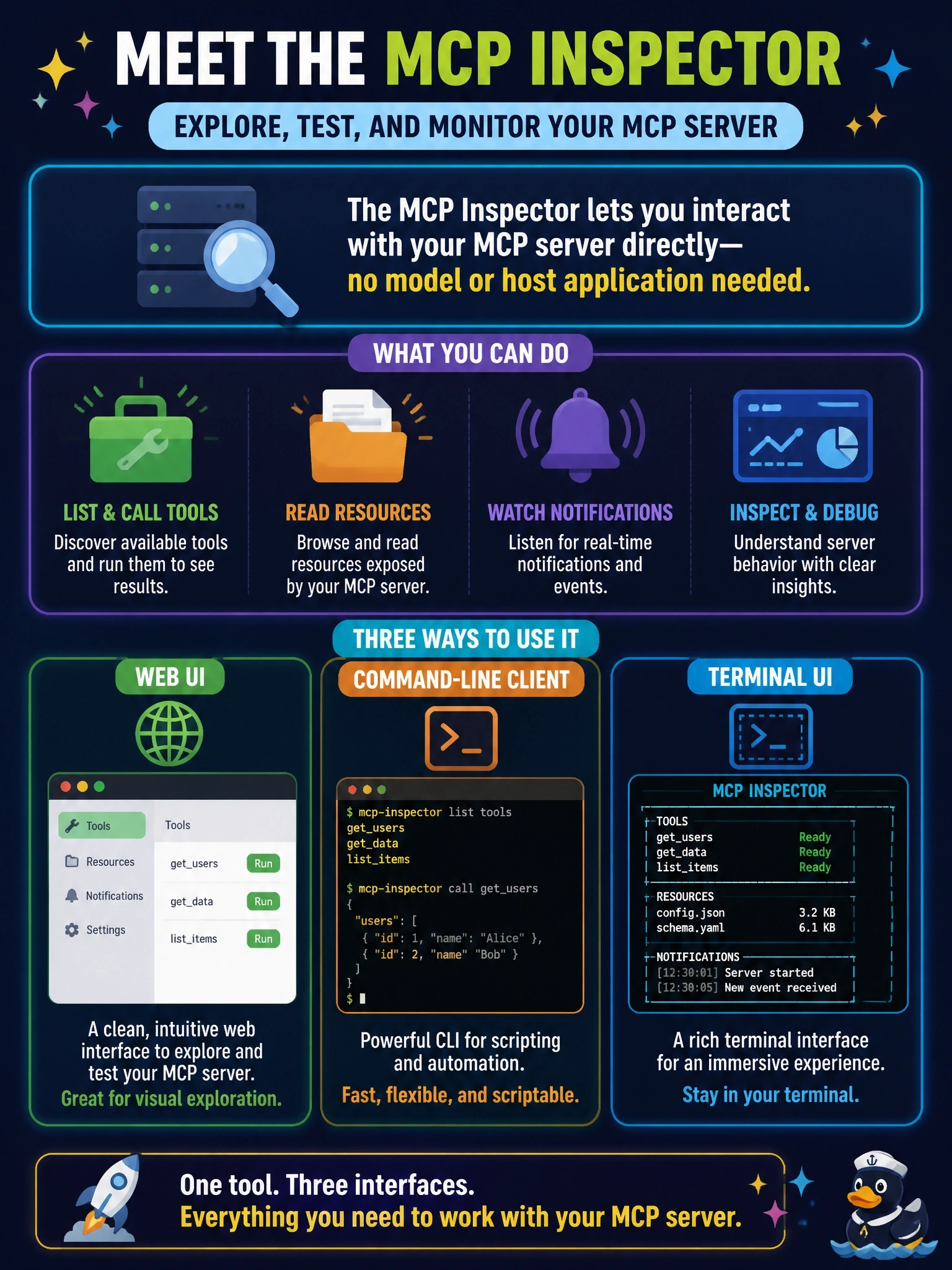
The MCP Inspector is the reference developer tool for testing and debugging MCP servers. It ships as one package with three clients behind one binary: a web UI that is the default and richest surface, a scriptable CLI for continuous integration and pipelines, and an interactive terminal UI. It connects to stdio or Streamable HTTP servers, lets the developer invoke tools, prompts and resources, and shows the notification stream, and the debugging guide calls it the first stop. It also lists every tool a server exposes without a model in the loop, which the security guidance recommends for reviewing tool descriptions. A load tester replays traffic for performance work; it does not offer interactive exploration of a server's primitives. The MCP Registry is a catalog of published server metadata described by server.json and reverse-DNS names; it does not run servers or execute their tools. A production host with a test model adds exactly the model and host the developer wants to exclude, and the model's choices make results non-deterministic and hard to debug. Exam caveat: the Inspector handles both legacy and modern protocol eras, which helps when testing backward compatibility. Operational check: launch the Inspector against the server, list tools, call one with valid and invalid arguments, and confirm the responses and notifications.