
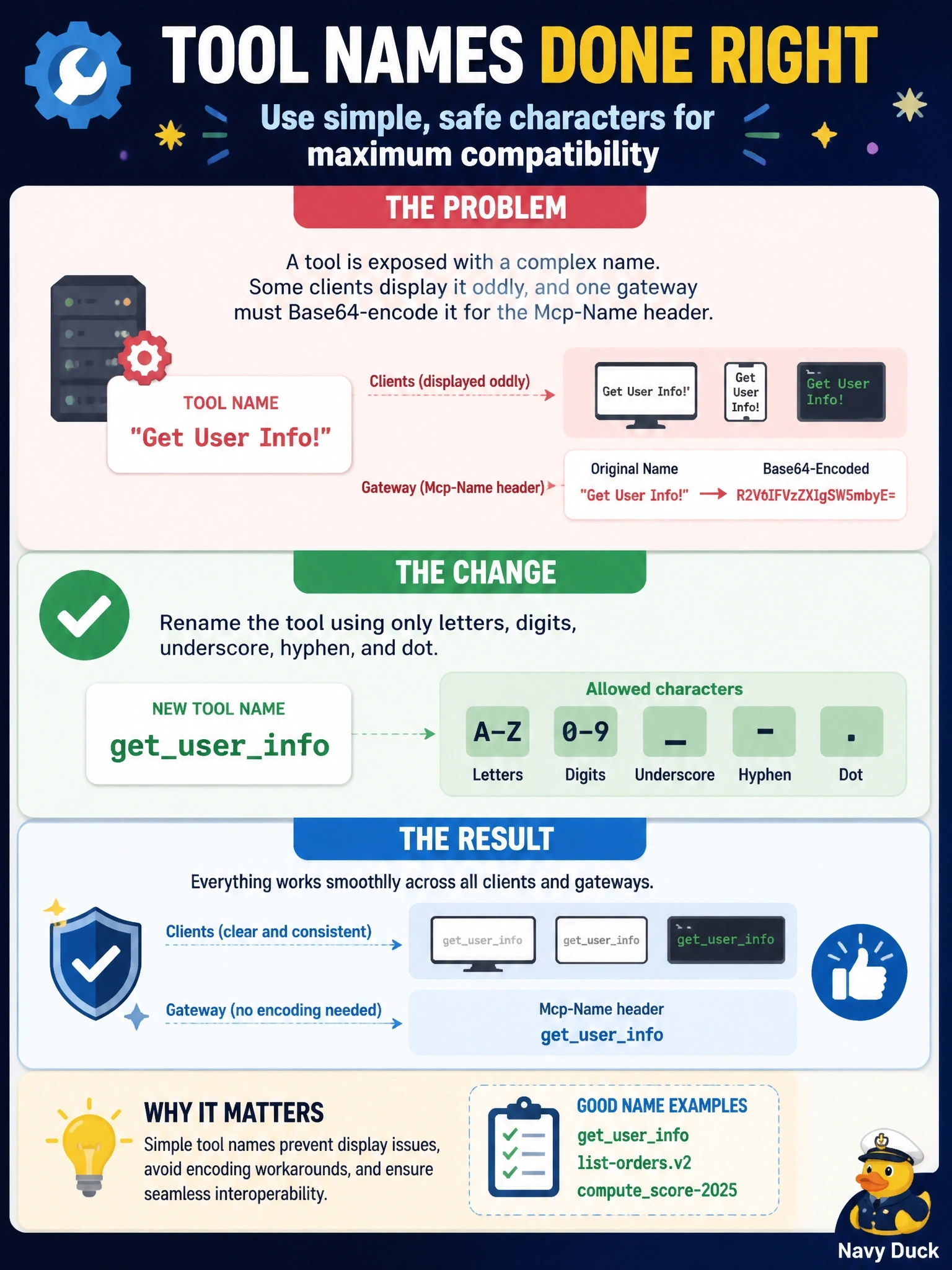
A server exposes a tool named "Get User Info!". Some clients display it oddly, and one gateway that mirrors names into the Mcp-Name header has to Base64-encode it. What change follows the specification's tool naming guidance?
Select an answer to reveal the explanation.
Short Explanation
Think of a tool name like a username for a website login: no spaces, no exclamation marks, nothing that needs escaping. Rename it to get_user_info and you're safe everywhere. The trap is believing names are case-insensitive or that a slash prefix is the fix.
Full Explanation
The tools specification gives naming guidance as SHOULD-level rules: names between 1 and 128 characters, treated as case-sensitive, using only ASCII letters, digits, underscore, hyphen and dot, and without spaces, commas or other special characters; names should also be unique within a server. "Get User Info!" breaks the character rule twice, with spaces and an exclamation mark, which is why clients render it inconsistently and why the Streamable HTTP transport must Base64-encode it into the Mcp-Name header. Renaming to something like get_user_info, getUserInfo or user.info.get fixes the problem. Lowercasing alone leaves the spaces and punctuation, and it rests on a false premise, because names are case-sensitive. Adding a slash prefix introduces another disallowed character; disambiguation across servers is a client or proxy concern, done by prefixing with a server identifier on the client side. Moving the name into title does not help either, since title is an optional display label and clients still invoke tools by name. Exam caveat: the friendly label belongs in title, so the tool can display as "Get User Info" while its name stays header-safe. Operational check: run every tool name through a check for the allowed character set and the 128-character limit before release.