
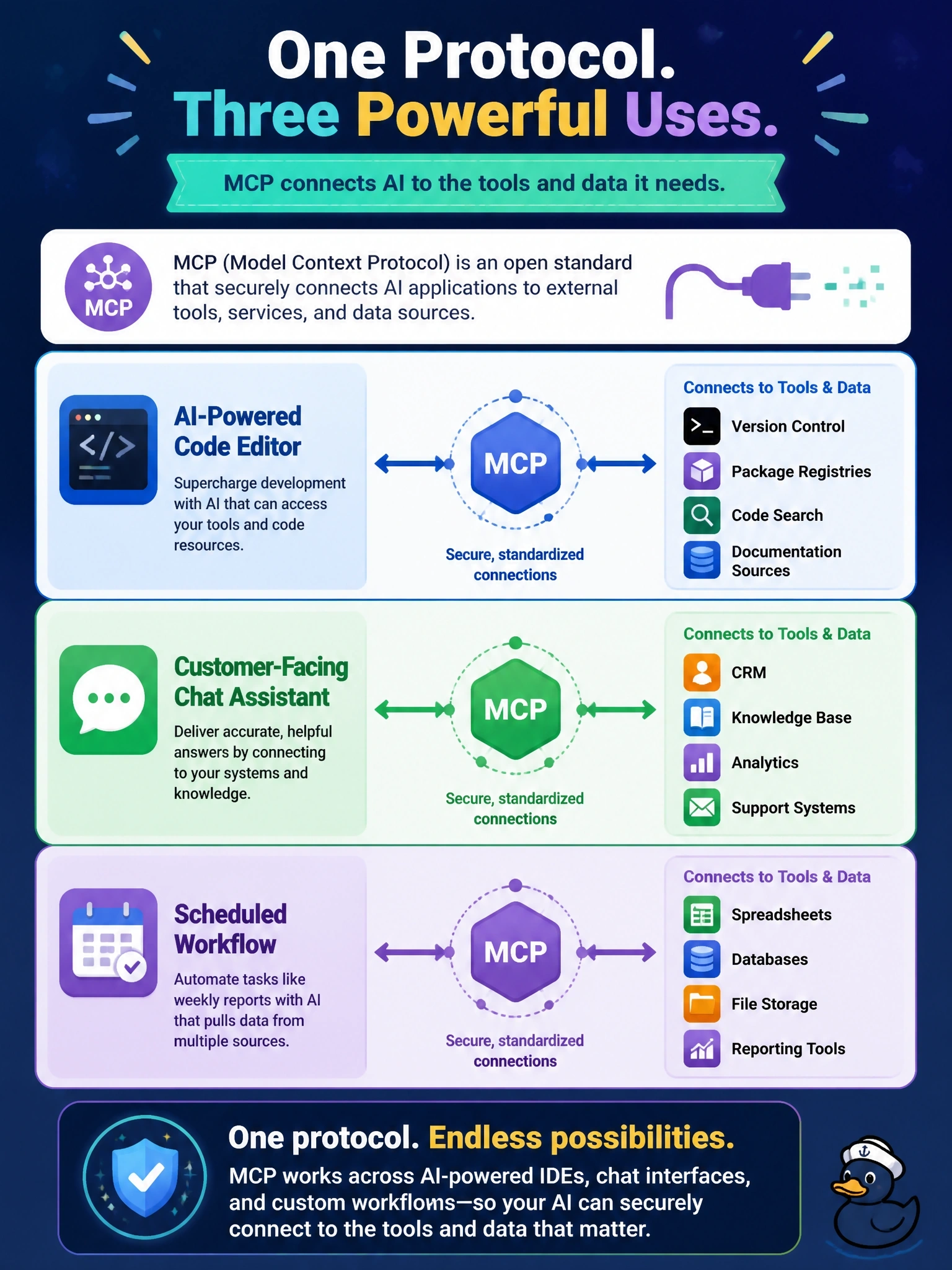
A product team has three ideas: an AI-powered code editor, a customer-facing chat assistant, and a scheduled workflow in which an LLM compiles a weekly report. Which of these can use MCP to connect to external tools and data?
Select an answer to reveal the explanation.
Short Explanation
MCP doesn't care what shape your AI app takes — editor, chat window or background job. If it's an LLM application that needs tools or data, you can wire it up through MCP. The trap is tying the protocol to one product type because that's where you first saw it.
Full Explanation
The specification introduces MCP as an open protocol for integrating LLM applications with external data sources and tools, and explicitly names the range of uses: building an AI-powered IDE, enhancing a chat interface, or creating custom AI workflows. Any of these applications can act as a host that creates MCP clients for the servers it needs. Limiting MCP to code editors confuses the stdio transport with the protocol's scope; local subprocess servers are common in development tools, but Streamable HTTP supports remote servers used by any kind of host. Limiting it to chat assistants misreads the consent principle; the host must obtain consent before tools run, but the protocol does not require a chat window or per-message approval UI. Limiting it to batch automation is equally arbitrary, since nothing in the protocol favours unattended jobs over interactive ones. Exam caveat: an unattended workflow still has consent and authorization obligations, so the host design must decide how approvals are pre-granted or restricted when no person is watching. Operational check: for each product, identify the host process, the servers it would connect to and how user consent is captured; if those three can be named, the product can use MCP.