
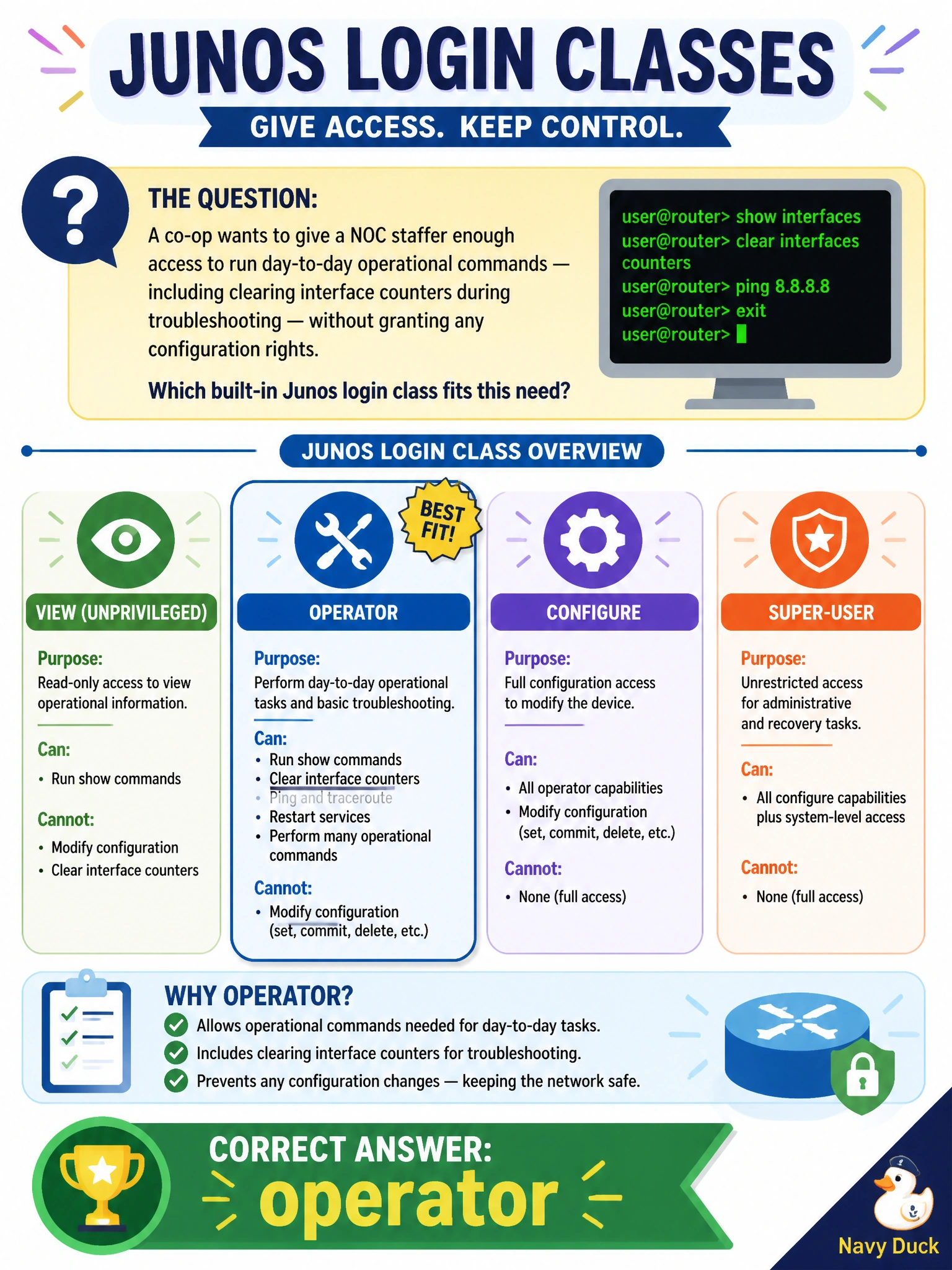
A co-op wants to give a NOC staffer enough access to run day-to-day operational commands — including clearing interface counters during troubleshooting — without granting any configuration rights. Which built-in Junos login class fits this need?
Select an answer to reveal the explanation.
Short Explanation
Junos ships four built-in login classes, and 'operator' is the one built for exactly this: full run of the operational side of the house — show, monitor, clear, ping — with zero access to the configuration hierarchy. Read-only would leave the staffer stuck watching counters climb with no way to reset them for a fresh troubleshooting baseline.
Full Explanation
Junos includes several predefined login classes, and 'operator' is scoped precisely for hands-on operational work: its permission set covers viewing state, running network diagnostic tools, and clearing interface or protocol counters, while excluding any ability to enter configuration mode or modify the candidate configuration. 'read-only' is more restrictive still — it permits viewing operational and configuration state but withholds action-oriented permissions like clearing counters, so a staffer in that class could see a counter climbing during a troubleshooting session but couldn't reset it to get a clean baseline. 'super-user' grants full permissions, including configuration and system maintenance, which is far more access than a NOC staffer running day-to-day checks should hold. 'unauthorized' is effectively a lockout class — an account assigned to it can authenticate but is denied essentially everything, so it's used to deliberately disable an account rather than to grant working access. Choosing among the built-in classes rather than reinventing one is the efficient path when Junos already ships a class that matches the role; a custom class only becomes necessary when the built-in permission sets don't line up with a specific job function, such as restricting a technician to a narrow subset of operator's commands.