
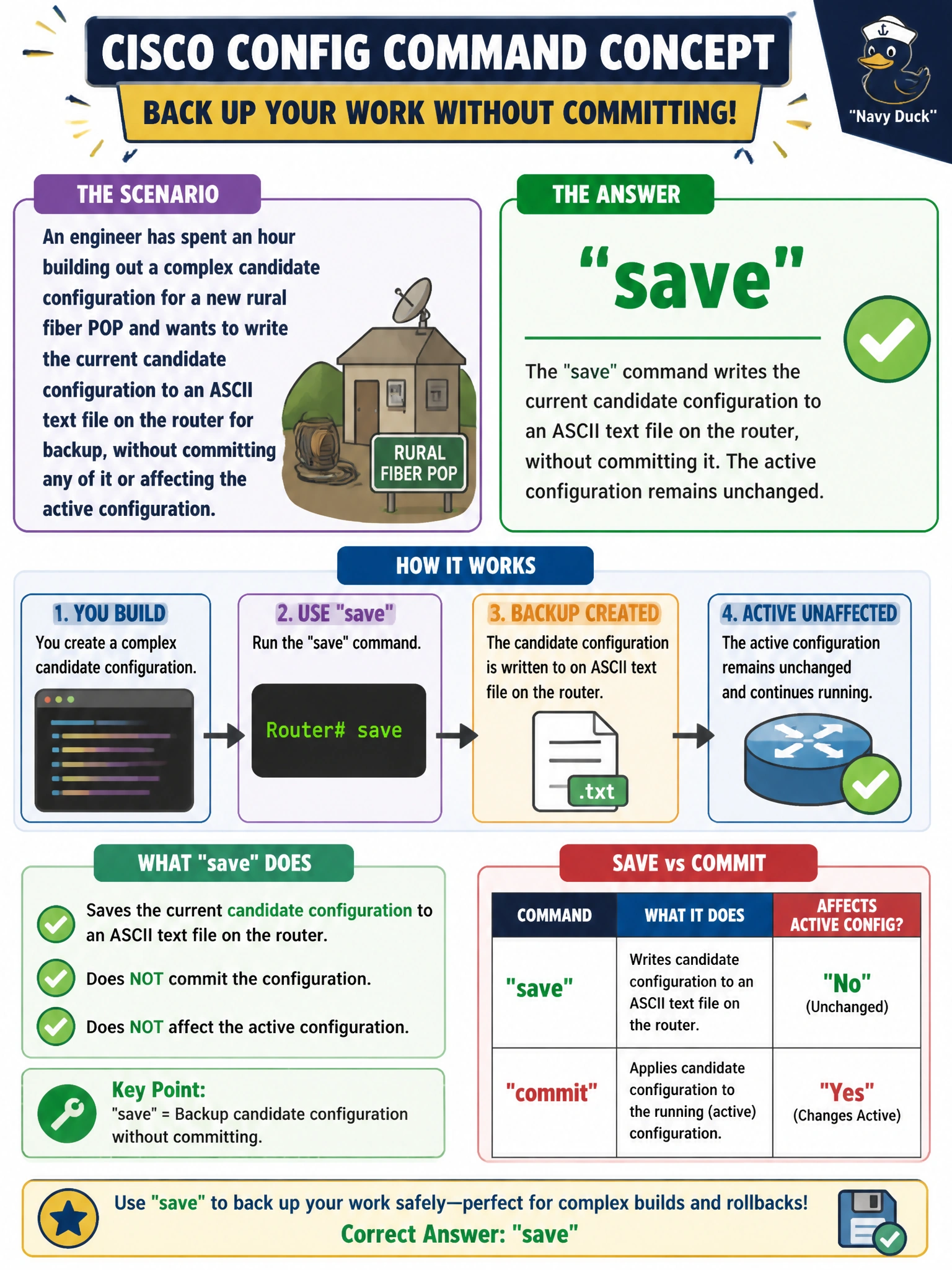
An engineer has spent an hour building out a complex candidate configuration for a new rural fiber POP and wants to write the current candidate configuration to an ASCII text file on the router for backup, without committing any of it or affecting the active configuration. Which command does this?
Select an answer to reveal the explanation.
Short Explanation
save just photocopies whatever's in the candidate configuration right now into a text file. Nothing changes on the router and nothing goes live — it's purely a backup of in-progress work.
Full Explanation
save filename writes the current candidate configuration, in the default hierarchical curly-brace format, out to a file in the device's local storage, purely as a text export, leaving both the candidate and active configurations exactly as they were beforehand. That makes it a safe, on-demand backup to take mid-edit, before continuing with riskier changes on a new POP build. commit is the operation that actually activates the candidate as the running configuration, the opposite of the harmless, non-activating backup the engineer wants here. request system snapshot copies the entire root file system, including the operating system itself, to a backup partition or external media — a full-system image, not a lightweight text export of one in-progress configuration. archive refers to the automatic configuration-archival feature that periodically transfers committed configurations to a remote server on a schedule, a background mechanism tied to commits rather than an on-demand manual save of an uncommitted candidate. Caveat: save captures only the candidate as it exists at that moment, so it documents in-progress work, not necessarily what's actually running on the box. Check: open the saved file afterward to confirm it reflects the edits made so far.