
A review of the organization's standard virtual machine template finds virtual floppy, CD-ROM, serial port and USB controllers attached to every image, although no workload uses them. What is the best action?
Select an answer to reveal the explanation.
Short Explanation
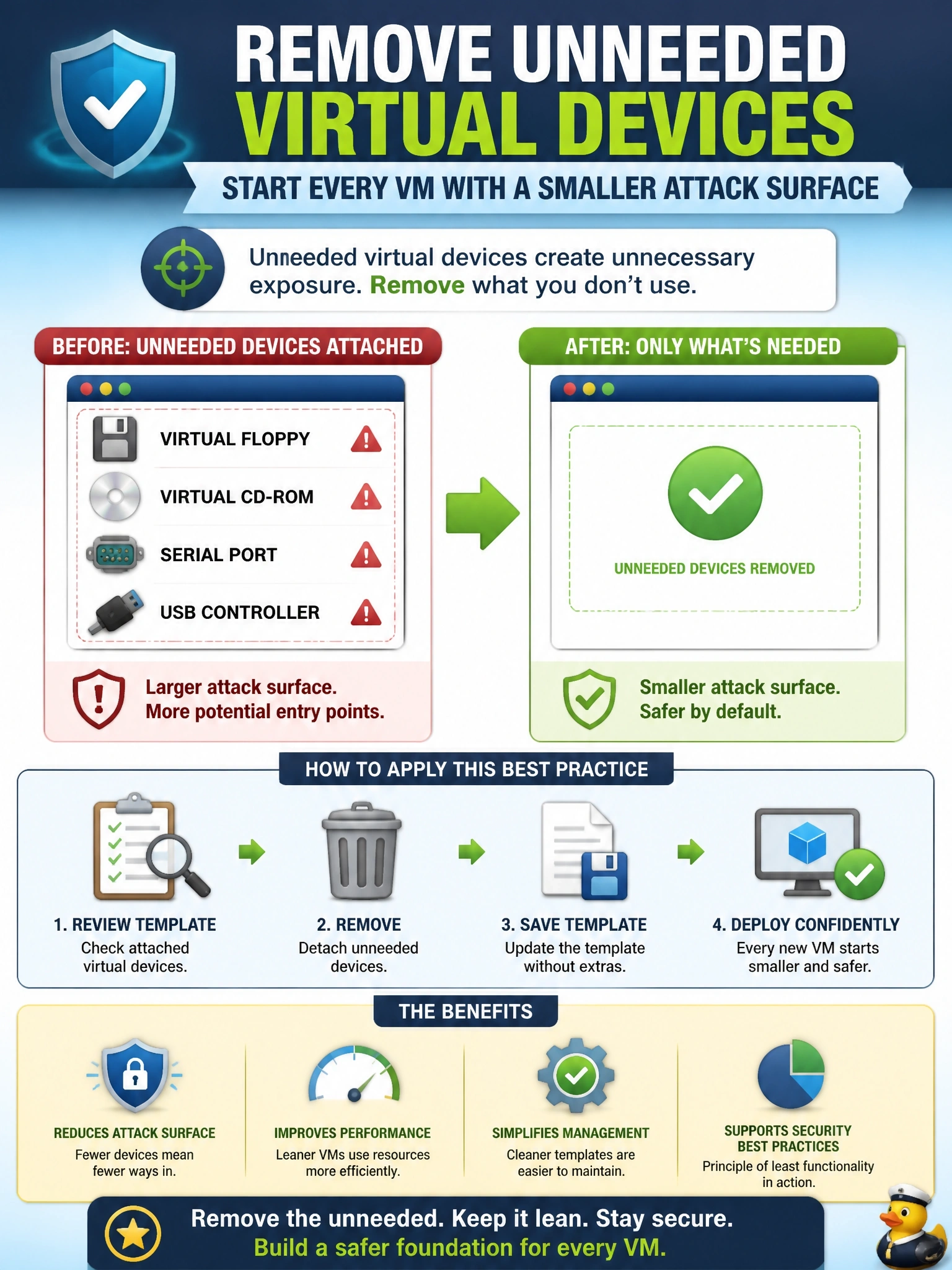
Every virtual port you leave on a VM is a door, even if nobody uses it. Take the doors off the blueprint, not just off the houses already built. The trap is fixing running VMs while the template keeps stamping out new ones with the same extras.
Full Explanation
Virtual hardware configuration is part of hardening. Emulated devices such as floppy and optical drives, serial and parallel ports and USB controllers expand the code paths a guest can exercise in the hypervisor's device emulation layer, and some have enabled guest-to-host escapes. Vendor hardening guides therefore recommend removing any virtual device the workload does not need. Making the change in the template applies it to every future VM automatically, which is consistent with building from a minimal, hardened baseline. Leaving devices attached but disconnected keeps the emulation code present and lets anyone with sufficient rights reconnect them, so the attack surface is largely unchanged. Monitoring unused devices adds detection effort for an exposure that could simply be eliminated,. Removing devices only from running VMs leaves the template as the source of the problem, so every newly provisioned machine reintroduces the same exposure and the fix must be repeated indefinitely. Exam caveat: the outline lists network, storage, memory, CPU and hypervisor type among virtual hardware requirements; the principle across all of them is to configure only what the workload needs. Operational check: deploy a VM from the updated template and confirm in the hypervisor's configuration that no floppy, optical, serial or USB devices are present, then schedule a compliance scan for existing VMs.