
During an investigation, a team needs to know which identity changed the network security group rules in a cloud account last Tuesday and from what IP address. The virtual machine logs show only which traffic was allowed or denied. Which log source should have been enabled and retained to answer this?
Select an answer to reveal the explanation.
Short Explanation
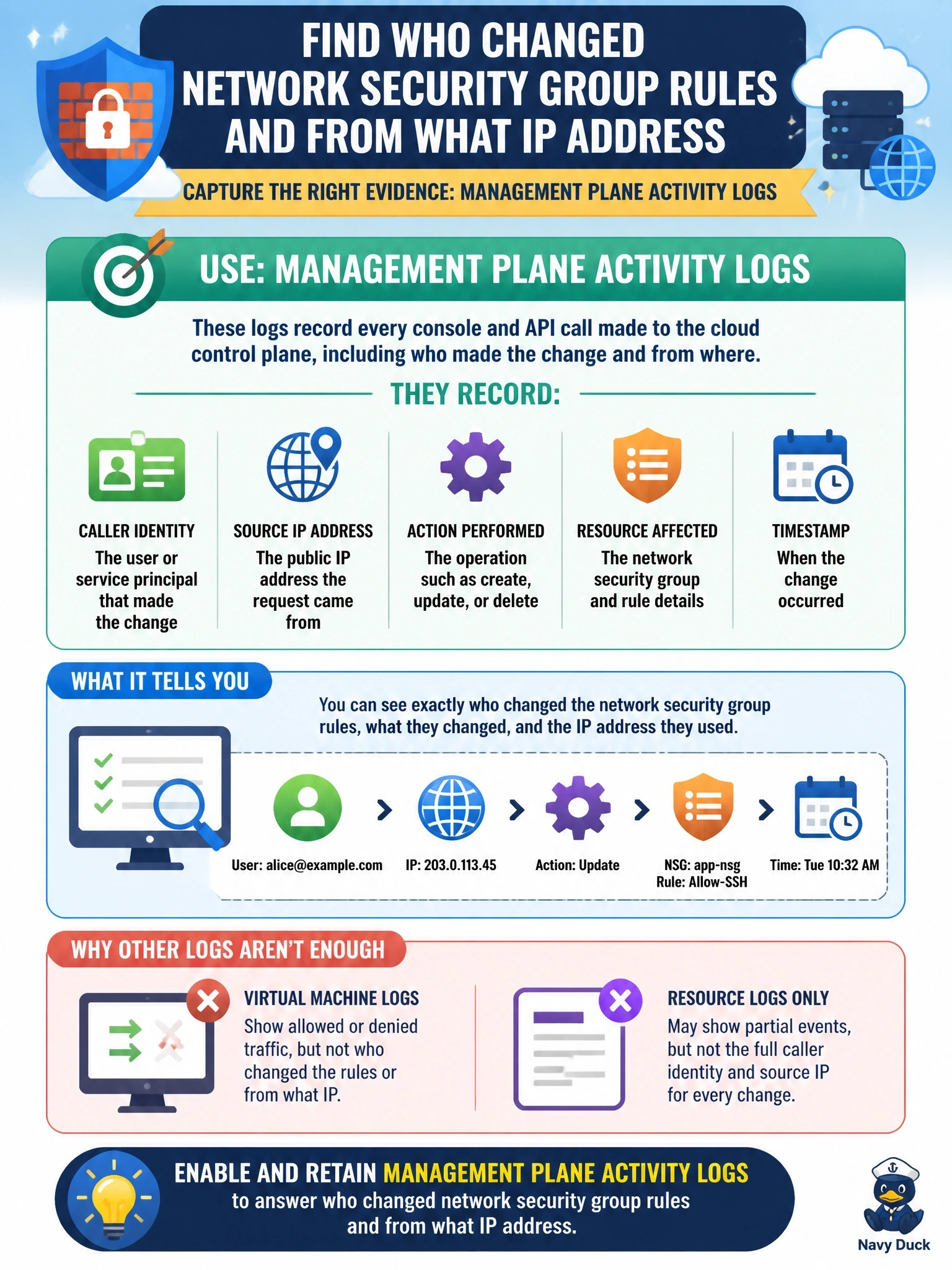
Flow logs tell you who knocked on the door; they don't tell you who changed the lock. Rule changes happen in the management plane, so you need the API activity log that records who made the call, from where and when. Guest OS logs never see the change at all because it happens outside the VM.
Full Explanation
Changes to network security groups, like all configuration changes in a cloud account, are made through the provider's management plane, either in the console or via its APIs. Management plane activity logging records each call with the authenticated principal, timestamp, source IP address, the action requested, the target resource and the result. Enabling it in every account and region and retaining it in a protected store is what allows investigators to attribute configuration changes. Flow logs capture network metadata about connections, such as addresses, ports and accept or reject decisions; they reveal the effect of a rule change on traffic but not who made the change. Guest operating system authentication logs record sign-ins to the virtual machines themselves, while security group rules are modified outside the guest and leave no trace there. Web application logs track end-user sessions and page requests, which have no connection to infrastructure configuration. Exam caveat: management plane logs are a customer-enabled control in many services; the provider supplies the capability, but retention and review are the customer's responsibility. Operational check: query the activity log for security group modification events in the investigation window and confirm logging is enabled across all regions.