
A governance team wants to capture organization-specific information in AI Factsheets, such as the training data source location and model owner's department. How is this accomplished in watsonx.governance?
Select an answer to reveal the explanation.
Short Explanation
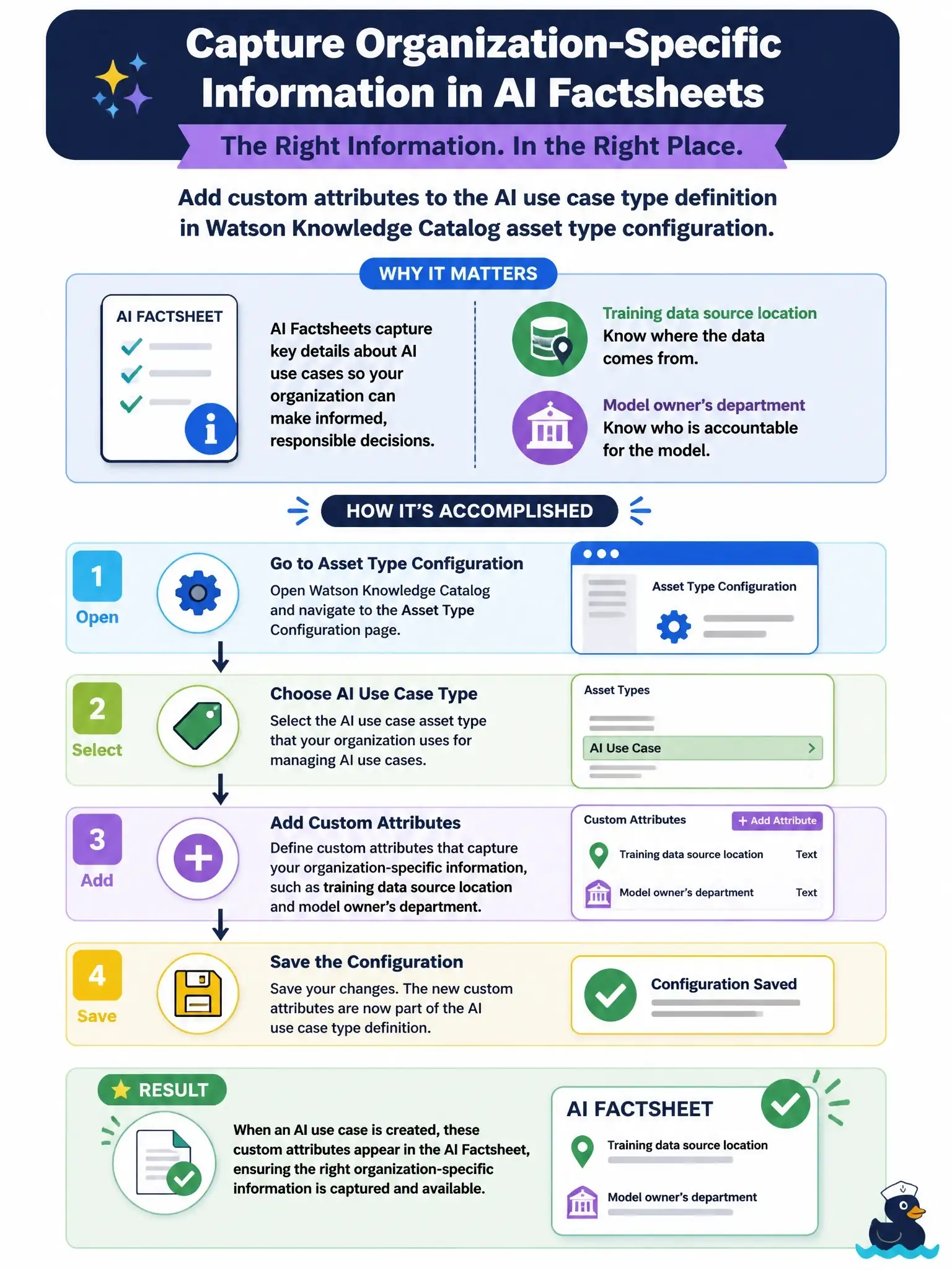
Factsheets get their extra fields from the asset type definition behind them, not from a form you fill in. You add custom attributes to the AI use case type (and the model facts type) once, and every factsheet then shows them under Additional details, like adding new columns to a shared spreadsheet.
Full Explanation
In watsonx.governance, the details a factsheet collects come from tenant-level asset type definitions in the catalog layer: model_entry_user for AI use cases and modelfacts_user for model facts. To capture organization-specific items such as the training data location or the owner's department, an administrator retrieves the current asset type definition and adds custom attributes to it, using the Data and AI Common Core API or the AI Factsheets Python client. Supported attribute types include string, date and integer, and once defined the fields appear in an Additional details section on the AI use case and model details pages, where users can view and edit them. OpenScale payload logging records scoring requests and responses for evaluations, so adding columns there never changes what a factsheet displays. There is no user-interface factsheet template form for defining new fields; customization is done on the asset type definition. Prompt template notes are not a metadata mechanism and do not propagate into factsheets. On the exam, associate custom factsheet fields with updating the asset type attributes. To verify, retrieve the model_entry_user definition, add an attribute such as owner_department, and confirm it appears under Additional details on an AI use case.