
Where in watsonx.governance does an administrator navigate to create a new model inventory for tracking AI assets?
Select an answer to reveal the explanation.
Short Explanation
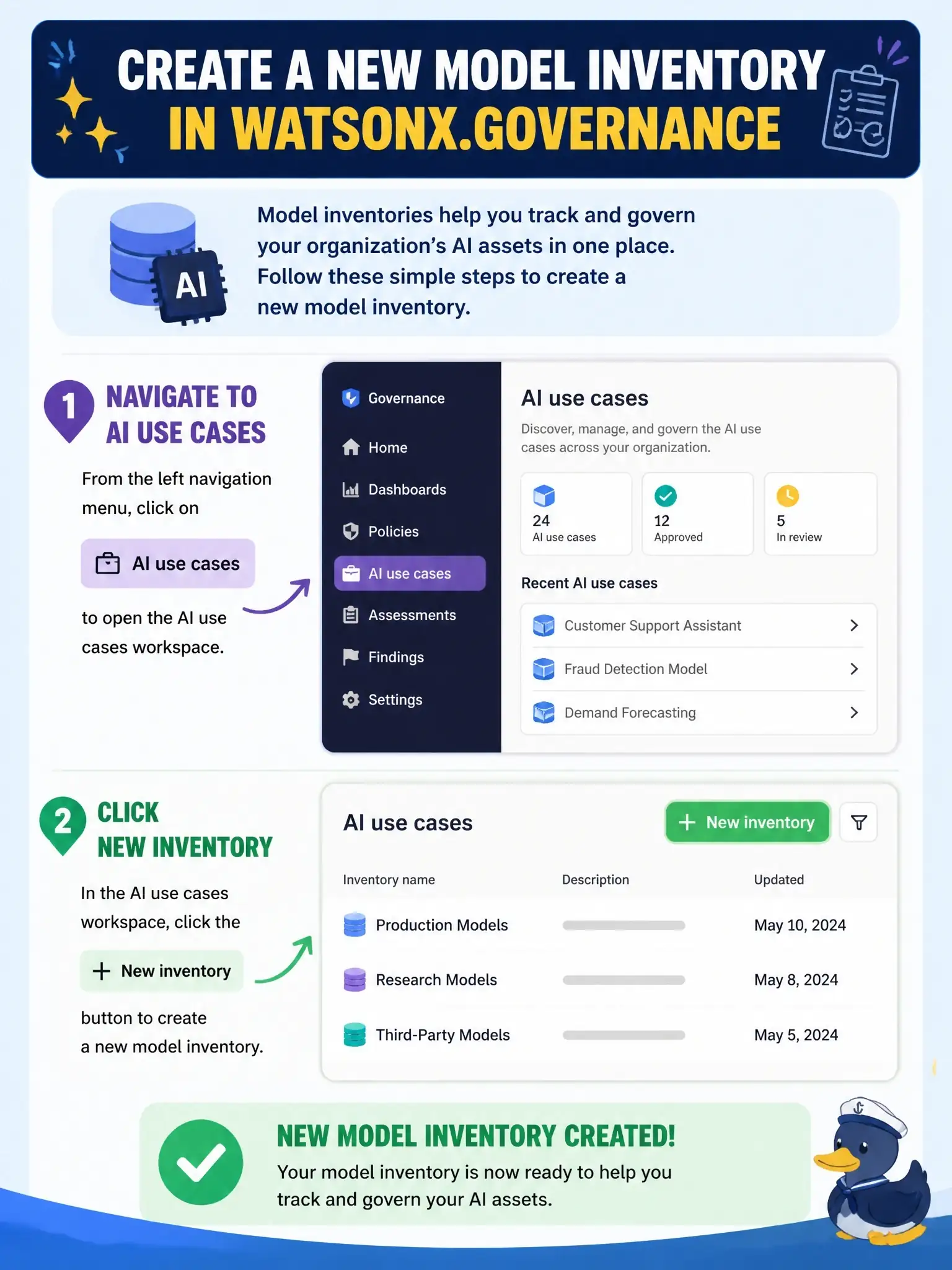
Inventories live with the AI use cases they hold, so that's where you go to make one. You open AI use cases, pop into the settings, pick Inventories and click New inventory; think of it as building the filing cabinet right next to the folders that will go in it.
Full Explanation
In watsonx.governance, an inventory is the container that stores AI use cases and the factsheets that track their models and prompt templates. An administrator creates one from the AI use cases area: open AI use cases from the navigation menu, open its settings, choose Inventories and click New inventory, then give it a name, optional description and storage. Admin rights for watsonx.governance are required, and collaborators are added to the inventory afterward so they can view or contribute to its use cases. A Catalogs path to a model inventory reflects older AI Factsheets terminology; current documentation does not create inventories from a catalog menu. Watson OpenScale is the evaluation and monitoring engine, and it has no inventory manager for governance records. Projects are workspaces where models are built and tracked, not where the governance inventory itself is created. On the exam, remember that inventories group AI use cases, so they are managed from the AI use cases settings. To verify, sign in as an administrator, open AI use cases, open the settings view, and confirm the Inventories tab lists existing inventories with a New inventory button.