
During a review of a watsonx.data deployment, an architect wants to confirm which catalogs each engine is currently serving and which buckets those catalogs sit on, before approving a change. Where is that relationship shown?
Select an answer to reveal the explanation.
Short Explanation
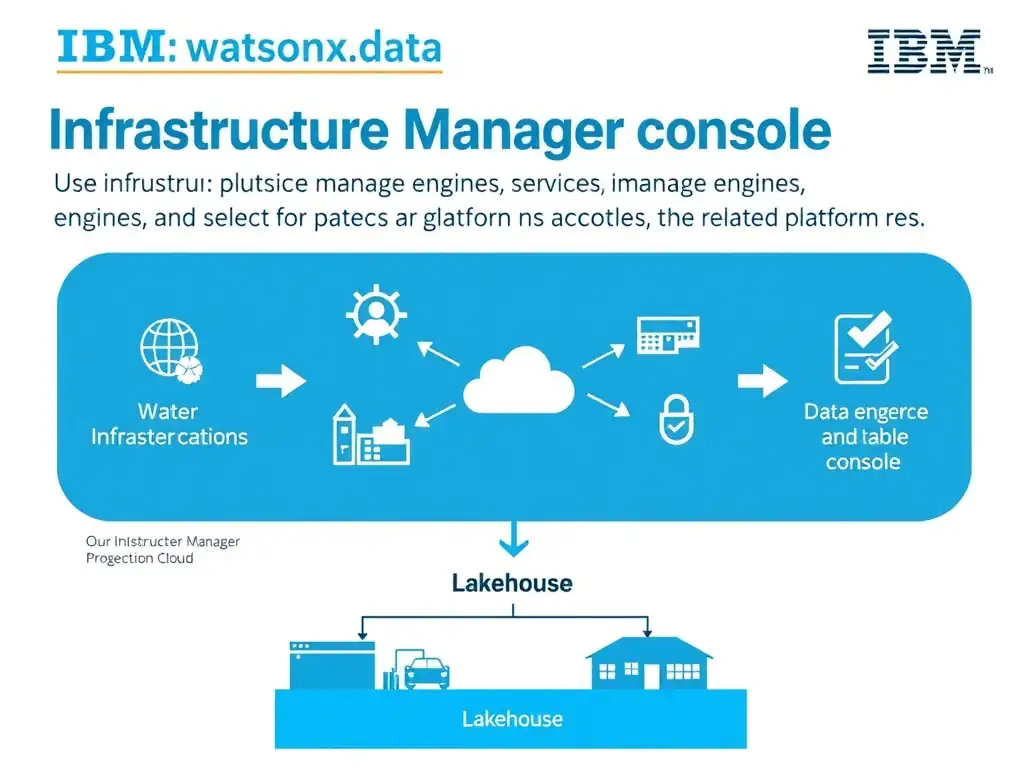
Infrastructure Manager is the place to look. It shows engines, catalogs, buckets, and what's wired to what in one view, so you can confirm the relationship before approving a change. Don't rely on side effects to approve configuration.
Full Explanation
Infrastructure Manager is the correct place to confirm this relationship. It is the platform's topology view: it lists the registered engines, catalogs, and buckets and shows the associations that determine which engine can serve which tables. That is exactly the information needed before approving a change, because it is authoritative rather than inferred.
The query workspace option is incorrect because probing each engine with SQL tells you what one engine can currently resolve, one query at a time. It is slow, it misses catalogs that exist but hold no queried tables, and it produces no view of the bucket layer at all.
The query history option is incorrect because query history records what users happened to run. A catalog that is correctly associated but simply unused in the recent window would be invisible, which is a dangerous blind spot when the point is to review configuration.
The access control screens option is incorrect because it conflates two layers. Access control decides who may read a table; association decides whether an engine can see it at all. A correct permission set on an unassociated catalog still yields no data.
For the exam, treat Infrastructure Manager as the source of truth for what is connected to what.