
An installed Instana agent is not reporting any data. Which sequence of checks is appropriate?
Select an answer to reveal the explanation.
Short Explanation
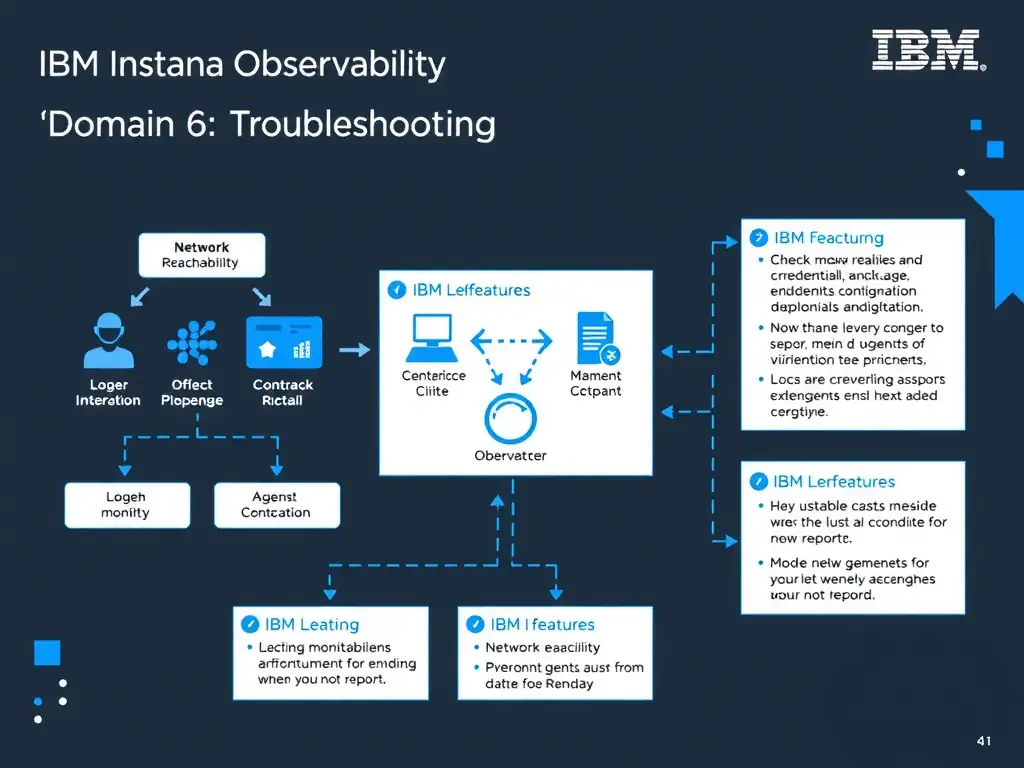
Can it get there, is it configured right, and what does its own log say? In that order. That’s how you track down a non-reporting Instana agent fast.
Full Explanation
The correct approach is the sequence that verifies the agent can reach the backend over the required port, confirms that its key and endpoint configuration are correct, and then reads the agent log for the recorded failure. A non-reporting agent usually has a small set of likely causes: blocked connectivity, a wrong key or endpoint, or an error the agent has already written down. Checking them in that order resolves most cases quickly. Reinstalling the applications on the host is incorrect because it is disruptive and unrelated to the agent's ability to report. Treating the absence of data as evidence that the monitored services are healthy is incorrect because missing data means the monitoring path is broken, which says nothing about service health. Adjusting dashboard filters until the host appears is incorrect because filters change what is displayed, not whether data exists. For the exam, order agent troubleshooting as reachability, configuration, logs.