
IBM watsonx Code Assistant for Z is accessed by developers through which primary interface?
Select an answer to reveal the explanation.
Short Explanation
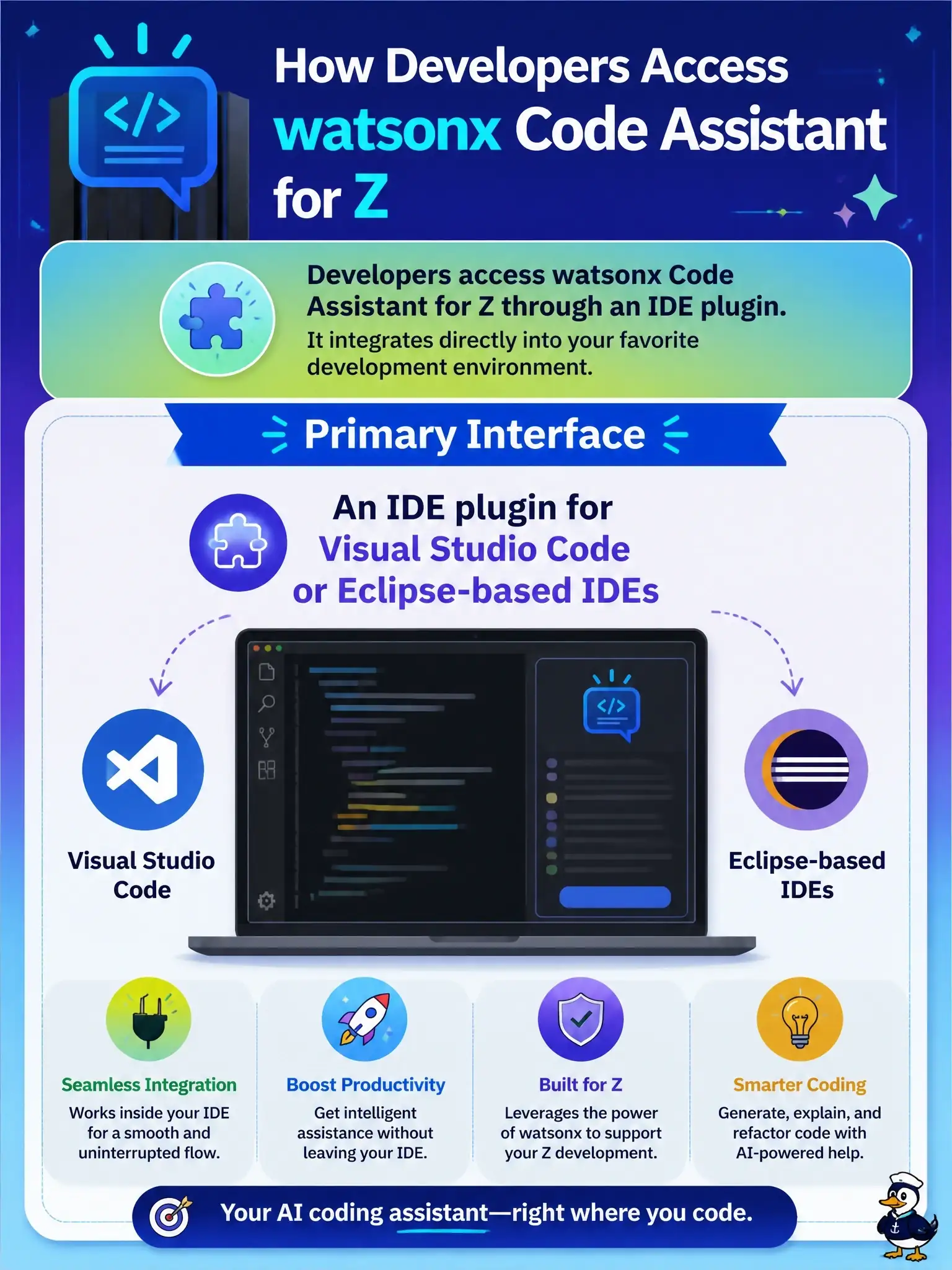
Think of it this way: the assistant comes to your desk, you don't go to the mainframe to find it. You work with it right inside your editor, through the VS Code extension (IBM Z Open Editor) or an Eclipse-based IDE like IBM Developer for z/OS.
Full Explanation
IBM watsonx Code Assistant for Z is delivered to developers inside the tools they already use. IBM's documentation names the IBM Z Open Editor extension for Microsoft Visual Studio Code as the developer client, and the Code Explanation capability is also available as an Eclipse plug-in for IBM Developer for z/OS and IBM Explorer for z/OS. From the IDE a developer explains code, gets optimization advice, generates code, and drives the COBOL-to-Java transformation without switching context. A standalone desktop application installed on IBM Z hardware is not how the product ships; IBM Z does not host desktop GUI applications, and the AI service runs as a separately deployed service that the IDE calls. A browser dashboard in the IBM Cloud portal is used to provision and administer service instances, not as the day-to-day coding surface. A command-line tool in z/OS UNIX System Services is not the primary interface either, since the workflows are graphical and editor-driven. On the exam, associate wca4z with VS Code first and Eclipse-based IDEs second. As an operational check, confirm that developers have the Z Open Editor and wca4z extensions installed in VS Code, or the Eclipse plug-in in IDz, and that the extension settings point at the correct service endpoint and API key.