
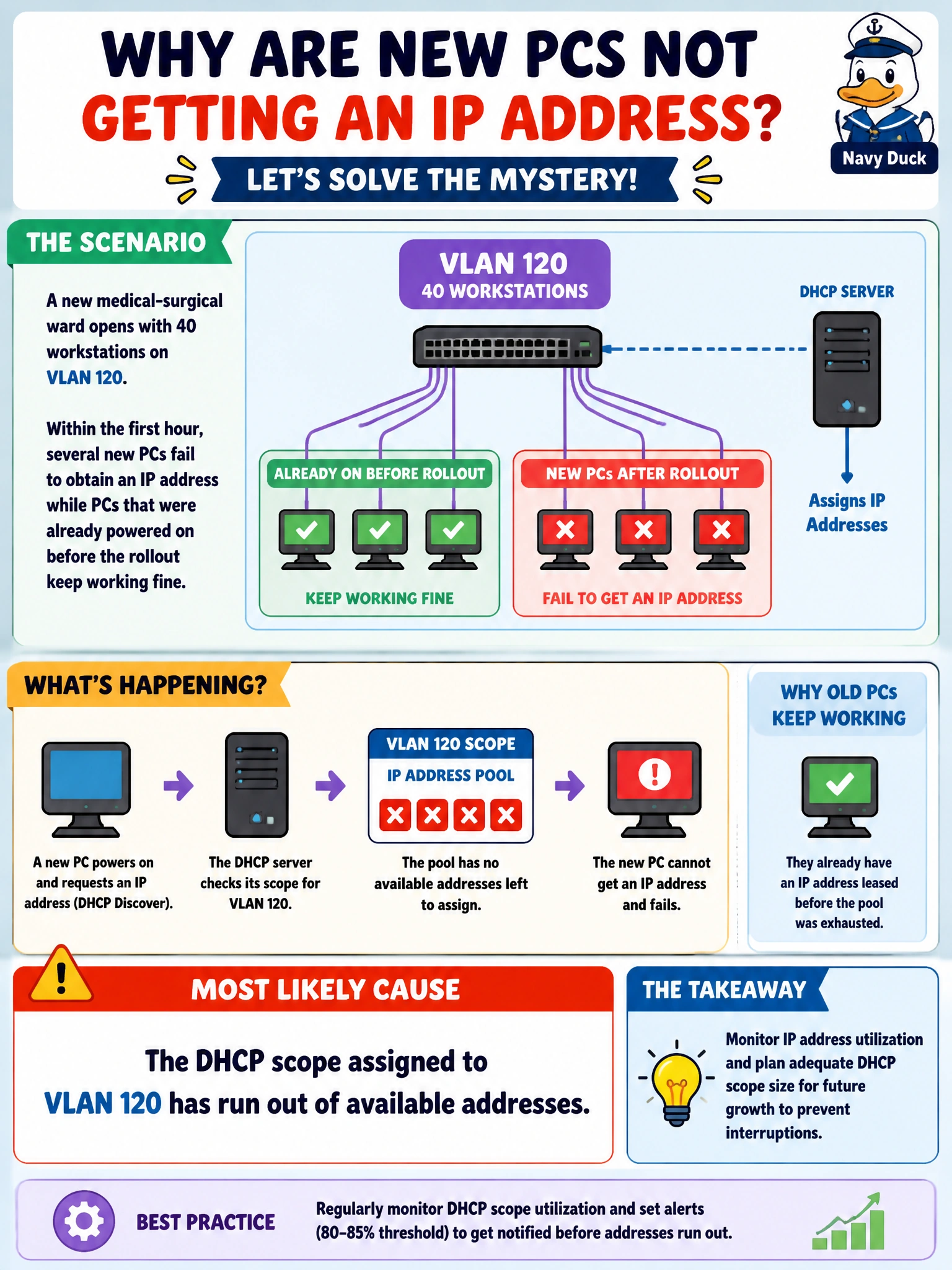
A new medical-surgical ward opens with 40 workstations on VLAN 120. Within the first hour, several new PCs fail to obtain an IP address while PCs that were already powered on before the rollout keep working fine. What is the most likely cause?
Select an answer to reveal the explanation.
Short Explanation
Think of a DHCP scope like a parking lot with a fixed number of spaces. Once every space is taken, new cars just circle the lot forever waiting for a spot. Machines that already grabbed a lease before the lot filled up keep parking fine; it's only the newcomers that get turned away.
Full Explanation
A DHCP pool is a finite range of addresses configured for a given subnet, and once every address in that range is leased out, the server has nothing left to hand a new client, so new DHCP requests time out while devices holding an existing lease are unaffected. This distinguishes it from a gateway misconfiguration, which would break routing for everyone on the subnet including devices that already have an address, not just new ones. It also rules out a spanning-tree block on the uplink, since a blocked port stops all traffic on that link rather than selectively affecting only clients requesting a new lease, and a RADIUS outage affects authentication, not address assignment. The operational check is to look at the scope's utilization on the DHCP server (or the pool statistics on the device serving it) and compare addresses leased against pool size; a pool sitting at or near 100% utilization confirms exhaustion. The fix is to either enlarge the scope, shorten excessively long lease times that are holding addresses for retired devices, or split the ward onto an additional subnet. As a caveat, exhaustion can also be a symptom of a rogue device or loop generating many bogus lease requests, so a quick look at the lease table for unusual client counts is worth doing before simply resizing the pool.