
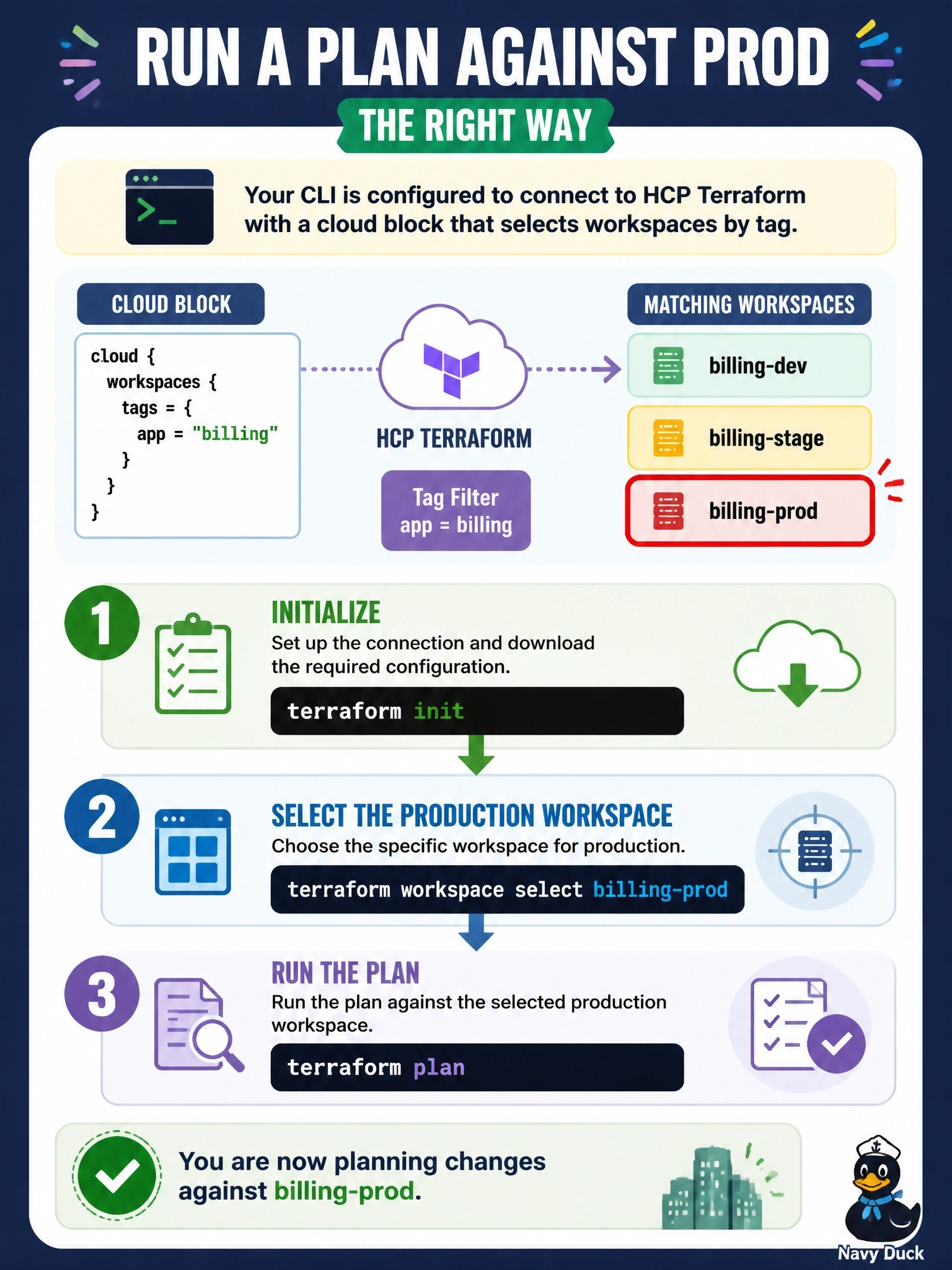
A CLI-driven configuration links to several HCP Terraform workspaces through a cloud block with workspaces { tags = { app = "billing" } }. The matching workspaces are billing-dev, billing-stage and billing-prod. An engineer must run a plan against prod. What should the engineer do?
Select an answer to reveal the explanation.
Short Explanation
Tags decide which workspaces you're allowed to pick from; terraform workspace select decides which one you're standing in. The trap is the old prefix trick: the cloud block doesn't support it, so you use the full name.
Full Explanation
When the cloud block's workspaces argument uses tags, Terraform links the working directory to every existing workspace in the organization that carries those tags, optionally limited to a project. The CLI then works with one of them at a time: terraform workspace list shows the matching workspaces, and terraform workspace select billing-prod chooses the workspace that subsequent plan and apply commands run against. Because the cloud block has no prefix argument, workspaces are referred to by their full names, so selecting prod alone would not work. The plan command has no -workspace option; workspace choice comes from the selected workspace or the TF_WORKSPACE environment variable. Replacing tags with prefix is not valid in a cloud block, since prefix belonged to the older remote backend. Specifying name and tags together is not allowed: name pins the directory to a single workspace and excludes the tags configuration, which would also break dev and stage use from the same directory. Exam caveat: if no workspace matches the tags at init, the CLI offers to create one carrying those tags. Operational check: run terraform workspace show to confirm billing-prod is selected, then run terraform plan and confirm the run link in the output opens the billing-prod workspace.