
A compliance lead wants every change to the organization's Sentinel policies to go through pull-request review and leave a full history, and wants HCP Terraform to start enforcing a merged change without anyone copying code into the UI. Which approach meets this requirement?
Select an answer to reveal the explanation.
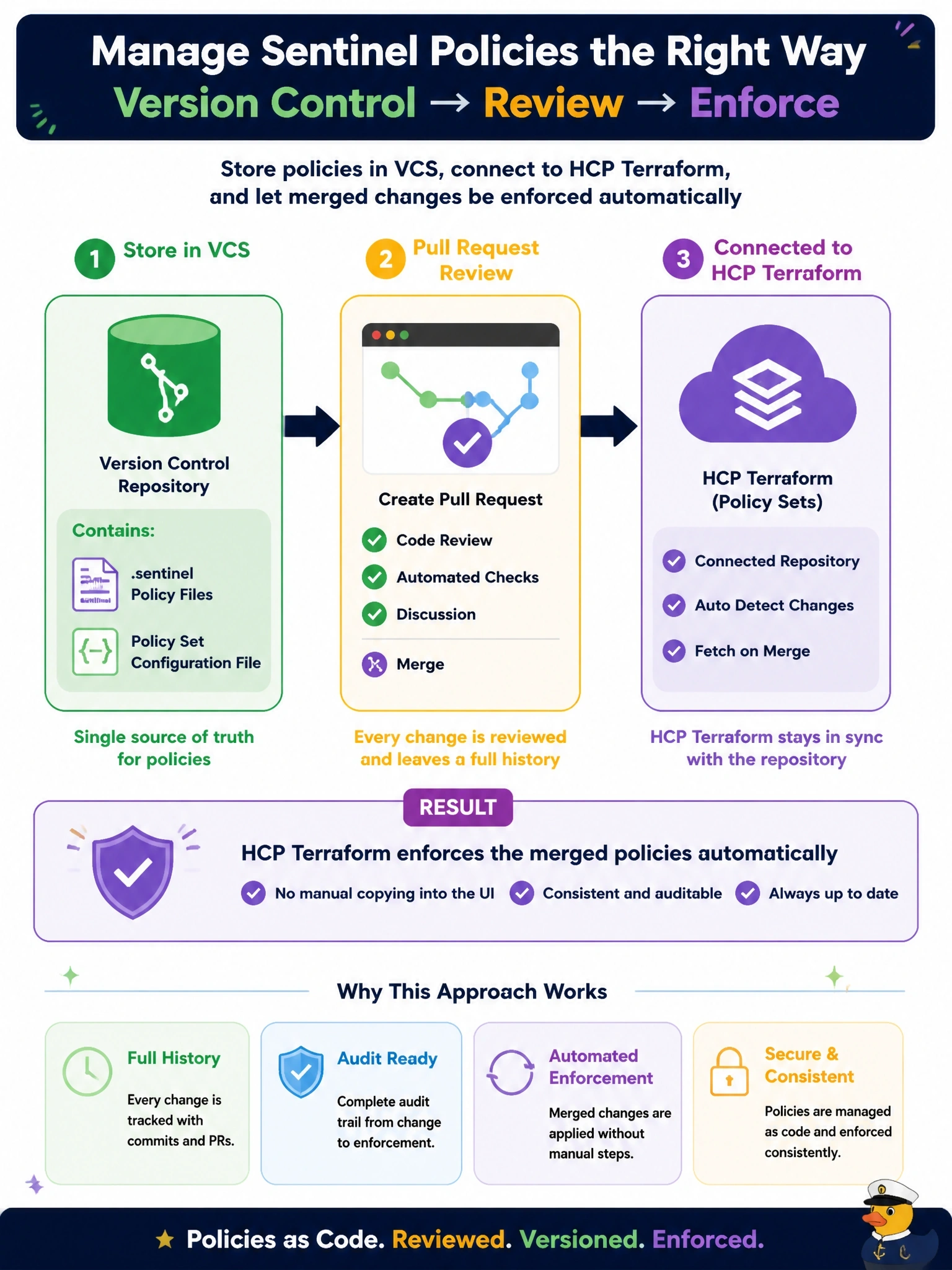
Short Explanation
Treat your policy like any other code: it lives in Git, it gets a pull request, and the merge is the deployment. Once the repo is connected as a policy set, HCP Terraform picks up the new version on push, so nobody's pasting Sentinel into a web form.
Full Explanation
HCP Terraform supports three policy publishing workflows: individually managed policies entered in the UI, VCS-connected policy sets, and policy set versions pushed through the API or the tfe provider. A VCS-connected policy set keeps the Sentinel files and the policy set configuration file in a repository, so every change goes through the team's normal branch protection and review, the commit log is the audit history, and HCP Terraform automatically uses the updated policy set when changes are pushed to the connected branch. UI-managed policies are documented as suitable for initial experimentation, not for organizations with many policies, and a weekly export produces a history copy that is not the enforced source and can drift from it. Placing .sentinel files next to workspace configuration does nothing by itself; HCP Terraform enforces policies only through policy sets attached to workspaces, projects or the organization. HCP Terraform offers no dual-approval workflow for UI policy edits, so that control does not exist. Exam caveat: the API-driven workflow is the alternative when a CI pipeline should build and test policy bundles before publishing them. Operational check: merge a trivial policy change, confirm a new policy set version appears with the commit reference, and queue a plan to see the updated rule evaluated.