
During an incident, an engineer runs terraform apply -var="replica_count=6" in a root module directory where scaling.auto.tfvars sets replica_count = 3 and terraform.tfvars sets replica_count = 2. Which value is applied?
Select an answer to reveal the explanation.
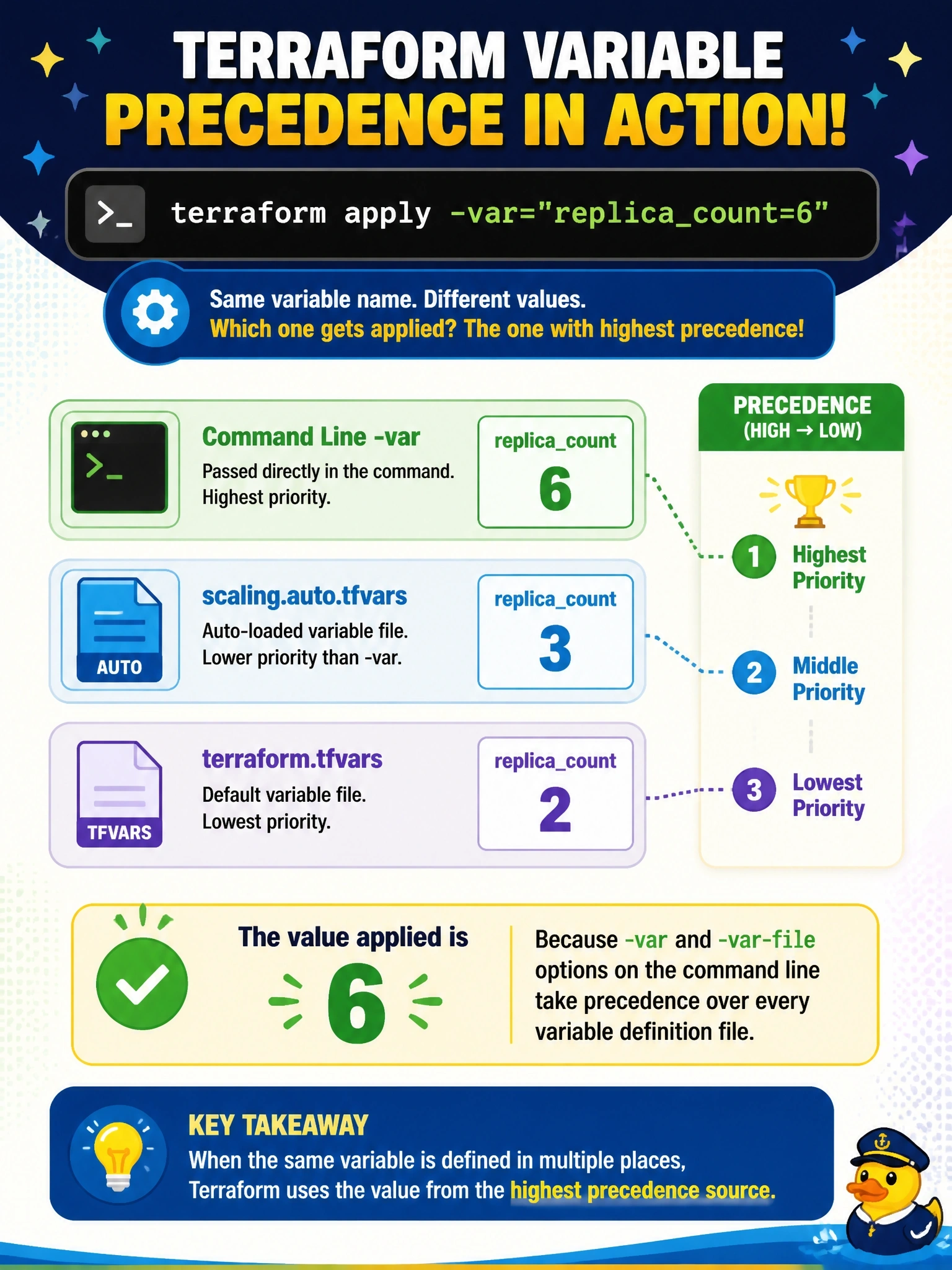
Short Explanation
The command line is the boss's direct order: whatever you type with -var beats the files sitting in the folder. That makes it handy in an incident, and dangerous if you forget the override isn't committed anywhere. Watch for answers that put auto files on top; they sit just below the command line.
Full Explanation
Terraform assigns root module variables from several sources and resolves conflicts by precedence. The highest level is the -var and -var-file options given on the command line, processed in the order provided, together with values from HCP Terraform. Below that come .auto.tfvars and .auto.tfvars.json files in lexical order, then terraform.tfvars.json, then terraform.tfvars, then TF_VAR_ environment variables, and finally the variable's default. Because the engineer passed -var, replica_count is 6 regardless of the two files. Claiming that auto files are read last and override the command line misstates the order; auto files outrank terraform.tfvars, not command-line values. terraform.tfvars is the lowest of the automatically loaded files, so it cannot be the winner here. Terraform never treats multiple sources as ambiguous; it applies the precedence order silently, and it prompts only when a required variable has no value from any source. Exam caveat: a command-line override applied during an incident is not recorded in version control, so the next routine run reverts to 3 unless the file is updated. Operational check: review the saved plan or apply output for the replica count and open a change to update scaling.auto.tfvars if the new value should persist.